 4:47
Could you teach? PC mixing, CD, programming
Contents of the video
0:00 Tutorials mixing
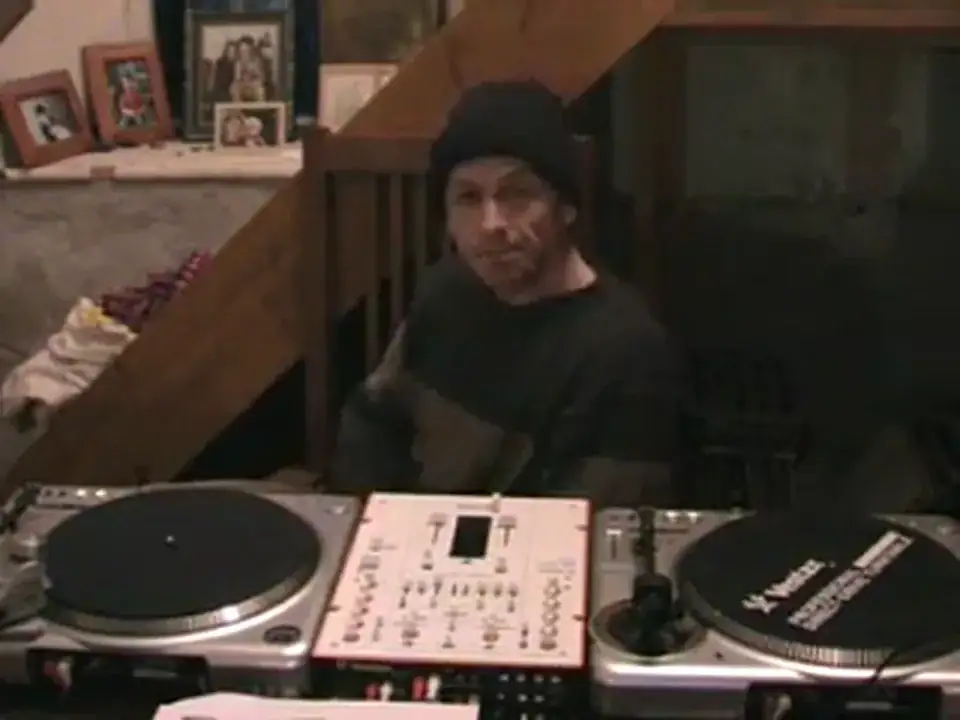
Alright guys, there's a chap called the Happy Viking and he sent me an email and he said I'm interested in doing some tutorials. Now then, brilliant idea. I have mentioned this a few times, I've thought about this and it is, it's always been time, okay? But, this is the deal. I would like anyone out there who feels that they can teach other people to start doing their own tutorials. What I'm mainly looking for at this point in time is tutorials on CD mixing, on CD players, any type of CD player because there's loads out there. And also DJs, producers, remixers alike who can do tutorials on PC mixing because there are many programs. There are programs whereby you can actually use turntables and the mixing is done on the PC.
1:52 Shop and they want to buy
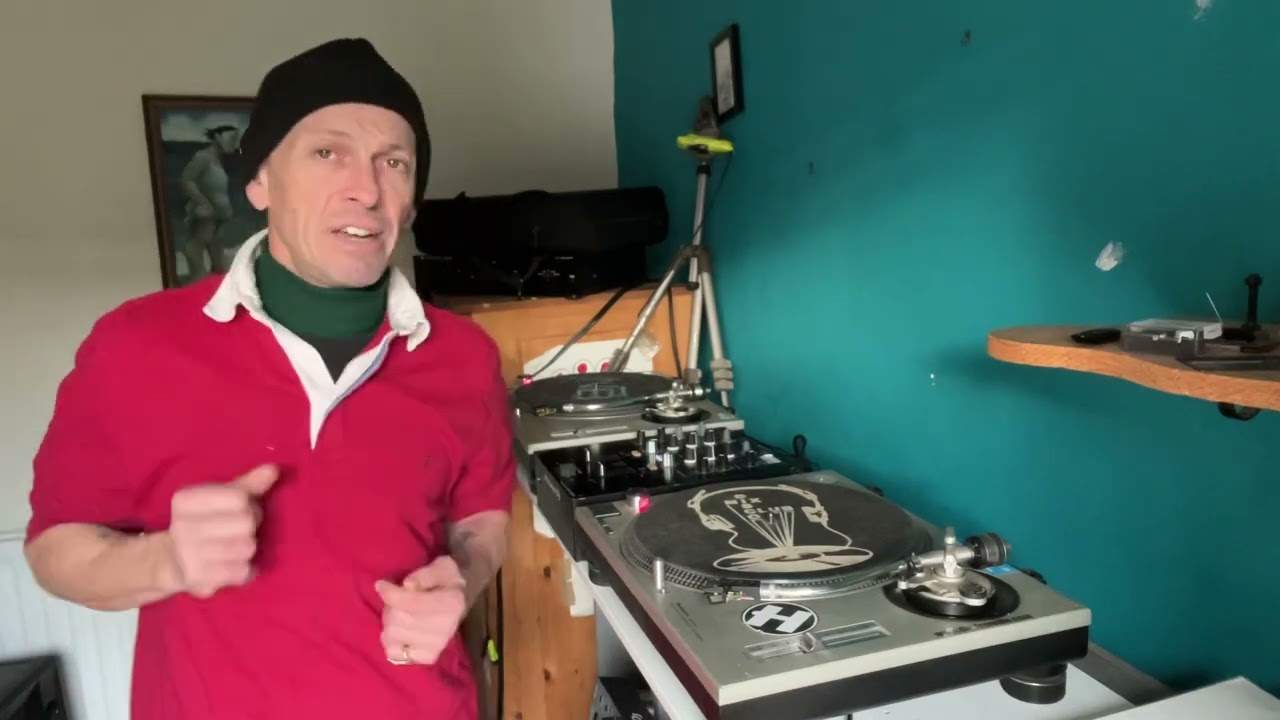
I'm looking for people who perhaps let's say they write and they produce their own music to show people. Now that's the first thing, but what is just as important folks is how you actually give that lesson. Now I will explain something. What I try and do is when I do a tutorial I try and imagine that I'm doing that tutorial Thank you very much for watching. When they go to a shop and they want to buy a mixer or when they get their first mixer in front of them, they will know what this is for. This is the volume control, the slider. This makes the turntable get louder. This is the crossfade. These are the bass, mid and treble. Some people don't know a damn thing about a disco mixer. If you said, do you need a disco mixer? Have you bought one? They'll say, well, what does it do? So this is the deal.
3:20 The cat's climbing all over everything here now
What you have to do, you have to imagine that you are teaching someone who has never been taught before and does not know anything about that particular program, that particular CD player, that particular turntable, that particular keyboard. The person watching, that's brilliant, but how do you get to that stage? Start, this may sound stupid, but start from the second you turn that PC on and you click on the icon and you go to that screen. Work straight the way up and it may take you two or three videos to do that, but you'll have a set then so it will mean that even someone like me, I don't do much people, in fact I've done very, very little PC mixing. But it will mean someone like myself as well. I can think, yeah, maybe I want to get some programs so I can watch your videos and I will know from step one to step ten exactly what to do. The cat's climbing all over everything here now. She hasn't been fed yet, she's a bit nutty. So likewise with the CD players, I've got one CD player over there that's pretty good, OK? You've got CD players as well. Do a tutorial.
Thank you for watching. Don't forget... It's not just me, it's everyone out there. We all have a teacher inside us. It's about helping other people and we're getting there. It's working. So thanks to you, thanks to me a little bit, but thanks to you guys for watching because at the end of the day if it wasn't you watching it would be pointless me doing this video now. It would have been pointless me doing 300 odd videos. So get your tutorials up and running. If you need any more questions, any more information, email me and I'll help you. Practice and enjoy.
This transcript was produced automatically from the audio of the video and may contain mistakes.
Related videos
-
WHY Vinyl and WHY Is Now the Time to Go Old School
He admits at the start that this one might annoy people, and some of it should be argued with. The practical half is excellent. The claim…