 2:37
Beats and key: why 120 is not always 120
On YouTube this video is called DJ Help with Mixing in Key! Mixedinkey Video 1
What this lesson teaches
Two considerations for anybody who beatmixes, and the first one contains a trap worth knowing about.
Beats, and the decimal problem
To be properly matched, two tracks have to be at exactly the same BPM. Not nearly - exactly.
And here is the trap. Many players display the tempo to one decimal place or none. Two decks both showing 120 can be running at 120.3 and 120.4.
A tenth of a BPM. Inaudible for the first ten seconds, which is why the mix sounds perfect when you set it. Then it accumulates, and you hear the beats separating while the two numbers on the screen continue to agree.
That is the explanation for the most common complaint in beatmatching - I had it in beat and it went off - and it is why you check with your ears and not with the readout. Watch the gap, not the number.
Key, tone and feel
The second consideration, and the subject of this course: two tracks can be perfectly matched in time and still be wrong together, because their keys disagree.
His three words for it are useful - the key, the tone, the feel - because the thing you perceive is not usually identifiable as a key clash. It is a vague sourness, a sense that these two records do not belong together, and the usual response is to conclude that one of them is a bad track.
It is not. They are in incompatible keys, and software can tell you which.
Why the two go together
Because they fail in the same way: both produce a mix that is subtly wrong rather than obviously broken, and both are invisible on a display.
Get the tempo right and the keys wrong and you have a technically clean mix that nobody enjoys. Which is a worse outcome than a visible mistake, because you cannot learn from something you cannot locate.
Contents of the video
Alright folks, if you're a DJ and you like to beatmix, there are two things you have to take into consideration. Firstly, beat being the appropriate word here, as in beat beats per minute. What is beats per minute? Well basically, if you listen to any track that has some sort of beat in there, you can hear a drummer or something, then if you actually count those beats in a minute, you will get the BPM, beats per minute. Now let's say, for example, you've got two tracks. One is happily playing, the crowd's jumping about and you've got to mix the next one in. Let's say the one that's playing is 120.2 BPM. To get the next one perfectly beatmatched, you'll have to get the second one at exactly the same BPM as the first one. It's got to be exactly the same.
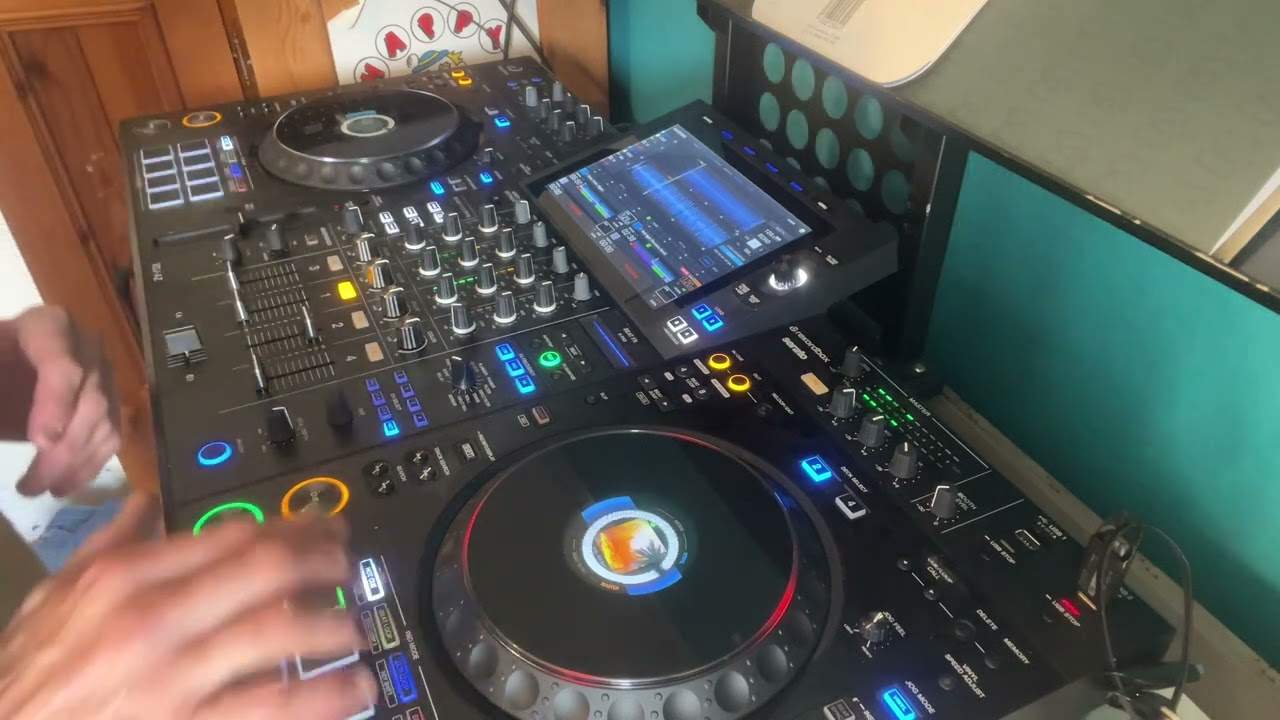
.1 of a BPM or .1 of a BPM, then it will mix initially but eventually it will start to go off. You'll hear dum-dum-da-dum-da-dum-da-dum-da-dum-da-dum. That's why a lot of people say I've got it in beat but it seems to go off. The reason being is some CDJ turntables... We'll have 120 and 120. In other words, one track will be 120 BPM and you'll put the other one to 120. You will just rely on the information given to you from that particular CDJ. But because it's not precise, the one could be 120.3 and the other one could be 120.4. So initially they will seem as though they're in beat and you'll be messing around with the bass and treble and then eventually they will start to go off. Now the other thing you have to consider
Is something called the key, the tone, the feel of the track. Now what I've done, I've downloaded this program, Zone Mixed In Key. Basically what it will do for you, once you've got the program on your PC, you can drag and drop all your music files into this program and it will do two things. One, it will find the key for you and the other one, it will find the BPM, the beats per minute. Now, you can also get that from it as well. Now I'll explain that in a future video. What I'm going to be doing over the next week or so, we're going to be looking in depth at this sort of program. What I'm going to do, I'm going to get a whole bunch of tunes, I'm going to burn them onto a CD, make a mix and I'm going to do a good mix and a bad mix using this. So all the way through the other videos I'll be explaining exactly what I'm doing and hopefully you'll see the right way of doing it and also maybe the wrong way of doing it. So let's watch, practice and enjoy.
This transcript was produced automatically from the audio of the video and may contain mistakes.