13:30
DJ Mixing Lesson on Effects Mixing Techniques and Some Interesting Stuff for All
Contents of the video
0:01 Big shout out to Pinkie Ella who's like a bit hip today
Alright ladies and gentlemen, big shout out to Pinkie Ella who's like a bit hip today. She's got a silver chain on and she just wants to play her part. Like if you've watched my videos from years ago, Pinkie Ella went all over the world with me. She's been to Ibiza, she's been to Germany, she's been to Las Vegas, she's been to Borth, she's been to London and she's been to the M45 stuck in a motorway just loads of traffic and ended up going for a cup of coffee. Anyway, never mind about that. Right, okay. My videos are pretty random so just carry on. Right. I'd like you to comment but not yet. Wait till the end of the video and there's a good reason why. There is a good reason for that. Now this video is mainly for people who want to just practice but even if you are a pro professional DJ you might want to hold on till the end because there is something quite interesting I'd like to talk about. Anyway, what I'm going to do is I'm going to press play on this side here and show you a bit of a trick. Well it's not really a trick but it's something you can do with a lot of kit.
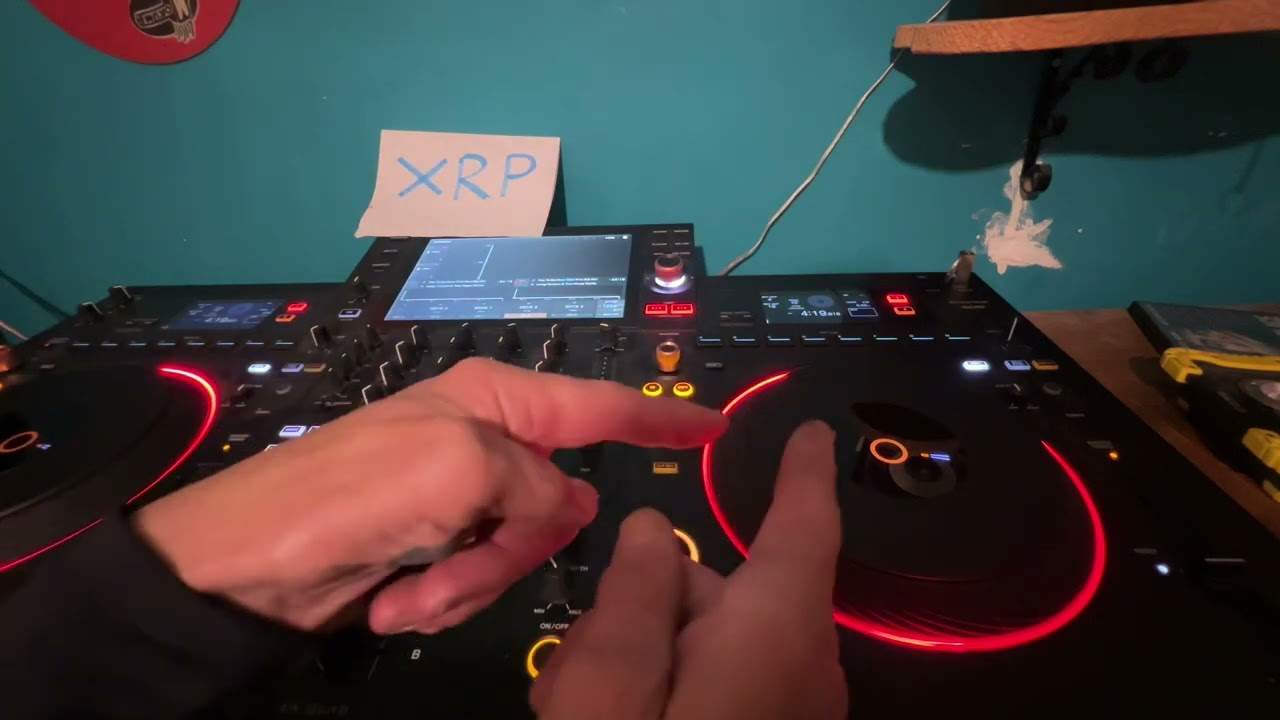
Now hopefully you should be able to see the top screen moving. You can see the wave, top screen, the wave format and the bottom wave format isn't moving at all. Now it's actually the same track. Now if I quickly double tap the load, excuse me, the load button this is what happens.
The track itself will go to exactly the position that the track is playing. So in other words the track that's playing is going through the motion. The track that isn't playing is at the beginning. If I double tap that track it will jump to the precise point where the track that's playing and that's it. So that's the first cool thing. The second thing I'd like to show you is a good question for you. Would you like to use an effect over a track but you want the track to play but you don't want the effect to be over the track that's playing? Am I confusing you? Well, sorry if I am but basically when you use an effect over a track you're going to cause the effect to be over the entire track. What you can do though is using this technique think logically it's the same track they're playing at exactly the same time.
2:46 Space, the final frontier with a crush but I still got the same track
So now what you can do you can use one of the up faders there's the one side there's the other side and now what I can do if I want to I can use filter on one of them so even though I've got the effect it's not really overpowering. Space, the final frontier with a crush but I still got the same track. Now I've just shown you what you can do it's up to you now to take it to the next level. So I use the sound colour effects but you can also use the beat effects very simply as well actually a couple of people no is it two? Yeah. Two people have emailed me recently. What's the difference between the sound colour and the beat effects? Well, it's very simple. It's actually in the wording. The sound colour effects what they'll do is they will enhance the track that's playing it almost change its colour but it won't actually change the beat of the track.
Whereas the beat effects you can actually change the beat so you can add a reverb. You can add echo. You can add a pong ping. You see some people say it's ping-pong but if you say pong, ping-pong, ping-pong, ping-pong really fast it ends up being ping-pong. It's like this. Sorry I've got to say this. This annoys some people. Like I say oh like your flop flips. No they're flip flops. No they're flop flips. You say flop, flip, flop, flip, flop, flip, flop. It ends up being flip flop anyway. I'm sorry. I'm just in a mad mood. Right. Next part of the video we're going to use the same track. So what I'm going to do, I'm going to show you how you can practice your beat matching. And this is a great way. Now I'm sure you've seen
The film Karate Kid.
5:00 Just unsubscribe and turn it off because I'm a nutcase
Turn off if you want to. Just unsubscribe and turn it off because I'm a nutcase. I don't care. It's all fun. So what I'm going to do, I'm going to play the left hand side. It all works together because I'm using the same track. At the moment both sides are exactly the same BPM and this is great for a complete beginner because you don't want to start changing the pitch up and down. You just want it the same pitch same speed should I say because all you want to do is concentrate on bringing the next one in. Now because I've got the same track it makes it a lot easier. Because they're the same BPM it makes it a lot easier. So it's about training your ear to listen. Ah! Ear, ear, ear. There's a bit of a clue. Go go. Right so I'm going to press play here.
What I'm going to do now I'm going to get the effects now got my this side I'm using for monitoring the track that I'm bringing in this side nothing in that ear can you see? Come over here. This is the PA speaker. And again, a small little caveat inside this video quite a few people over the years have said how do you monitor? What's the best way? What's the best volume to have your headphone or your PA? Well at the end of the day if you think about it if I had another earbud in that side it would be level but I haven't. I've only got one in my right hand side because that's generally where I monitor from and the speaker over there is what I'm listening to. So that's theoretically like the main PA system and I'm monitoring
8:06 Maybe bring, plugged, different
So what I want to do, sorry what I don't want to do is have this too quiet and that too loud or this too loud and that too quiet I want them to be the same volume now because the speaker is further away from me I'll need to turn that slightly up to level my headphone alternatively if the speakers quite low I want my headphone a little bit higher so I get an equilibrium in the audio if that makes sense. Ok let's go back to basics so I've got that playing 2, 3, 4 1, 2 I can hear it and now I'm going to repeat the process so what I'm going to do now is press Q on the left hand side 2, 3, 4 slowly bring the other side in and so on because I'm using the same track what I will hear is kind of a phasing sound now when you're using different tracks
It's a little bit more difficult because you've got different sounds different machinery or computer programs to make the tracks when you're using exactly the same track it's a lot easier now if you're finding this is too easy because the BPMs are the same then of course change the BPMs maybe bring the pitch further up on the right hand side or a bit dead centre on the left hand side or maybe bring them both up very slightly or one down one up and then just work yourself it's about pushing yourself to the next level also if you're going to do something like this try not to be a screen watcher and just gawp at the screen because you can see the markers and you know if you're a little bit too late or too early try and cover it over
Like do something like that now then this is the cool bit and this is where not yet wait till I finish you can comment alright so I have to say a big thank you to XVIVE because I'm using their T9 ear plugs now these and also as well I have got it plugged in to the transmitter receiver you may have seen me use this in a previous video now I'm not going to talk about this I've gone yeah alright then they're letting me give away a set of these now I've got them in my ear at the moment they are the T9 monitors they're in-ear monitors now these a lot of people now seem to be using in-ear so look at here right so there's two of them I can hear myself properly now that was weird it was like I was just a bit like oh take it out fine
10:47 Weeks upload, upload date, email address
Ok so there they are that's what they look like and they come in a rather nice box like that and not that because I use that because I use this actually for my phone so that's USB C I've got a plug-in bit for the mini jack which is there it's plugged in so you can see that plugged in there and I use them with my phone so it's great so this competition is not just UK it is absolutely 100% worldwide I've had confirmation from the company and I will be the one sending the product to you hopefully wherever you are around the world ok so all you have to do is post a comment underneath this video just explaining why you should get these T9 from X5 that's it in ear headphones why should you now you can make it funny you can make it serious
Don't go on like I don't want your life's history like well I was born in 1857 and we came over on a boat with sheep just say something funny or just say something serious and I'm going to choose one winner now this is the important bit this is really important at the end of two weeks is the upload date so that is how long you've got so if you're watching this a week or ten days from the upload you're in time if you are watching this after two weeks of the upload date you're already too late we have a winner so this is what I want you to do after two weeks come back to the video find your comment and if I have commented underneath saying congratulations well done I will need you to contact me because I'll send you an email address
Once you get that email address then of course we can chat via email I'll have your address your actual postal address and then I personally will send you these headphones now wherever you are around the world I will send them first class tracked signed for recorded delivery so you're guaranteed of getting them alright now again a big thank you to xvive they are pretty damn good actually I have been using them quite a bit and expect to see a little more of them so don't forget post a comment say why you should have them you've got two weeks from the upload date of this video and all I can say is thank you for watching keep on practicing keep on enjoying just enjoy music because that's what it's about it's having fun and as I say with practice and enjoy
It's about if you make a mistake you practice if you make a mistake you practice and when you make a mistake don't be mad with yourself enjoy it take it to a positive not a negative alright
This transcript was produced automatically from the audio of the video and may contain mistakes.