 7:12
DJM-800 Harmonic function with a vinyl turntable, SL1200mk 2
Contents of the video
0:00 Harmonic feature of the DJM800 mixer
Alright folks, in this video we're going to have a look at the harmonic feature of the DJM800 mixer. Mainly what we're going to be doing is looking at that and incorporating that feature into a vinyl turntable. Now very quickly, the reason being is because most vinyl turntables do not have something called master tempo or key lock. Now first of all I'm going to show you exactly what master tempo is, key lock is, And what it does. So I'll pause the camera and we'll have a look at a CD player. Okay, first off, the track I'm using is a Diva. It's a track entitled Respect. Now, what we're going to do is I'm going to disengage the master tempo or the key lock and I'm going to play the track and just increase and decrease the speed. Let's have a listen. That's slowing it down. Now we're going to put it back into the centre position. Now I'm going to speed it up.
Right, put it back to the beginning. I'm going to press master tempo. Now let's have a listen. Slow it down. Speed it up. Right, pause the camera. Right, so basically what happened is when we had the master tempo engaged, I was able to increase and decrease the speed but at the same time I was able to keep the same tone of the track. Now on most vinyl turntables we don't have that. Some of them we do, I think the Newmark TTX1 or something like that you can do that but generally you can't. So let's put it this way, you're in a bit of a dilemma because if you have to speed up a certain track quite considerably you will also speed up. It's almost as though the sound will start to rise. If on the other hand you have to slow the track down quite considerably
2:28 Let's pause the camera
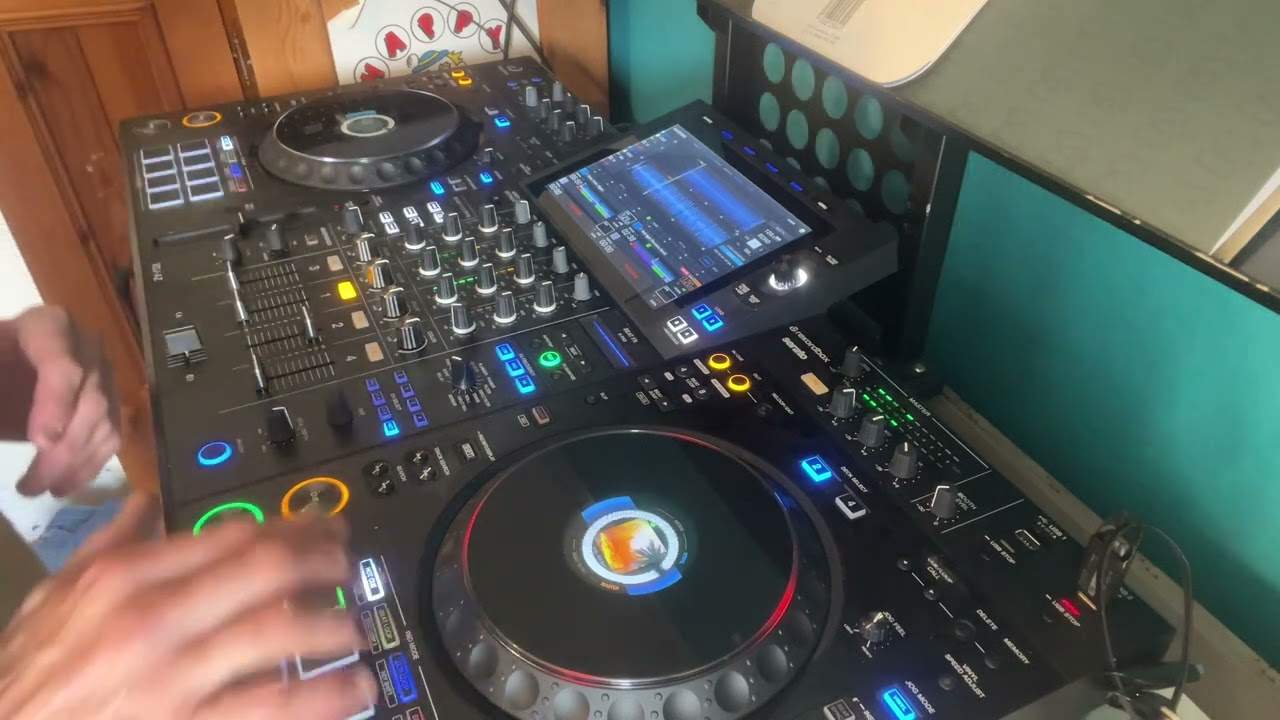
What you'll find is the tone of the track will drop as well. So how can we get around that? Now again, this particular video may be a bit of advice, maybe a tutorial, but maybe you might just get a bit of information from this and you'll think, ah, that's what you do. Or maybe, hmm, that's what's going wrong. Now what I'm going to do is show you the harmonic feature on the DJM800 mixer. The track I'm using is Craftwork. It's a track entitled The Model. It's an absolute classic. And the turntable is the Technics SL-1200 Mark II. And first of all, the only difference between the Technics SL-1200 Mark II and SL-1210 Mark II is one's black and the other one's silver. That's it. Right, here we go. Let's pause the camera. Right, here we go. Now that, believe it or not... OK, here we go. Now that guy there is the mixer. And everyone's always asking me, that there is from StyleFlip. It's known as a skin. So, right.
There's the harmonic dial. What I've done, I've engaged now the harmonic function on this. So we've got the track there. The track is by Kraftwerk. It's entitled The Model. The turntable, like I said, is the SL-1200. What I'm going to do is press play and I'm going to start off by moving this dial here clockwise. Let's have a listen. By the way, the pitch control on the turntable is in the centre position. Now I'm going to move it anti-clockwise. Okay, basically what was happening is while I was moving the harmonic dial clockwise, I was increasing the tone of the track. It was starting to rise. Then I put it back to the centre position, 12 o'clock, and then I moved it anti-clockwise. By moving it anti-clockwise, I'm reducing the tone, almost dropping the sound. So how can we incorporate this into a vinyl turntable? Right, first of all...
Let's do something that's almost not dissimilar to me moving that dial, but this time we're going to move that pitch control. Let's play the music. Right, have a listen now to the tone while I decrease the speed. Exactly the same thing's happening. Let's put it back to the centre. Now let's increase the speed. Exactly the same thing if I was moving the harmonic dial clockwise. Alright. So what's the good of this? What can it do for us? Now let's say, for example, we need to increase the speed of that track quite considerably but we need to make it sound the same. This is what we can do. I can increase the speed over now here to the harmonic dial. If I now move this anti-clockwise, I can now lower the tone back to its original sound. Okay.
5:22 Speed considerably, together
A little bit of advice for you, let's say you're trying to mix two tracks in and what you find is that when you play the two tracks together they sound pretty good together but maybe they're not in beat. When eventually you get them beatmatched, then maybe you find that all of a sudden they're fantastic, they're beatmatched but they don't sound well together because you may have had to increase the speed of one quite considerably or slow the speed down quite considerably. Now using something like this, you're able to get over that hurdle because if you do have to slow the track down quite a bit, you can use the harmonic dial to get it back in key. Or alternatively, let's say you need to speed the track up quite a lot. Well, you can do exactly the same thing but the opposite. Now again, this particular video in a sense may be worthless to a lot of people but hopefully there'll be a tiny few little tips here and also it'll give you that little bit more information. Practice and enjoy. Thank you.
This transcript was produced automatically from the audio of the video and may contain mistakes.