 7:53
How to Create the Insomnia Faithless Drop to Massively Increase the Energy in Your DJ Mix Set
Contents of the video
0:00 Haven't really gone anywhere, just had a bit of a break
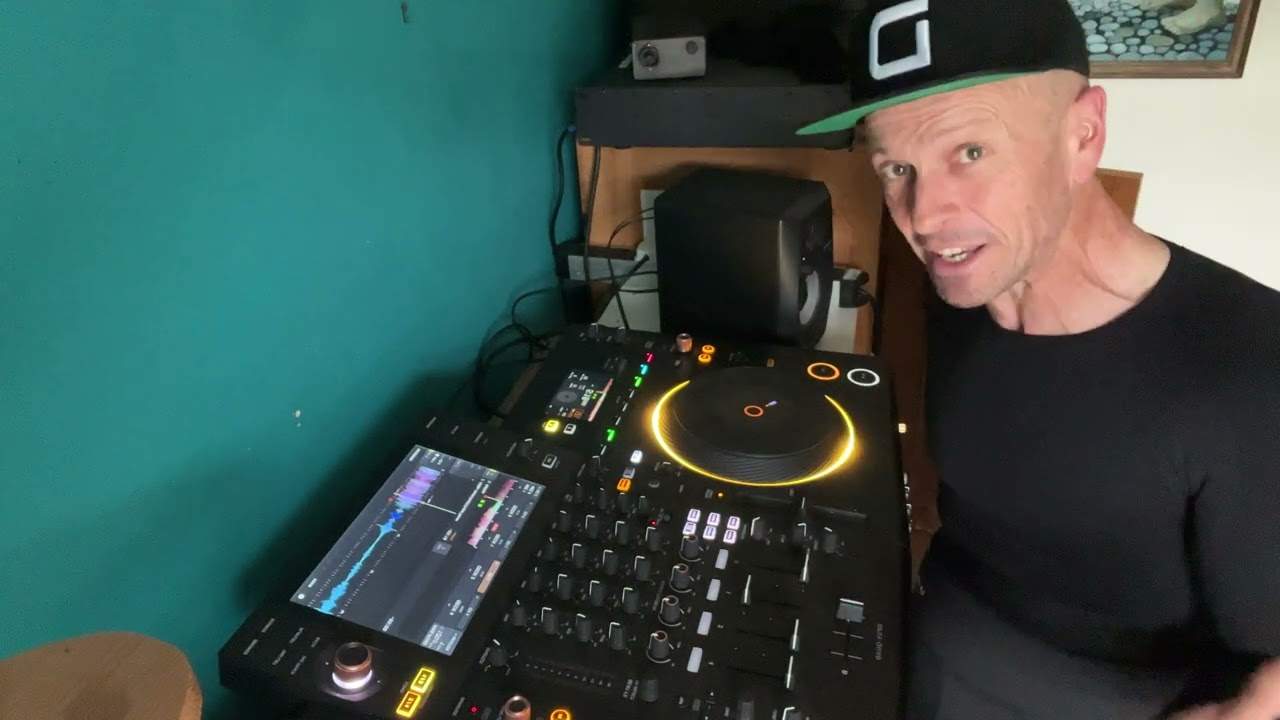
Right, ladies and gentlemen, it's been a while but I'm back. Haven't really gone anywhere, just had a bit of a break. And in this video we're going to do a couple of things. First of all, I'd like to say thank you to Decksavers for the hat and also for the Decksaver for the Opus Quad. So I'm going to show you that in a bit. What we're going to do here is something that's already been done, but I'm going to highlight how you can do it. But that could be anything. But of course, this is a DJ lesson. So without trying to get any copyright issues from YouTube, and by the way, in a bit I'm going to be going on a bike ride. So let's just have a listen to...
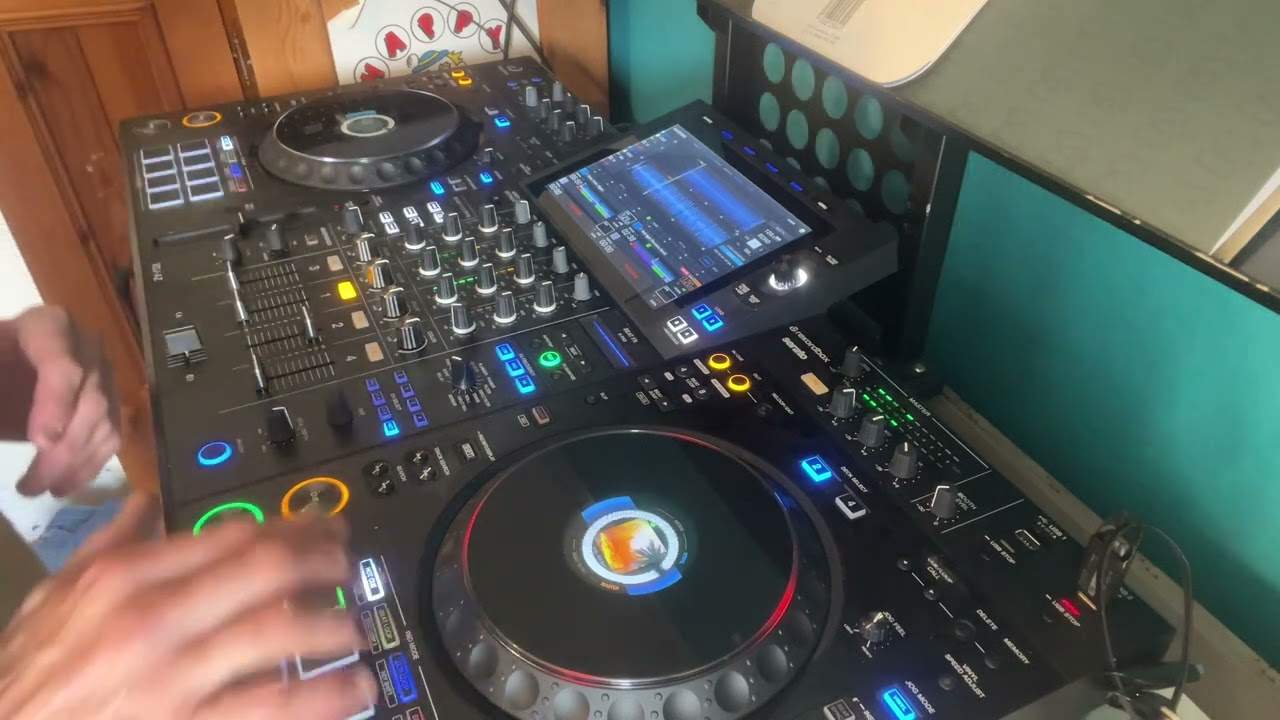
Right, so we've got possibly one of the best parts of a break in dance history right there. But if we have a listen to the first few words... Now, I can't get. And then what happens? We have a no sleep. So what's actually happening is it's almost as though the track is slowing down. Now, what I'm going to do, I'm going to make sure that I have engaged the pitch. I'm going to move the pitch to the minus position. But what I'm going to do, I'm going to keep master tempo on. That's really important. Just have a listen without master tempo. Yeah, you get the idea. It sounds like some really big sort of ogre trying to impress you. But sorry, I'll keep it around about the same position. Let's engage master tempo.
Let's slow down a bit more.
1:57 Pitch, track, reset button
All right. So why would you do that? And why have they done that to Insomniac Faithless? Well, it's very simple. They want to exaggerate. That break, that part of the track when you just go mad and they've done that completely in that section. So how have they done it? Well, basically, as I've done there, I have slowed the track down but kept the master tempo on. Now, by keeping master tempo on what you're doing is you're keeping the key of the track. But at the same time, you're making the vocal part last longer, which just expands that sort of experience for the listener before they get the drop. So my advice here, very simple sort of tutorial really. And the reason I have used Insomniac by Faithless is because they've done it.
So if I bring the pitch up to the centre position, in fact, even if I just press reset. Now we have a listen. There you go. No sleep. So how are you going to do something like this without ruining your set? Now imagine that you're in the middle of a set. You know, you're mixing, moving and grooving. And you don't really want to spoil the energy of the track. So my advice is this. Now, this doesn't really matter where the pitch is. OK, it doesn't matter at all. The pitch could be down there or up there. It could be plus or minus six, ten, sixteen, one hundred. Doesn't matter. But what you need to do is when you get to the break and you're just about to hit that vocal part where you want it to slow down and I can demonstrate here, if I just go
There. So so I've just queued up just before I can't get no. Now you can see the pitch is dead centre. Let's imagine the pitches, you know, it sort of let's say it's at plus one plus two, what I'm going to do is while I'm playing, I'm going to well, not now anyway. But what you need to do is slowly just bring it down to that's why. In fact, actually forget that. But you don't even have to do that. Sorry. Beg your pardon. OK, let's start again. The track is playing now. So I'm trying to sometimes it's very difficult to explain when you're not doing it, but it's easier to do it and then explain if you follow what I mean. OK, so you're playing your track. Of course, you haven't got the pitch reset button on.
And what you're going to do is you're going to slowly move the pitch down to the centre position. Then you're going to press. Press the reset button. Now, there's a reason for that because now while the track is playing, if I demonstrate here, we go back even a little bit more. You see now listen, I can now move the pitch anywhere and it's not changing the track speed. So while the pitch reset is positioned and you can see it on the lights on, I'm going to move the pitch down. OK, I've also got it at the wide feature. Now, the reason for doing this is very simple. When you get to that break where the vocals comes in, you quickly press the reset button and what will happen is the track will jump to the position and the speed where the pitch is so plus or minus ten, sixteen,
Fifty, one hundred, but we want it at the wide position. So have a listen here. We're going to talk sort of over this as well. So we don't get any copyright issues. Listen, so I've got it there. Here we are. Ready?
6:02 Source and stop U
I should watch my own tutorials, shouldn't I? And then when you're about and this is where you want to be so quick when you're about or when you want to then go revert back to the original speed, you need to make sure you touch the reset. Oh, so let's do this properly. He says. There there. Right, I hope that's a help. Now what I'm going to do now. Sorry about that is let's go to source and stop USB. OK. And again, with the Opus Quad, you have to do it like this on the screen. OK, now the reason I'm doing that is because I've got a couple of USBs up there and I do not want to put the deck saver on because it would be a bit silly and it wouldn't fit properly. There it is. All right. Now, I've always had some kind of cover on the decks.
And my my disclaimer here, deck saver did send me this for free. They don't pay me. Basically, it's Jonathan. Here is a deck saver cover. Use it. And I had it with the XZ, the RX. And all I can say is that when I've taken my pieces of kit to an event and I haven't got a proper flight case, this is the next best thing, because at least, you know, the top of the player isn't going to get scratched. And there it is. I will leave a link to the deck saver website in the description. Thank you very much for watching. I like the hat as well. I'll keep this for a while. No doubt it will start getting dirty soon, but practice and enjoy. Thank you.
This transcript was produced automatically from the audio of the video and may contain mistakes.