 6:20
How to Use and Set the Third and Forth Deck on the XDJ-AZ
Contents of the video
0:00 Hand side, track, left hand
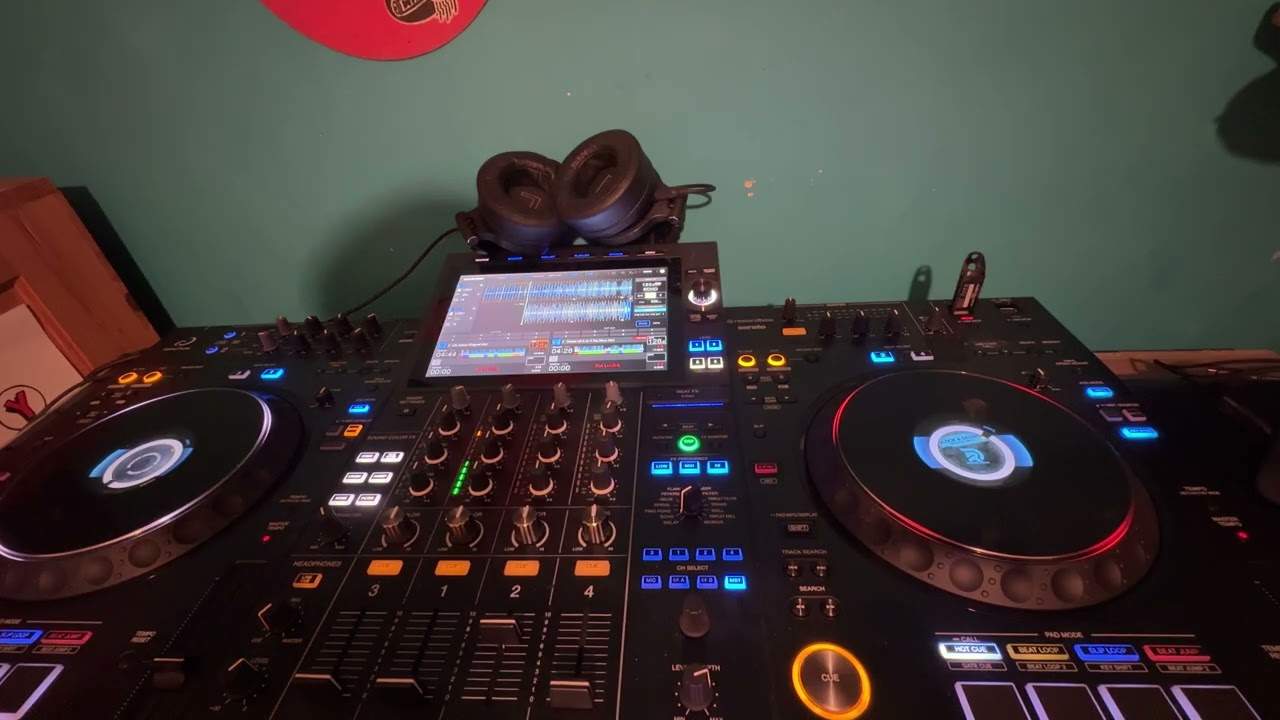
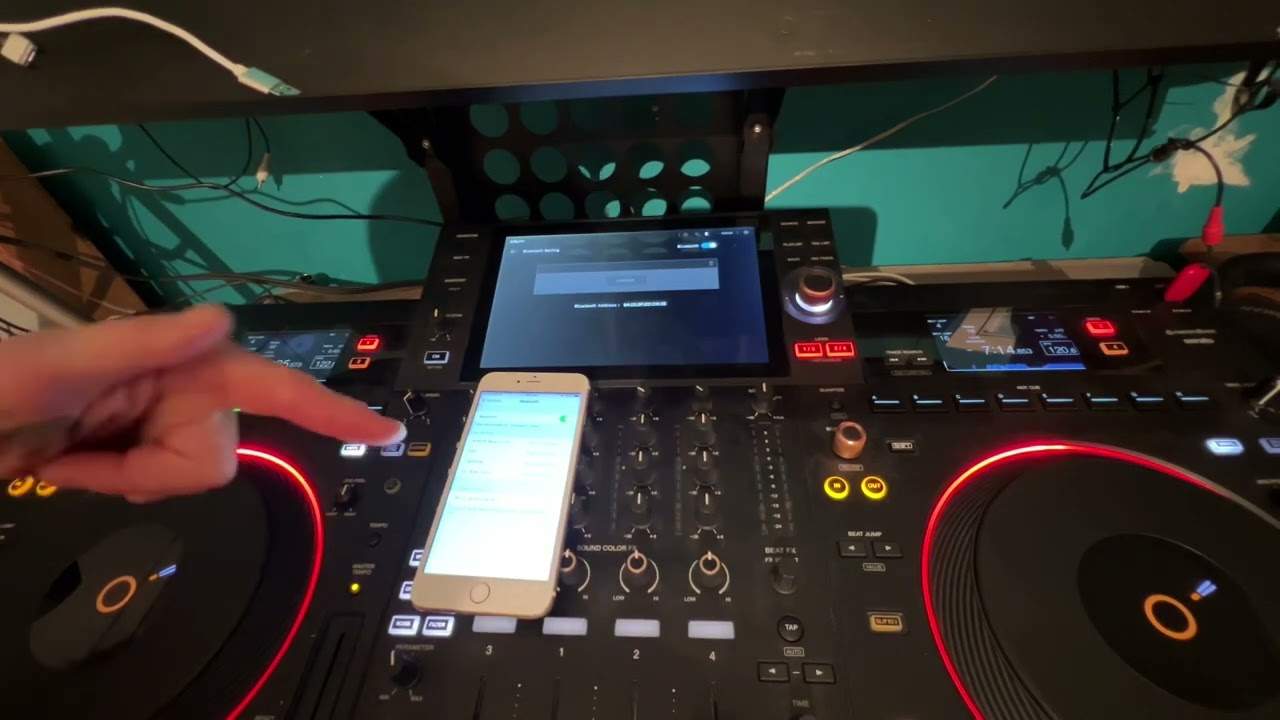
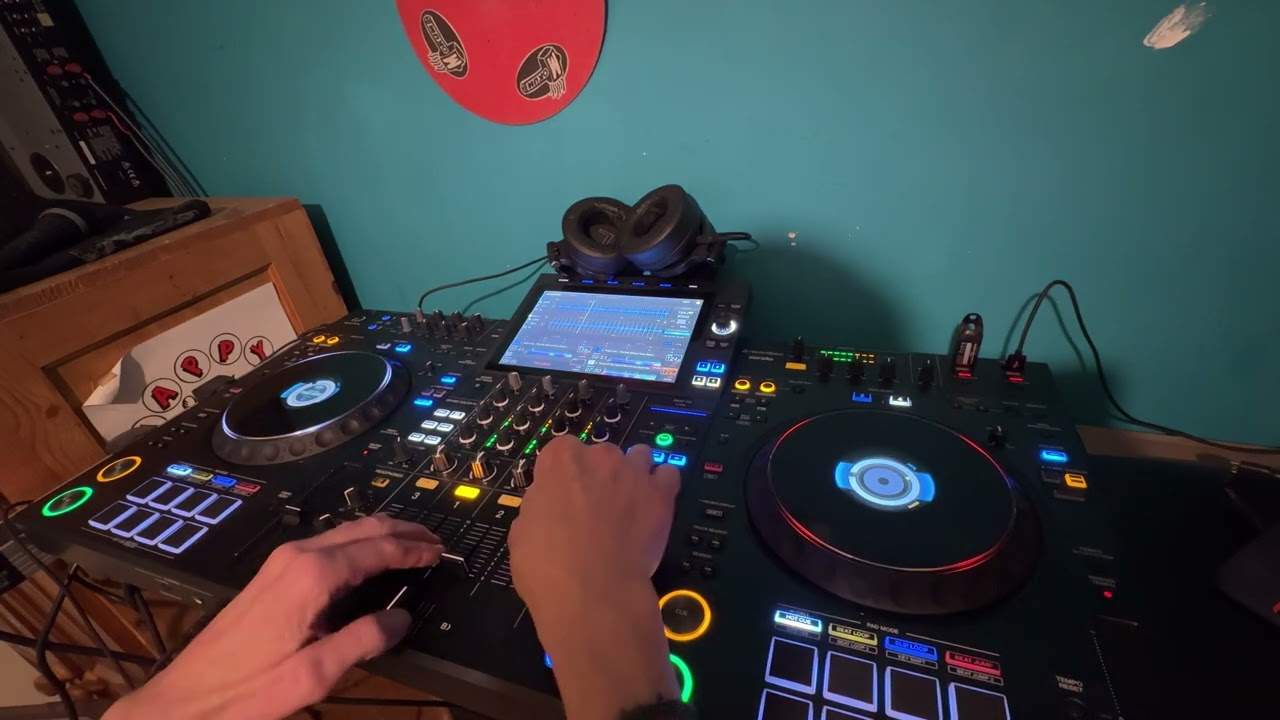
All right, ladies and gentlemen, I had a couple of people over the past few weeks ask me how to load a third and a fourth track on the XDJA-Z. So without going into too much detail, this is really just a kind of a demonstration. We'll just do three tracks, but if you want to do four, it's pretty much identical to what I'm about to do anyway. And for simplicity sake, I've already loaded a bunch of tunes anyway. So what I've done is on deck one, I have a track playing and just for copyright reasons, just got the headphones so you can just about hear the track. And press play, not cue. Okay. All right, so that's deck one. Now, first of all, on the right hand side, we have deck two and four. The left hand side, we have three and one. So by default,
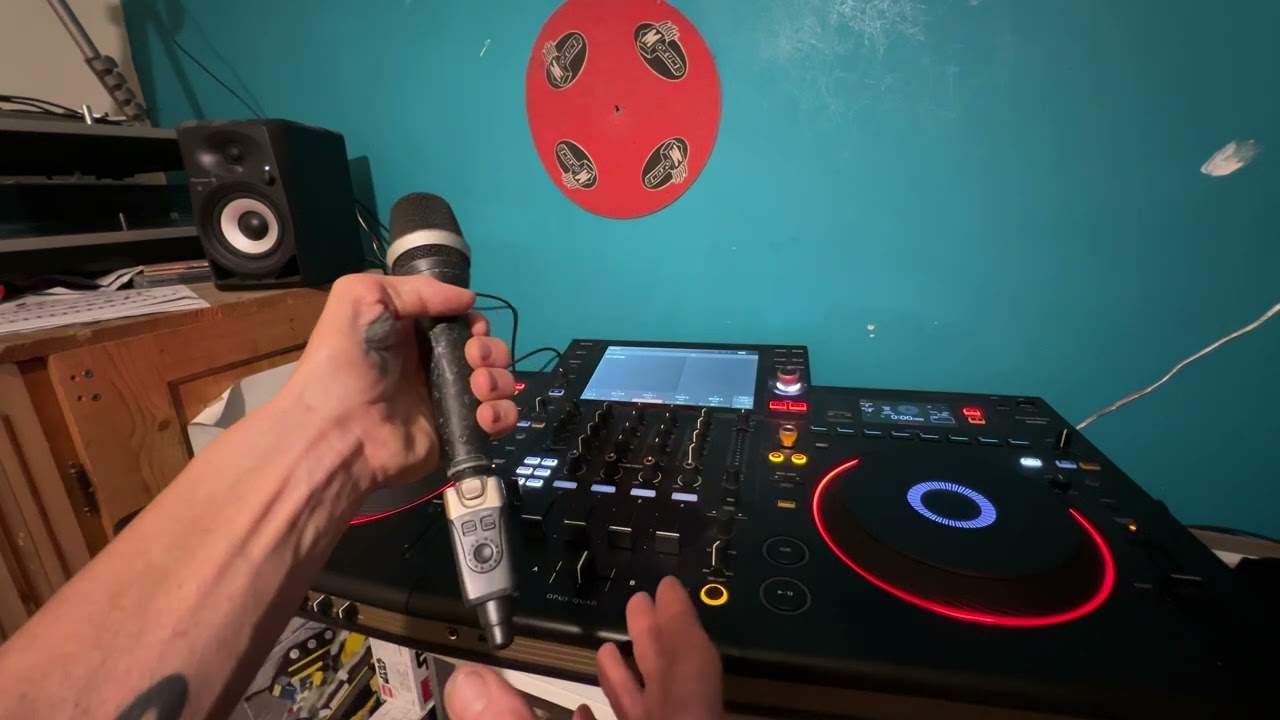
When you turn the player on, you'll only get deck two on the right and deck one on the left, which is the two center up faders. So for example, now, which I've done, I've got a track on deck one on the left hand side, and I've got a track ready on deck two. So I would hazard a guess and put in a comment if you agree, disagree. Most DJs today will just use two decks. I'm predominantly now really a mobile DJ, weddings, et cetera. Very rarely will I start mixing, cutting, scratching, and doing all kinds of paraphernalia on four decks. To be quite honest, most of the people who I play to, they're not really interested. All they want to listen to is good music. End of. Right. So, but let's imagine you are indeed club DJ and you're banging out some
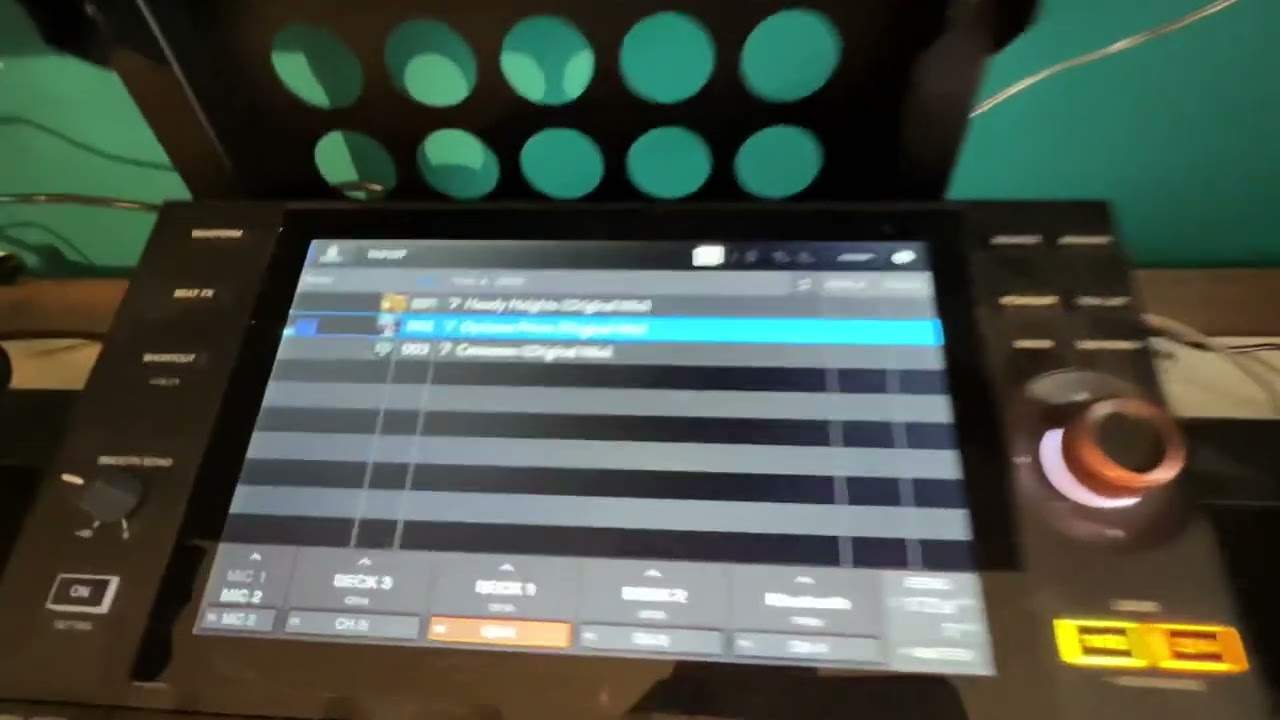
Kind of mix and you want to chuck in an acapella. Right. Well, of course, you only have two turntables. How on earth do you get four decks? Right. Very simple. If we go to deck two, and at the moment above the turntable, you can see deck two is highlighted. Press play and we can hear that. So what I'm going to do, I'm going to depress the cue so we can't hear that anymore through the headphones. As you can see by the up fader, it's still playing. What I'm going to do now is press number four. So what we're doing now is we've gone into the realms of the fourth deck on the right hand side. So I can do anything I want now, on this side, without interfering with deck two. So I can load a track which I've already loaded.
You'll see and it's on the screen. So I press play again. That sounds terrible.
2:56 Let's just press play so you can hear that
Let's just press play so you can hear that. Just press play again. OK, so I'm going to let that carry on playing. So technically now that is playing as you can see, it's playing. But now I want to go back to deck two. So all I've got to do is press deck two. I can speed up, slow down, do whatever I want. Now of course what happens is when I set the pitch to for example the speed that it's going to now and I go to deck four, now all I have to do is just move the pitch again and now I'm adjusting the speed on deck four. But not on deck two. Now exactly, exactly the same will apply on the other side. So I'll be honest with you, it's not confusing but it does take two seconds to get your head around it because you've got just two decks and I'll be honest with you when I have been
In a working environment it's quite nerve-wracking to go to the fourth deck, get it all set up and start messing around when you're actually playing say deck two. It is, I'll be honest with you, when you've got four separate turntables you know if you're touching deck four you're not going to mess around with three, two or one or you're touching deck two you're not going to mess around with one, three or four but then because you've only got the one side and you go from two to four to begin with when you've got a whole bunch of people in front of you it is a bit like
That for nothing to happen. So I mean that's basically it in a nutshell so now I can slow it down, I can speed it up, so you'll notice now if you look there that is going at 130.4 BPM. So if I press two now I can, hold on move current tempo, there you go, move the current tempo and now I can change the BPM on the other deck as well on deck two. Now I hope that's a help don't forget please if you haven't subscribed, subscribe, like if you want to but also leave a comment. Do you have the XDJA-Z? What do you think of it? Do you like it? Do you wish you never bought it? Do you think it's the best thing since the last controller they made? No doubt there will be other controllers in the future but for me at the moment this is all the technology I need believe me. It's
Very similar to having a set if not four 2000 Nexus if not the 3000s and a 900 in the middle. Right thank you for watching, practice and enjoy.
This transcript was produced automatically from the audio of the video and may contain mistakes.