 4:47
Pioneer CDJ 2000NEXUS and CDJ900NEXUS Comparison BY Ellaskins the DJ Tutor
Contents of the video
0:00 Main differences between the CDJ-2000 Nexus
Alright ladies and gentlemen, we're at the Get In The Mix HQ and in this video I'm going to show you the main differences between the CDJ-2000 Nexus and the CDJ-900 Nexus. Bearing in mind these are the main differences. The track I'm using is Josh Butler, a track entitled Got A Feeling? Okay, first of all, the 2000. A lot of people like this, hot cues. The other one of course Needle search. Now you notice as well, I've got my hand on the platter. I'm able now to search through the track using needle search. Take my hand off the platter and we've got needle lock. Main reason for that is of course you don't want to be in a position where you accidentally just touch the needle search area and start flicking through the track. So hand on the platter.
1:34 900, let's press play, same track
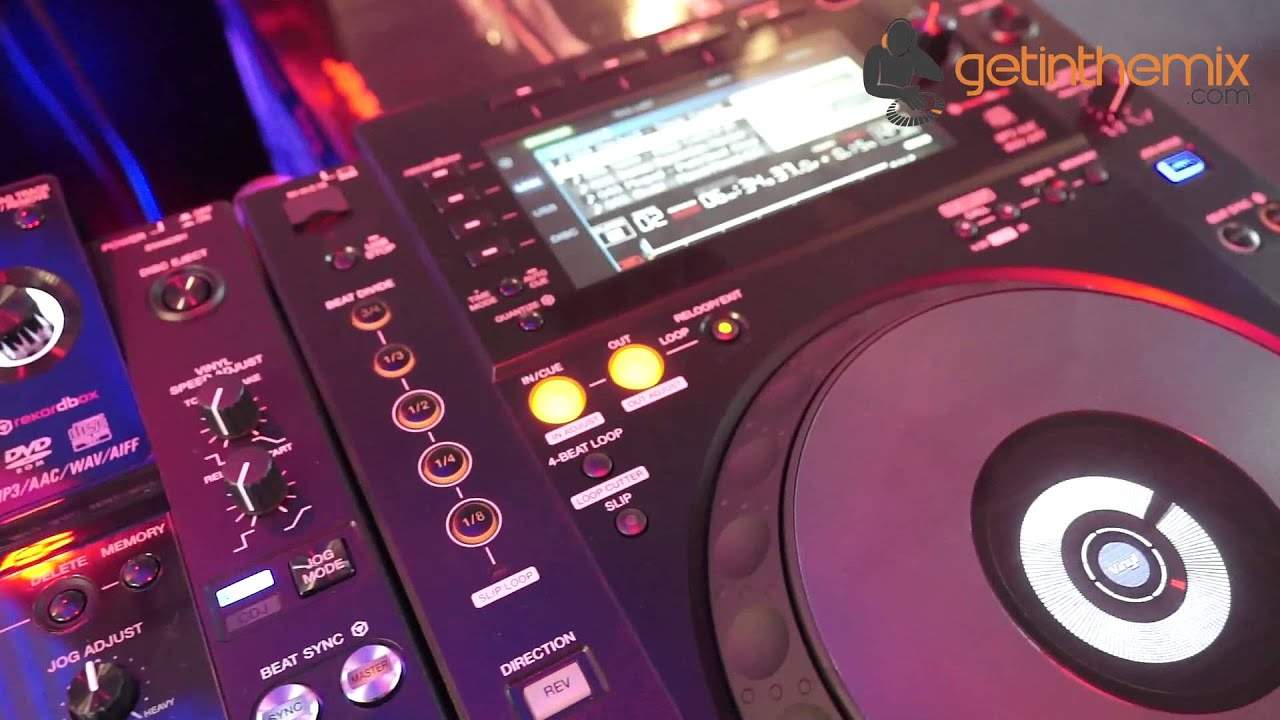
Okay, if we take a look at the 900, let's press play, same track. We have the beat divide. Great feature for cutting up the track. Eighth, quarter, some really good fun with that. The other one is the four-beat loop. Both players, we have beat sync, vinyl mode, master tempo. Tempo from six 10, 16 or wide. Final speed adjust, touch and release. Difference there with the 2000 is you have a dial for touch and break, a dial for release and start, whereas on the 900 you just have the one. That's pretty much it really. I would say the main differences of course is the hot cue. You've got three hot cues on the 2000 and you don't have on the 900. You have the beat divide on the 900, you don't have on the 2000.
3:22 It's a great feature
Both have got slip mode, which is a great feature and a lot of people who like the CDJ-2000 demanded if Pioneer, which of course they've done, they've got now the 2000 Nexus, they wanted slip mode on that. So it's a great feature. I'll just give you a demonstration on the slip mode. Engage it by pressing the slip mode button. What slip mode does is now you can spin back, Thank you very much.
This transcript was produced automatically from the audio of the video and may contain mistakes.





