 6:46
Pioneer DJM-REC App Will Get You Good Audio for Your Live Stream
Contents of the video
0:00 Pioneer pretty much today have released an app for ISO
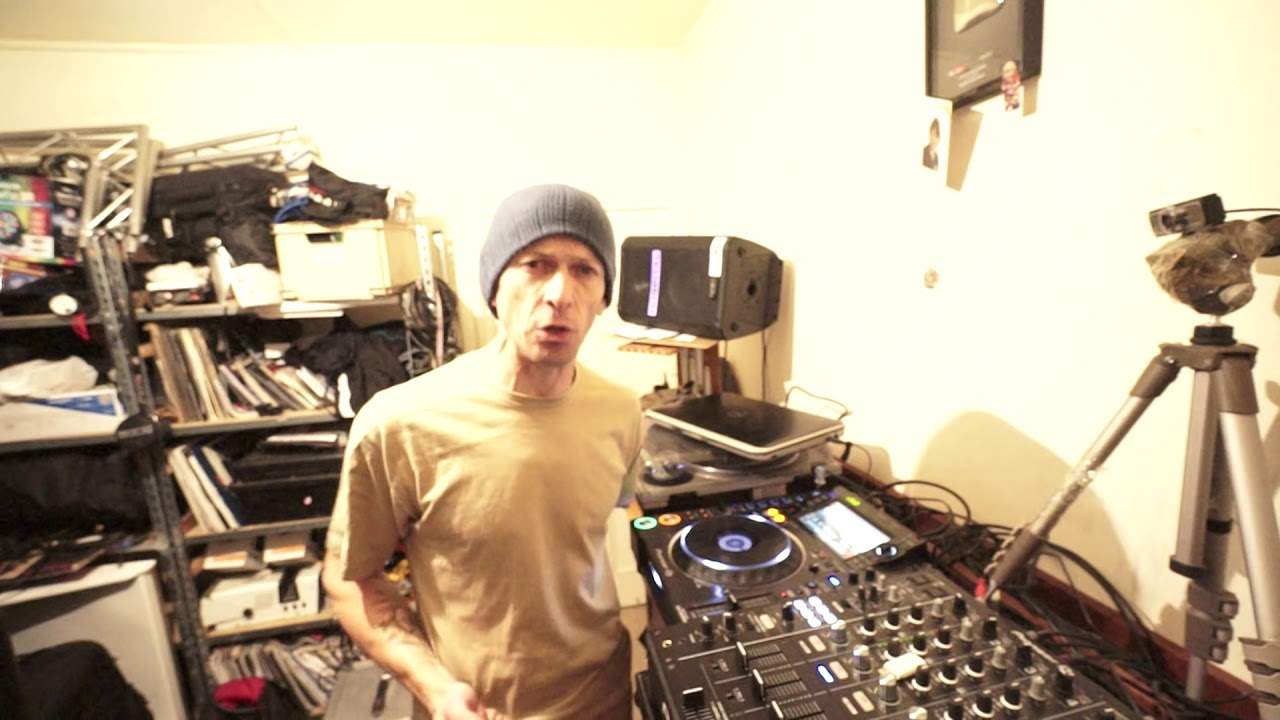
Alright guys, Pioneer pretty much today have released an app for ISO. I'm not sure about Android. It's called DJM Record. What this will let you do is record your set via your DJM, your mixer. Now you can either record directly from the mixer into your phone. Alternatively, if you want to, you can just use the microphone from your phone. But of course it's probably better to get... There are loads of places out there where you can probably get... Loads of links to get the firmware, but you have, not you've got to, it is highly recommended that you go to PioneerDJ.com and download the firmware from there, not a third party because you never know, you may end up getting lots of rubbish on there you don't want. Make sure the thumb drive you are using is clear, there's nothing on it. Once you have...
Opened that file then of course drop it into your thumb drive now with the mixer off all right this is what you do uh the mixer off you put the thumb drive top left hand corner and then while you have your finger on the on off button down at the bottom here for your effects and the mid effects frequency button so i'm gonna put my not now but My finger will be pressing the on off for the effects and pressing the mid, I will then turn the mixer on. Now all of a sudden you'll get a little screen there and it will give you a percentage of how much it's going through the motions of updating from 0 to 100. Once it's gone to 100 it will say complete. Once it's got to complete then turn the mixer off.
2:13 Take the thumb drive out and you're pretty much good to go
Take the thumb drive out and you're pretty much good to go. So let's have a look at the app. Right, now this is the exciting bit, alright? This is very exciting because a lot of people are saying, you know, how do we get good audio when we want to do Facebook Live and stuff like that? Well, I'll show you. Right, so first of all, let's put a track on. Lord, hear our prayer. It's from Karmic Power Records. There will be a link in the description, okay? So I don't know if you can see there now, but I am now getting good audio. Now admittedly, I'm only tapping there really, that's like minus 18 dB. So I probably could turn that up a little bit if I wanted to. As you can see, the more I turn it up, the more those LEDs start to increase.
Okay, so I don't want this to become an in-depth tutorial. Really, I want this to be sort of a random kind of demonstration on the app itself. There's stuff falling all over the place here. So I can also go to play, pause. Now this will show me all the previous mixes that I've recorded. I'm going to go back to record. Let's just record a little bit. That's start and there you go. You've got the wave format there and stop. Okay, bang, there you go. Now check this out. We go to live. Now this is the amazing part. This is what I love about this. We can record great audio to your YouTube channel if you want to. You've got a Facebook Live, Periscope, Instagram and Snapchat. So let's go to Facebook Live. Open Facebook Live, okay. Bang, there you go. We're straight into Facebook.
4:32 Look, I've got Shazam, I've got Cosmo because
Alright, so I've only just had this. I've only just downloaded it on my phone and I'm actually really excited about this because this is going to open up. This is just going to change DJs' lives forever because so many people are contacting me saying, you know, how do we get good audio? How can you get good audio to go through Facebook? Now, this isn't going to... Right, I said change DJ's lives. Change... Some DJs lives. It's not all of a sudden going to change your life if you've got a Newmark mixer, but what it will do is if you've got the likes of a DJM mixer and you're trying to find ways about getting or how to get proper audio into your feed instead of having the microphone connected to the speaker and getting some kind of feedback and whizzy noisy sounds, then this potentially could be your answer. Okay, so I just used it. I'm just sort of giving it a bit of a run for its money here.
Let's go back to it. Well, that's what it looks like there. Look, I've got Shazam, I've got Cosmo because my little boy's got one of them. I've got Speedtest and Planes Live. Yeah, don't ask. OK, so let's go back to DJM Record. And there it is. My files. So if I click on there, those are my recordings. One didn't happen at all. I didn't do anything until I realised I needed to... Here's how to update your firmware on the mixer. We can auto-record, display of timestamp info, reset if we want to, recommended DJM record... Alright, recommend it to friends. I'm going to do that after this video. Review on App Store? I'm going to do that after this video. And support and purchase. So I can purchase it if I want to, which I probably will. If it's a couple of quid, sod it. I'm going to buy the damn thing. I'm not going to lose sleep over spending five or six quid. I don't care. Alright, so there you go. That is it. The DJM Record from Pioneer. Now this is a great little app. I'm going to have a lot of fun with this. Practice and enjoy. Thank you very much.
This transcript was produced automatically from the audio of the video and may contain mistakes.





