 2:58
Primeloops. Start to make you'r own toons Video 2
Contents of the video
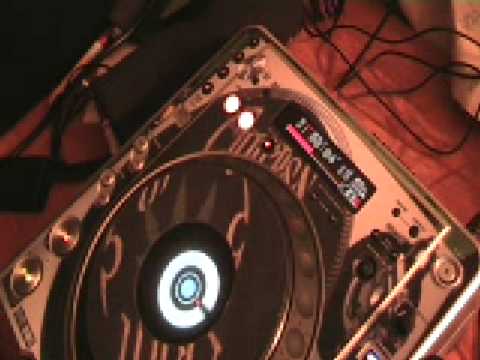
Alright folks, video number two on the Prime Loops series. Now what I've got is I've just recorded onto a CD a whole bunch of the Prime Loops tracks. Now first of all, without doing any form of loop, let's listen to the first track. That's it. So literally what we had here, we had seven seconds. Now this guy here is the Pioneer CDJ 800 Mark II. Now again, dependent of course on the track you're listening to, you can loop one beat 1, 2, 4 or 8. The reason I'm saying that is of course some tracks the beats are all over the place so if you press these buttons you may not get a perfect loop. But this guy in a sense, okay we can loop here using the in and out but also we can loop using the 1, 2, 3, 4 and 8. Press 1, we'll loop one beat. So we will hear 1, 1, 1, 1. Press 2, two beats. 1, 2, 1, 2. 4 and 8, exactly the same.
Now what I'll do this time is I'm going to press 8 without touching anything else and let's have a listen. So there you go, we've got a loop. So in essence what I could do now, and again bearing in mind this is just video number 2, what I could do, I could have another loop on the other player, beatmatch it and start having a bit of a mess around, a bit of fun. Alright, let's go to another track, let's have a look. 14. Right, what I'm going to do, I'm going to use in and out. But of course when the track starts, we will start on the in anyway, so all I've got to do is press the out. Here we go. And that'll take you to the website. Practice and enjoy.
This transcript was produced automatically from the audio of the video and may contain mistakes.





