 5:47
Random Video Demonstration on the Laserworld tarm 2.5 Full RGB Laser System
Contents of the video
0:01 What you're looking at is a laser projection from the LaserWorld Tarm
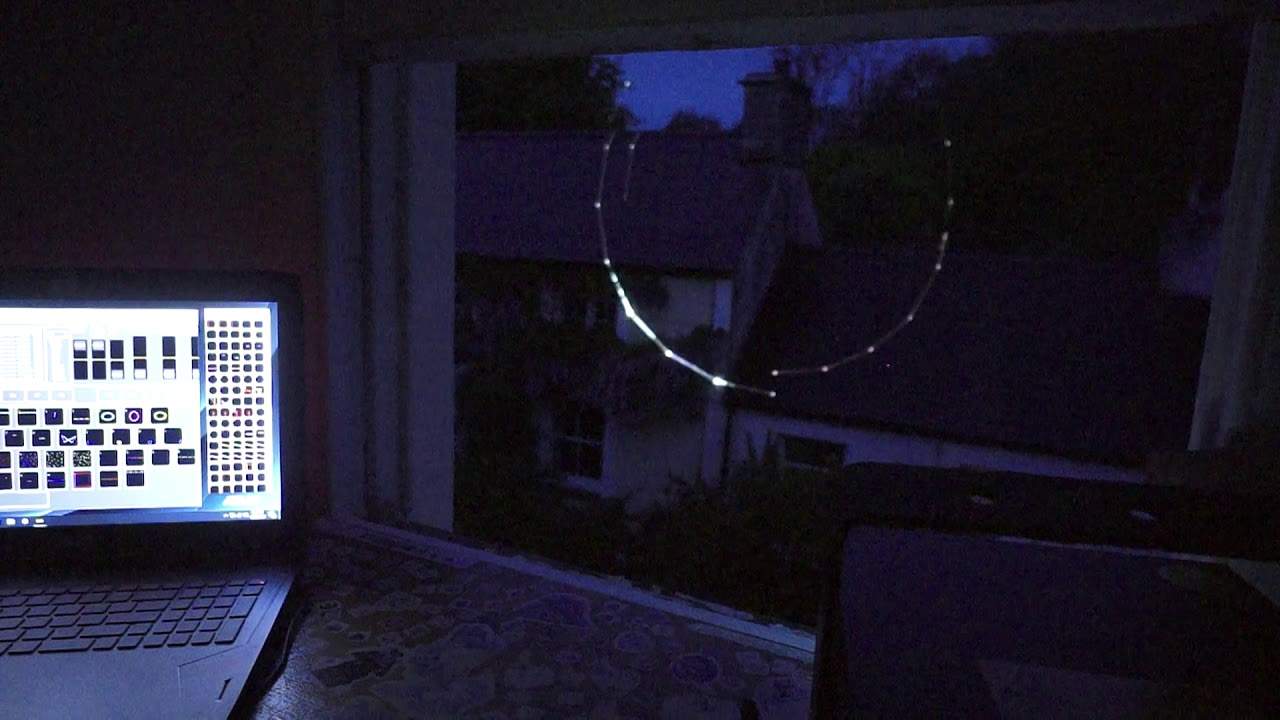
Alright ladies, a bit of a random video here. What you're looking at is a laser projection from the LaserWorld Tarm 2.5. This is a bit of a high-end laser using the ShowEditor software. You can see that on the laptop and again it's just sort of dusk so it's not completely dark. If it was, the camera probably would have... A few issues in picking up the image itself, but this will give you an idea of the quality of the image from the Tarm 2. This is Skellington. If you are getting a bit of flickering it could be because of the camera itself. Let's get a nice image. I'm just going to bring... Let's have a look, see what we've got. Let's get a nice kind of shape. There we go. Alright, so 2.5, roughly two and a half watts. And this is sort of your moderately high-end laser. Definitely not for the weak-hearted. This isn't your sound to like, cheap and cheerful. This is all singing and dancing. Now, the great feature with this laser is it's got show...
2:01 Hopefully I'm not going to annoy the neighbours
Editor, sorry, I beg your pardon, show net inside the hardware itself, inside the laser box itself. So there's no need for an external piece of hardware. So there's the laser and, sorry, there, sorry, I'm looking at it the wrong way around. There's the laser and it's actually connected just by an ILDA cable at the back. So if I just bring the camera down, there's the cable there, you can just about see it there. Hopefully I'm not going to annoy the neighbours. The software itself takes a bit of getting your head around. You can do video mapping, of course you can do text, you can bring in your own shows, you can make shows to music. So for example, say if you've got a DJ mix, you can add that mix to a timeline and then you can add effects from the laser into that timeline.
In a way, it's sort of like using, say, Ableton. You can add beats and add your drum pattern, your hi-hat, your snare. Well, it's sort of similar with this. You can add effects to parts of the track. So, for example, I could add that for, say, two bars, go into another effect, add something like that for a bar, add something like that for one bar. Something like that for another bar and so on. So, again, at the moment it's only dusk and that is quite powerful. I don't think it's on full power at the moment either. Now with any laser like this you've got to make sure that you don't scan the crowd and I believe by law you're not allowed to scan anything below or you're not allowed to actually have the laser itself.
3:27 Three meters, laser light, power
The DJ Tutor allows you to scan the crowd with a high-end laser like this. If you're going to purchase a laser of this quality and this power, don't just take it to a gig, turn it on and start scanning the crowd. You've got to make sure that you have safety zones and you can do that with software. A safety zone for example could be three metres or below and what that will allow you to do is to reduce the power of the laser so from floor level up to three meters you can have it at a certain power three meters and above then you can have it at another power also what you can do is you can have um almost like dead zones where the laser no matter what the effect is it's pushing out it will not put any form of laser light in that sort of dead zone and you have that
Simply because you may have, let's say at big events, you may have a camera crew in the corner and you don't want to subject their cameras to laser light and ruin the optics or anything like that. Alright, so you can hear it making a bit of a noise. The Tarm 2.5, there it is, it's got a bunch of fans at the bottom. Now another feature of this laser... Ellaskins, The DJ Tutor. the crossfader And that will dissipate the heat from the box above that where the laser diodes are completely in a sealed unit. So there's no chance of getting any residue or any dust inside the laser housing itself. Alright, so a bit of a small video here on the Tarm 2.5. It's from Laser World. I will be putting info in the description. Practice and enjoy. Thank you.
This transcript was produced automatically from the audio of the video and may contain mistakes.





