 10:22
Xvive M5 Wireless Mic Demo in the Welsh Country Side Bit of a Windy Day
Contents of the video
0:01 It's April 2026, the camera's wobbling and it's cold
Ladies and gentlemen, yes, it's cold. It's April 2026, the camera's wobbling and it's cold. Anyway, X-Vibe here, or from a company called X-Vibe. I have the M5, not anything like the motorway in the United Kingdom that's mostly congested. This on the other hand is a microphone. It's got nothing to do with cars. Right, so let's open it up. I know you're probably thinking, my God, it's wobbling, but yeah, it's because it's windy. I've got the camera on a stand and it's just been blown all over the place. So what do we get? We get the usual gumpf. We get information on what else is from X5. You get the destruction manual, also known as the instruction manual. I'm really sorry about that wobbling. Oh, I hate to see. I mean, I'm going to watch this later on. You get your warranty card and you get a pack of salt. Don't put this on your chips. It's silica gel. It just stops things from rusting. USB-C charged. I believe that on a full charge you get 10 hours, which is pretty good. And you get your receiver.
And of course the transmitter, which is the microphone. I'll show it to you in a bit. So very quickly, here is the receiver and it's XLR or you can plug that in and you get quarter inch jack as well. So the microphone itself, I'll take it out and we'll have a look. We're going to do something a little bit weird here in a bit. And hopefully I've got cable with me. Where is it? I've lost it. Hold on. Oh, thank God for that. I thought I nearly lost. This video should be taken for entertainment purposes only. Right, so what have we got? We've got the X-Vive M5. This is a wireless microphone and it looks a little bit like that. I'll give you a bit of spiel in a bit. 5 milliseconds of latency. It's not on 2.4, it's on 5.8 gigahertz. Now, I think the reason for that is 2.4, if you're in an event, as soon as people start bringing in their iPhones, there's a lot of interference where 5.8, you've probably got less interference.
2:44 Blue but you can choose different
I'll turn that on and then here you've got a little button and you can change channels. It's a little bit difficult to see because we're in daylight but you can go through different colours and I believe it will automatically, if you want to, it'll just go to blue but you can choose different channels. So for example if you've got multiple units you're not going to be talking over someone are you? So I'm just going to set that to, I don't know, we'll set it to yellow for now. So I'll put that on yellow The USB-C charger is a twin charger, so you can charge the mic, the transmitter and the receiver at the same time. I really do apologise about the camera waving. Windy Wales. And the microphone itself, if we have a look, we've got the USB-C input, we've got on and off there, and right at the top there's a little button there.
To go through the different channels and we have a mute button as well now what i like about the mute button is that you can't accidentally mute it so you've got to really push down to mute it so with either on or mute there you go and what we can do which i think is pretty cool is a lot of modern day microphones now you've got the option to take the capsule this is known as the capsule off So we can unscrew that. Oh no, that's the mic top. No, hold on. No, wrong one. Next one down. Next level. Unscrew that and there you go. So nice. I'm sure that's 24 karat gold. Very good. And screw that back on. So you can, if you want to, you can use a different capsule. So put that on and there you go. So I'm just going to turn that off.
5:09 Yes, I'm going to start walking away from you
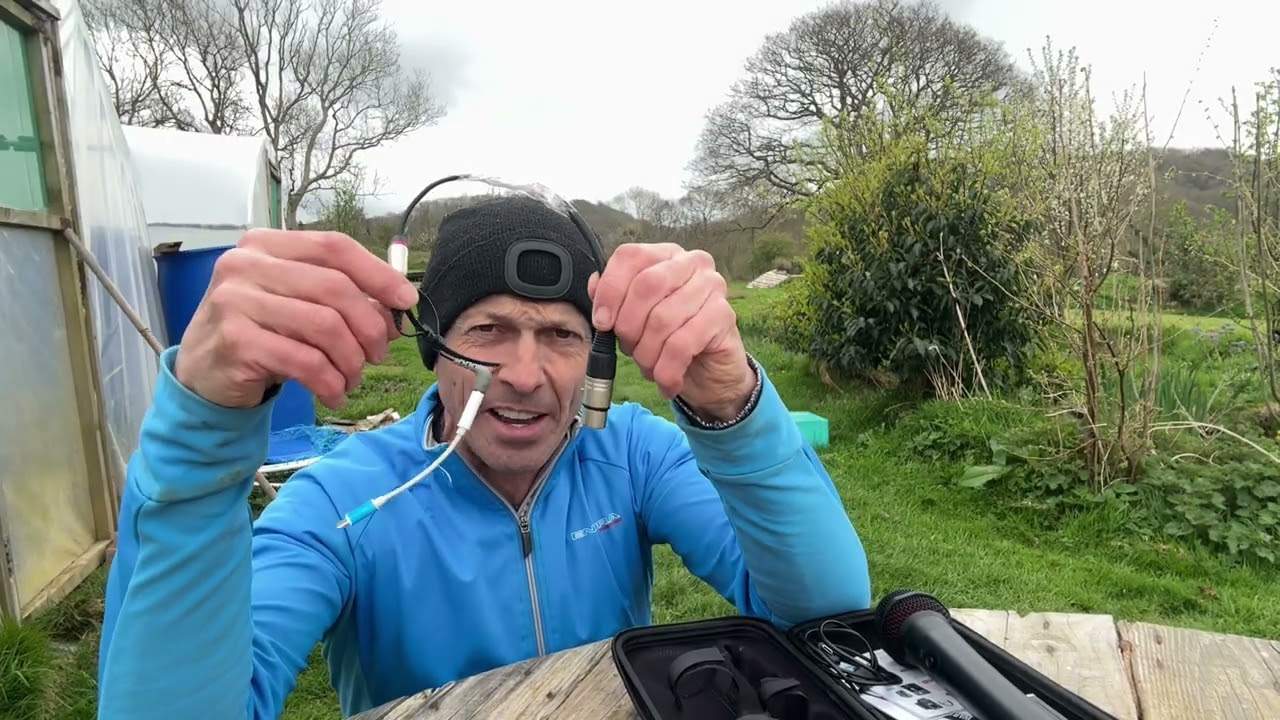
Well, hold on. It is off. It's off. Right. OK. So let's have a look at this ingenious or this contraption I've done here. Now, it's a bit like the left bone's connected to the right bone, the right bone's connected to the... Now, I'm sure some of you are going to say, yeah, but Jonathan, you can just get something from Amazon that will do the same job. But what I had to do was put together items in the house, in the kitchen and the glove box I had. Together to make do. So basically what I'm going to do in a bit is I'm going to plug this into the iPhone I'm using, that there, into the receiver which is here and hopefully you'll be able to hear me when I'm over there. Yes, I'm going to start walking away from you. Not that I don't like you but I'm just going to walk away and let's see how far we can get before you don't hear me which is probably a good idea.
So I'm going to unplug the quarter inch, I'm going to put that construction into there and I'm going to make sure it's on so power is on. I'm on yellow so let's have a look so make sure that's on there and I'm on yellow there and now what I'm going to do is i'm going to stop the camera i'm going to plug this in and hopefully you'll be able to hear me fingers crossed i will do a check first because i don't really want to start talking in the mic go all the way home only to find that i haven't recorded the motion stop being windy please for a bit hopefully i haven't you know cocked up the most important part of the video only to have to come back here again because my hands are freezing right so hold on
Mary had a little lamb, she also had a duck. She used to love to play with her little lamb but she preferred to play tiddlywinks. Right, so it does work. Now what I'm going to do is walk in that direction away from you and just walk and talk and let's see what it sounds like while I'm sort of in that direction. Now apparently it will do 100 feet which is sort of over there. So I'm going to walk away And let's see what it sounds like. So, right, pulse the camera again, plug it in and I'm just going to start waffling about stuff, about life, the important things of like cheese and clouds and fluff that comes out your belly button and just stuff like that really. Right then, yes, I know I keep on going on about it but it is cold. It's six channel.
7:42 24-bit and 48 kilohertz
24-bit and 48 kilohertz. So I'm going to walk like this and still talk to you. I'm going to check behind me so I don't walk into anything. And at the moment now, I would say I'm at least 20 feet away. And I carry on going, carry on going. And I'm now about 30 feet. I can start falling over things here. I'm now about 40 feet. And I'm now heading towards... The potato patch, where there's one potato, two potato, three potato, four, five, oh you know that one. Okay and there's one growing over there as well. I'm now past the couple of trees, past the weed patch, and I would say at least minimum 60 feet if not more. The Raspberry Canes. There you go and I'm going to walk forward now, carry on talking and yes hopefully you're getting good audio signal here and also again like I said it is a bit windy and I haven't got any sort of wind defender on the top of the mic so it's a good idea to check afterwards to see if we've got any sound from the wind. Now on the top of the mic as well you can see that
Flat areas so that's there so when you put it down it doesn't roll about so there you are ladies and gentlemen this is my random video outside in the spring in wales on the x5 m5 nothing to do with the m5 motorway but when you talk in this and you plug it into an amplifier it will be very loud in fact the only similarity between The M5 motorway in the M5 microphone is when you plug this into a big PA, it's very loud. If you stand next to the M5 at rush hour, it's very loud. Thank you for watching and as usual, practice and enjoy. By the way, if you do have one of these or you're interested, chuck something in a comment. I will put a link in the description where you can get more info. On the M5. Thank you for watching and I have said it already, but I always try and finish off with practice. I'm going to go and have a drink and enjoy. Thank you.
This transcript was produced automatically from the audio of the video and may contain mistakes.





