 5:27
Basic Look at Pioneer DJ Wedj Softwaer Effects and the DDJ--200
Contents of the video
0:00 You've got in front of you the Pioneer DDJ-200
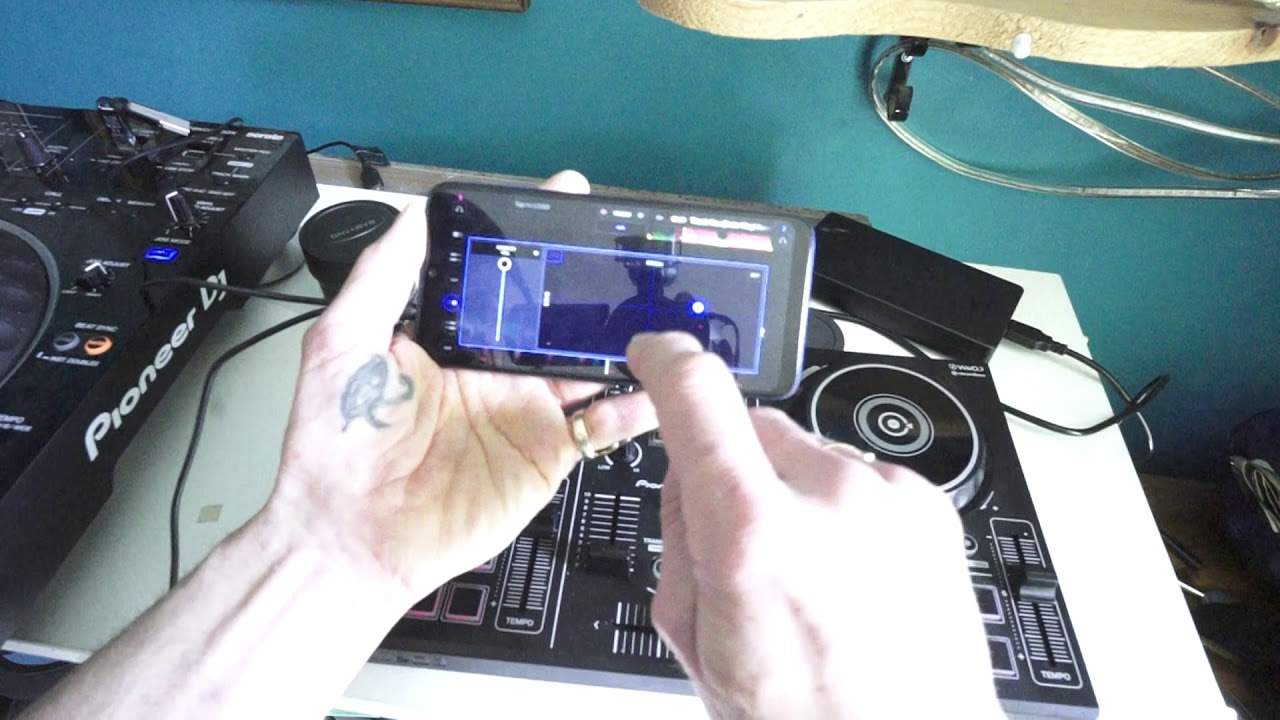
Right, you've got in front of you the Pioneer DDJ-200. It is their entry level controller and to be quite honest, you don't need much. You need your phone, maybe a battery pack, the controller, a little speaker and away you go. Just for this demonstration, I'm going from the cable that's supplied out of the phone and I'm going actually into next to it, one of the big brothers, the XZ into the mic inputs just for the audio. Track I'm going to be using is from Karmic Power Records. Thank you Emily Vinyl Remix, DJ Billy Brown and Lady S. Right, so from Karmic Power Records, there will be a link in the description. I'm using we DJ and I've loaded that track now on the right hand side So the DDJ-200 is Pioneer's entry level controller. It is relatively simple
It's very similar to the high end jog wheel cue play pause pitch beat sync performance pads your up fader your crossfade headphone So you can if you want to you can monitor one side while the other ones playing Your channel effects dial low mid and high and so on. So very similar but Because there's no internal sound card a lot of that is being done by your phone It's Android or iOS at the moment. I'm using an Android phone. So let's press play
1:33 Effect, pressed icon, change
Excuse me. Okay, so Let's have a look here now I've just pressed an icon on the left and what I can do I can change the Channel I can change the effects so I can go from filter jet crush noise or pitch at the moment on pitch So go back Now then I pressed another icon and what we've got now is a small box We can see pitch we can hold we can edit and we've got echo over there Now if I put my finger anywhere around this area, I can change the parameter and sound of that effect Have a listen By pressing hold wherever I leave that effect. That's where it will stay but that's a bit too much Okay, so again with effects an effect is meant for an effect It's not meant to overpower your mix over power the track. Otherwise, it's gonna sound terrible
So let's turn the sample volume down a bit Let's maybe go to Let's have a look. What can we try? Let's try jet jets are very good one actually It's it's very subtle but gives that nice kind of airy effect. We're all crushed break a button. Let's get a jet. Sorry Where are we jets now? We're on jet. Here we go
3:19 Software itself on the phone
I like that. I like that effect Okay, so if we have a look at the software itself on the phone, it is relatively simple to use So let's say for example now I want to find another track and I want to load it to the other deck now I'm going to tap At the top of the screen on the other side and the sides correspond as well to the DDJ 200 Let's have a look. Let's do another Lenny Fontana tune space walker I've got a choice here. So we just go with the first one now that's loaded up No mixing or anything like that here This is a demonstration bring the volume down the crossfade at the moment is on the left hand side So when I press play and if you're pressing play And you can see the wave format and you're thinking what's going on. I can't hear anything
That's very likely because you need to move your crossfade over There we go Okay So exactly the same now I can add an effect to this if I want to all right a very simple sort of video here Showing you some of the functions of the Wii DJ app in conjunction with the DDJ 200 now if you are interested there will be a link to the pioneer DJ website for the DDJ 200 in the description of the video Also to Karmic Power Records a big shout. Thank you to Mr Lenny Fontana for letting me use his tunes and also I'll just show you lastly as well Once you've played a track it will analyze it for you You can let the software analyze all the tracks But we can see here the time the BPM and also the key of the track as well
This is G major and a little sideline here If you want to uplift vibe and energy in a room Play major tunes in the major key keys and the crowd will go barmy All right. Thank you very much for watching practice and enjoy. Thank you
This transcript was produced automatically from the audio of the video and may contain mistakes.










