 2:10
DENON DN-S1200, How to plug in a flash drive
Contents of the video
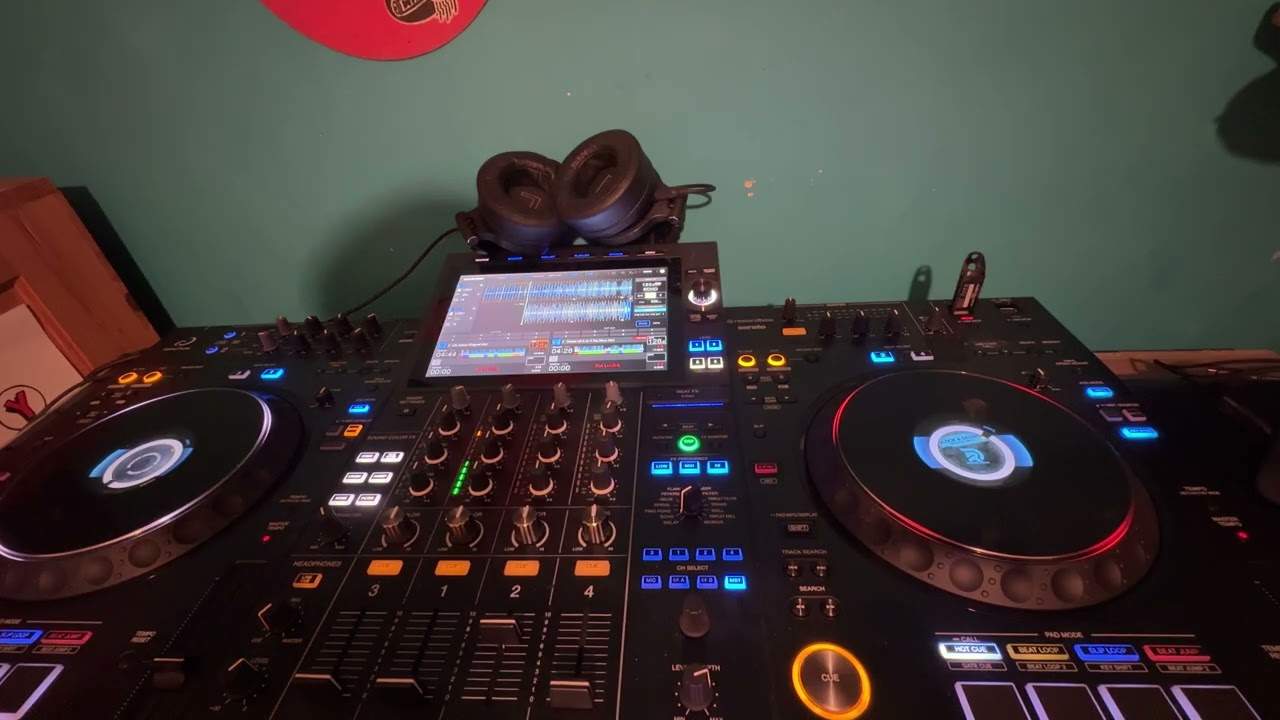
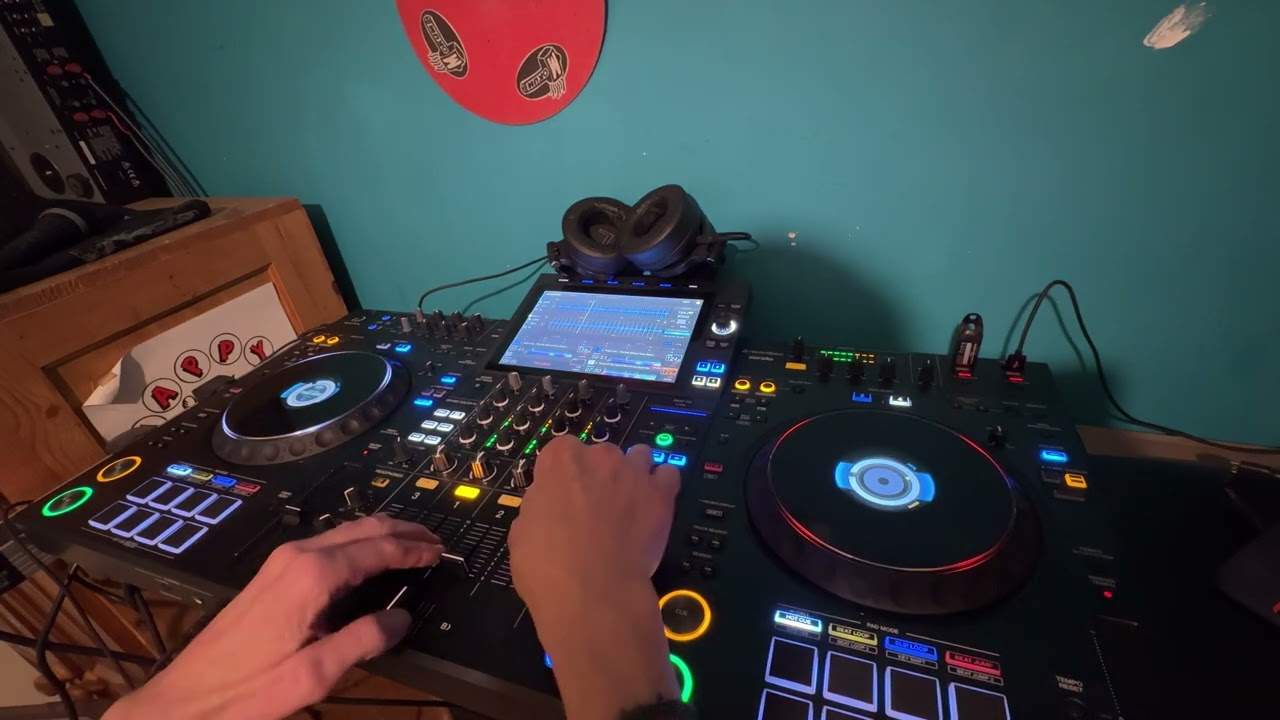
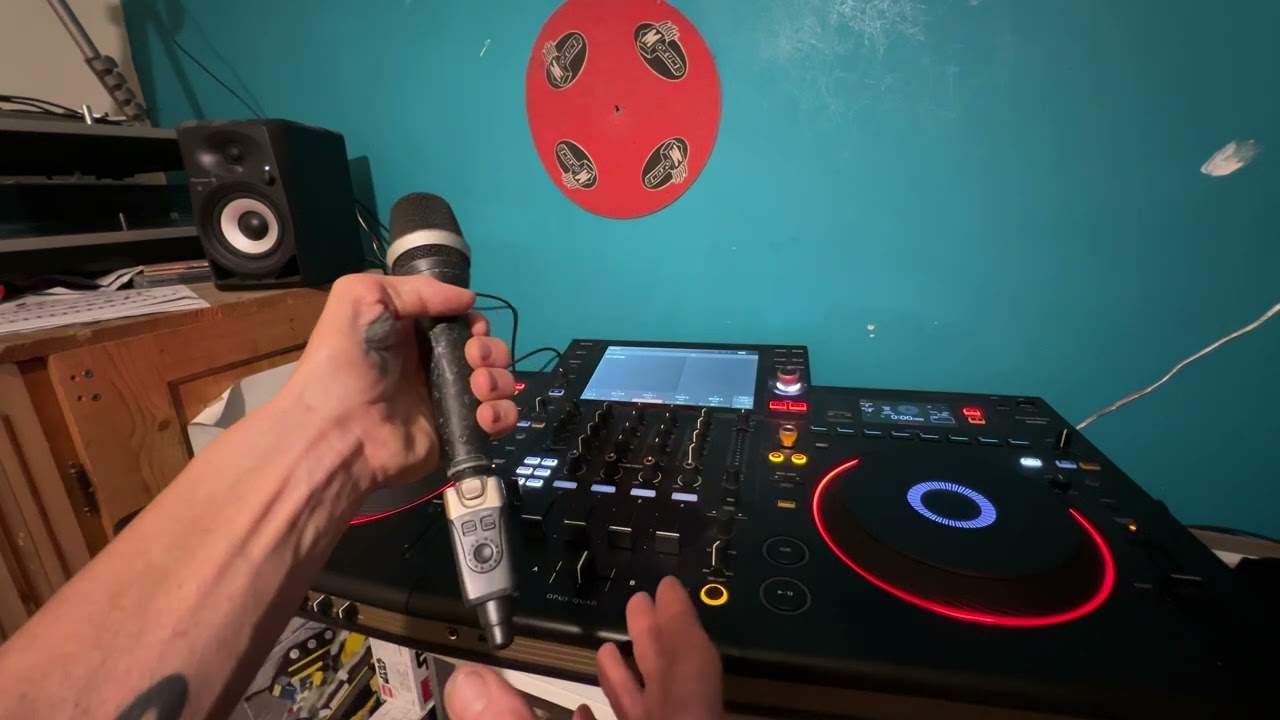
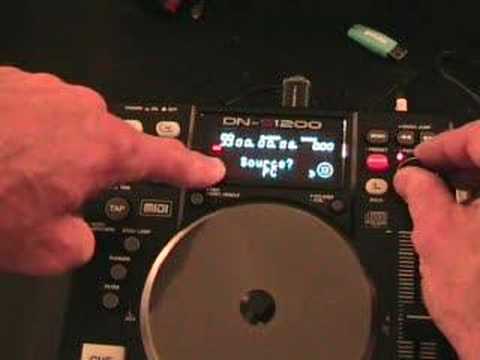
Alright folks, quick demonstration stroke tutorial for you on this guy here. It's from a company called Denon and it's known as the DNS1200. In this video I'm going to show you how to plug this guy in. That's known as a flash drive. Just to let you know this piece of kit isn't compatible with USB hubs, it's fine with external USB hard drives, also fine with the likes of USB portable MP3 players and that guy which is what we're going to look at now, it's a flash drive. Alright, what I'll do, I'll just wangle it around and we'll have a look at the back. That is where we'll put in the USB flash drive. So what I'm going to do now is just put that in there, like that. It's as simple as that. Okay, what I'm going to do now is I'm going to press source. Source cancel, that's what you'll see. What you can do then with the parameters dial...
You can move this clockwise or anti-clockwise and you'll go through PC, USB. What we're going to go to is USB. Press down. Now what's happened is we're now looking at the music inside this USB flash drive. So we can go from artist, album, title, genre. Basically we can go through any files we've got on the USB there. So what I'm going to do, I'm going to go to genre, press down. And then I've got all the genres, so again I can scroll through. I'm going to go to, let's have a look, we'll go to Rhythmatic Soul. So I'm going to press down, a track here nice and slow, I'm going to press down, and if we look here, we're ready and cued up. Press play, there you go. A quick insight into how to use one of these guys, the flash drive.
Don't forget as well, it's very important always to read the manual and just take these particular videos as you know maybe a tiny bit of advice. Practice and enjoy!
This transcript was produced automatically from the audio of the video and may contain mistakes.