 4:08
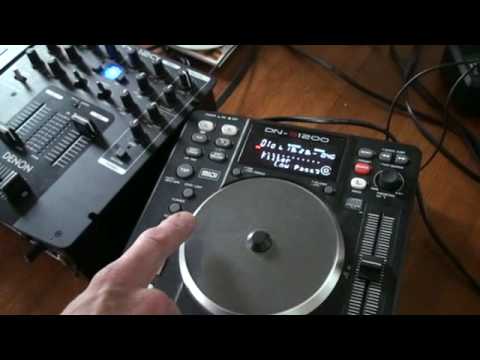
DENON DN-S1200 Tutorial on low, mid high filters
Contents of the video
0:01 Another demo stroke tutorial on this guy from Denon, it's known as the
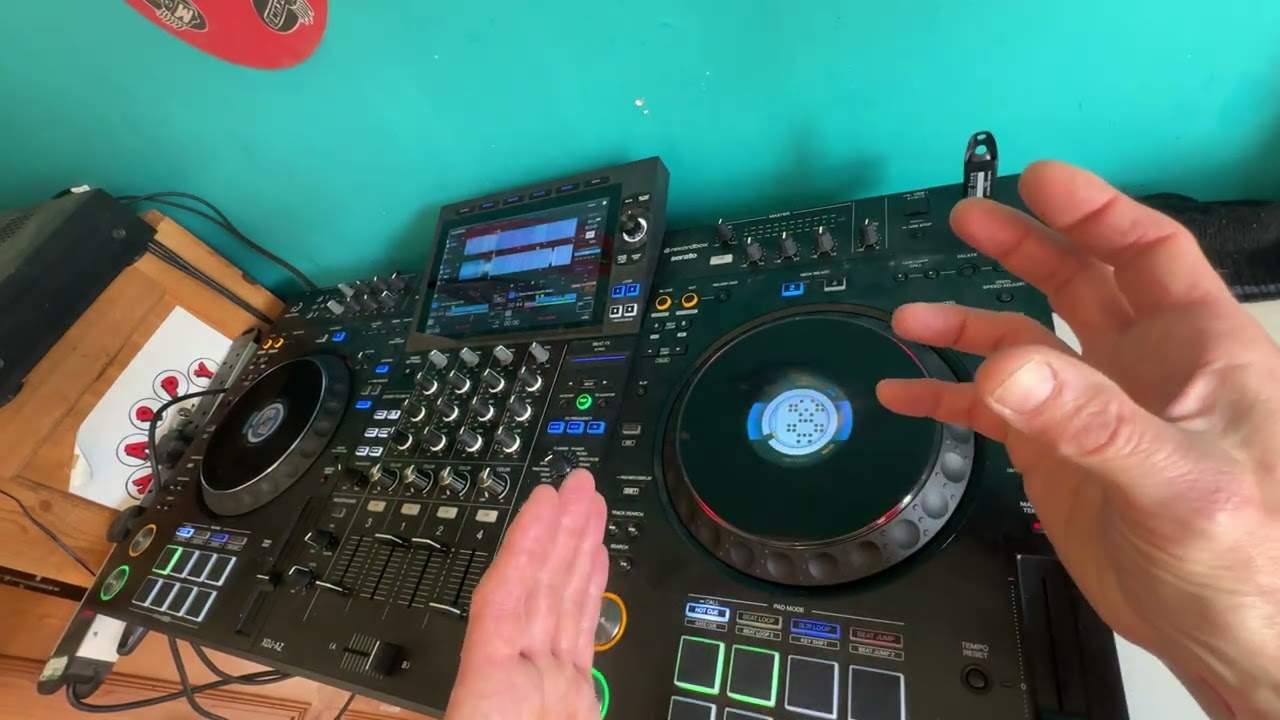
Alright folks, another demo stroke tutorial on this guy from Denon, it's known as the DNS1200. Now in this video what I'm going to do is similar to another video I did where I showed you how to use the low pass filter in conjunction with let's say counting bars. Now instead of doing another one on the mid and another one on the high, in other words exactly the same videos, I'm going to do one on the mid and the high, also incorporate the low pass filter Now, I'm going to be using a track by Enzyme Black entitled Take It and I will put a link in the description to the relevant page where you can get more information on this particular track and a whole heap of other good, solid, soulful house music. So let's start the tune. At the moment we're on low-pass filter. What I'm going to do is use the parameters and go through to mid-pass. Put my fingernail on here which is the platter
Counting the bars, I'm going to start to move the mid-pass as follows. One, two, three, four. One, two, one, two, three, four. One, two, three, four. One, two, three, four. One, two, three, four. One, two, three, four. I'm going to leave that there now. What I'm going to do is move the parameters and go to the high.
1:41 One, two, three, four
All of a sudden now, we've got all that sound back in and I can do exactly the same for high pass. One, two, three, four. One, two, three, four. One, three, four. One, two, three, four. One, two, three, four. One, two, three, four. One, two, three, four. One, two, three, four. Now have a listen. Use the parameters. So we've only got high. Only low. Click it one more time. We've got everything in, but we're on low pass. Now what I can do now, I can say just have half of the low pass filter. 1, 2, 3, 1, 2, 3, 1, 2, 1, 2, into high, 1, 2, 3, 4, mid, 2, 3, 4, mid, 2, 3, 4, bass, 2, more low, 2, 3, 4, bring it out, 2, 3, 4, 1, 2, 3, 4, 2, 3, 4, 1. Vocals. Vocals is mainly mid. Let's bring in just the vocals.
And now if we have a look using the parameters, we're back into the whole track. We're not using any of the filter at all and to completely disengage the filter I press this guy here again. That's it. Off the filter now. A quick demo on this guy here. Don't forget to get more info on this tune through my all time classes.
Enjoy and a big, big shout out to Danny J. Lewis and Noel Black. Thank you very much.
This transcript was produced automatically from the audio of the video and may contain mistakes.