 10:01
DJ Lesson Complete Break Down on Constructing a Mix BY DJ Tutor Aka Ellaskins Part 2
Contents of the video
0:00 Of my tutorial explaining a mix
Alright guys, second part of my tutorial explaining a mix and breaking it down. Two tunes I'm using are from the dance releases from CDPool March 2014. On the left hand side track 10 Katy Perry Dark Horse from disc number 1. On the right hand side it's track number 5 from disc 2 which is Tubenberg featuring Juliet Sikoa. Come on now. So what I've done is I've set two cue points. I'm going to mix track 5 into track 10 and both mixes are going to be a little of the way through the tracks to try and form a better mix that you would normally hear let's say if you just mix the end of one track into the beginning of the other. So I'll show you, I'll play you the point at which I'm going to mix track 5 into track 10 and it starts here.
To give you an idea of the time as well, I'm starting to mix track 5 in at 1 minute and 3 seconds. And then the Katy Perry which is here, I'm starting to mix this one in at 2 minutes and 24 or 23 seconds. Or 22 minutes and 21 seconds. I'm just going to press the count down timer now. So instead of counting up we're counting down. Okay so that's all well and good. The transition itself will last a little bit longer. It will last for I think about 18, 8 or 16 bars. And I'm going to finish off the transition with an echo on the Katy Perry. I'm also going to reduce the bass on the Katy Perry as soon as the mix starts because I want to emphasise the bass on the other track coming in. So what I need to do as well is instead of prior to this starting this mix set cue points and bringing the mix in straight away.
2:31 Beats, bars, phrases etc so they're perfectly in time
Because some people like to beat match it first on the head first. What I need to do is count back a little bit. So of course what I need to do is count back on this track and then also count back on this track. And I'm counting back in bars. So if I start them at say this point here, I need to make sure that this one here mixing into the Katy Perry. So this is this track and this is the Katy Perry. I need to make sure that I start them at the right time. So while I'm matching. I'm matching them beat wise through the headphones. When the mix starts which is here, they are in time. Beats, bars, phrases etc so they're perfectly in time. So what I'm going to do is go to point C. Now again with a lot of CDJs and all PC programs you've got a reference.
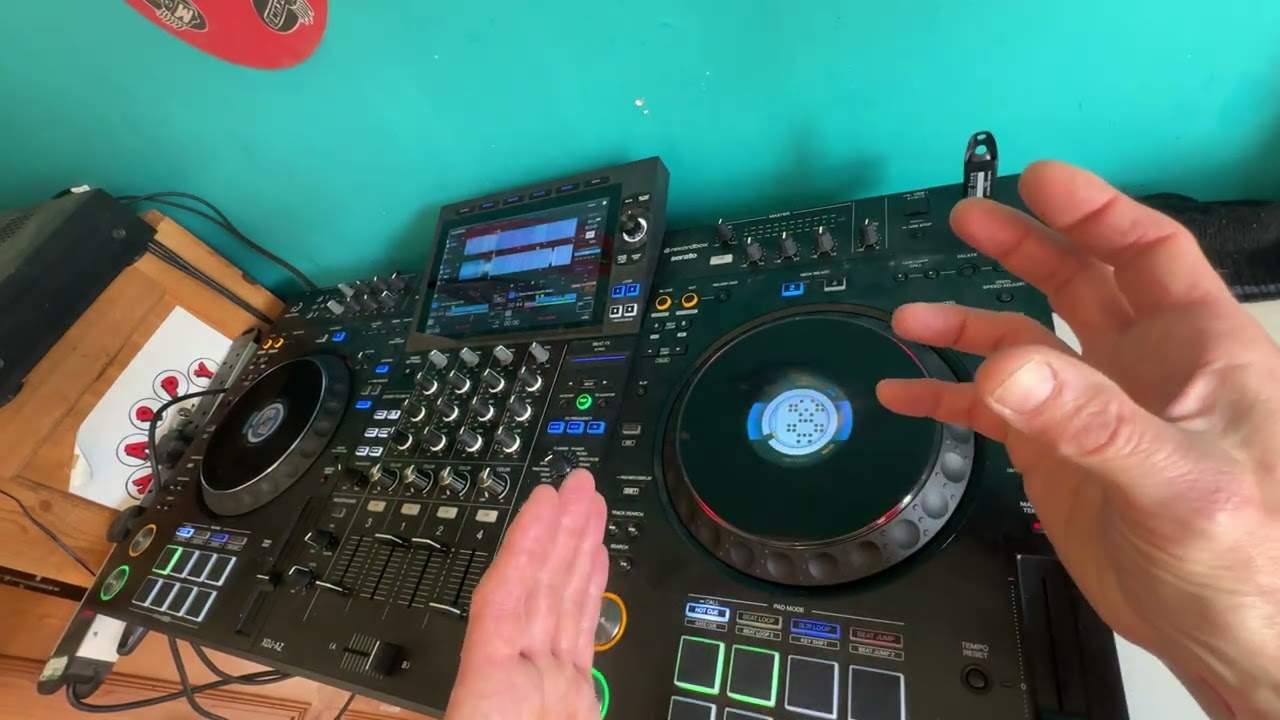
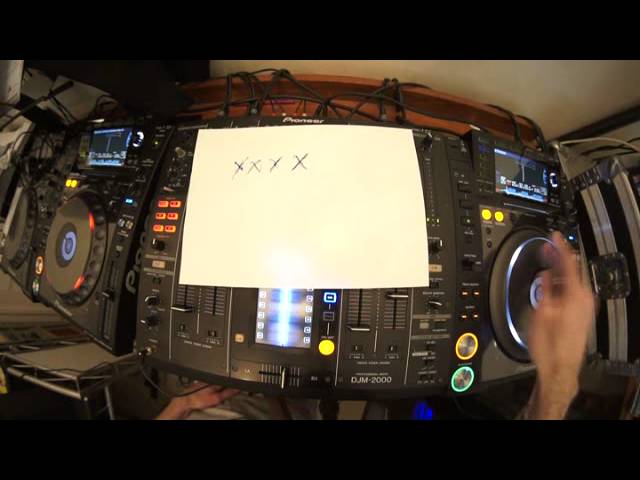
You can see the construction of the track. If you look here we've got sort of a wave format. So what I'm going to do, I've got a break there just before that point. I'm going to go to the beginning of that break and count the bars. And what I'll do, I'll do a reference here. I'll put some crosses. So if we go back a little bit. One, two, three, four. One, two, three, four. One, two, three, four. One, two, three, four. Okay so we've got four bars. Now that for me is... probably going to be enough. I've got four bars so what I'm going to do now is I'm going to now from the point where I want to bring the next track in, which is here, I'm going to count back four bars. I reckon it's sort of there. One, two, three, four.
One, two, three, four. One, two, three, four. One, two, three, four. There you go. Alright so what I've done now is I've set with this track here, I've set two cue points. The one cue point is where the mix will come in. The other one is really the cue point I need to... hot cue sorry, I need to make note of. That's the important one because that's where I'm going to bring this track into the Katy Perry. Now I can see on this track, I can see how the wave format is made and I can see there's a bit of a dip there so at that dip, the beginning of the dip, is the point which I will start B.
4:48 I'll start B there
So I'll start B there. Volume will be down though so I'll be listening to this on my headphones and then as soon as we get to point C which is four bars, I'll count those four bars and I can bring this in, this track in and at the same time I bring it in I'm going to reduce the bass, increase the mid a little bit and then what I'm going to do as well is I'm going to add some echo. To finish off the Katy Perry track. Now, the echo can be, I can keep, sorry I'll start again. What I need to do is make sure the echo is in time with the Katy Perry so I can do this at any time during the Katy Perry track by just tapping here in time with the Katy Perry track so for example, let's imagine we're listening to the Katy Perry. I'm even doing this on my headphones now
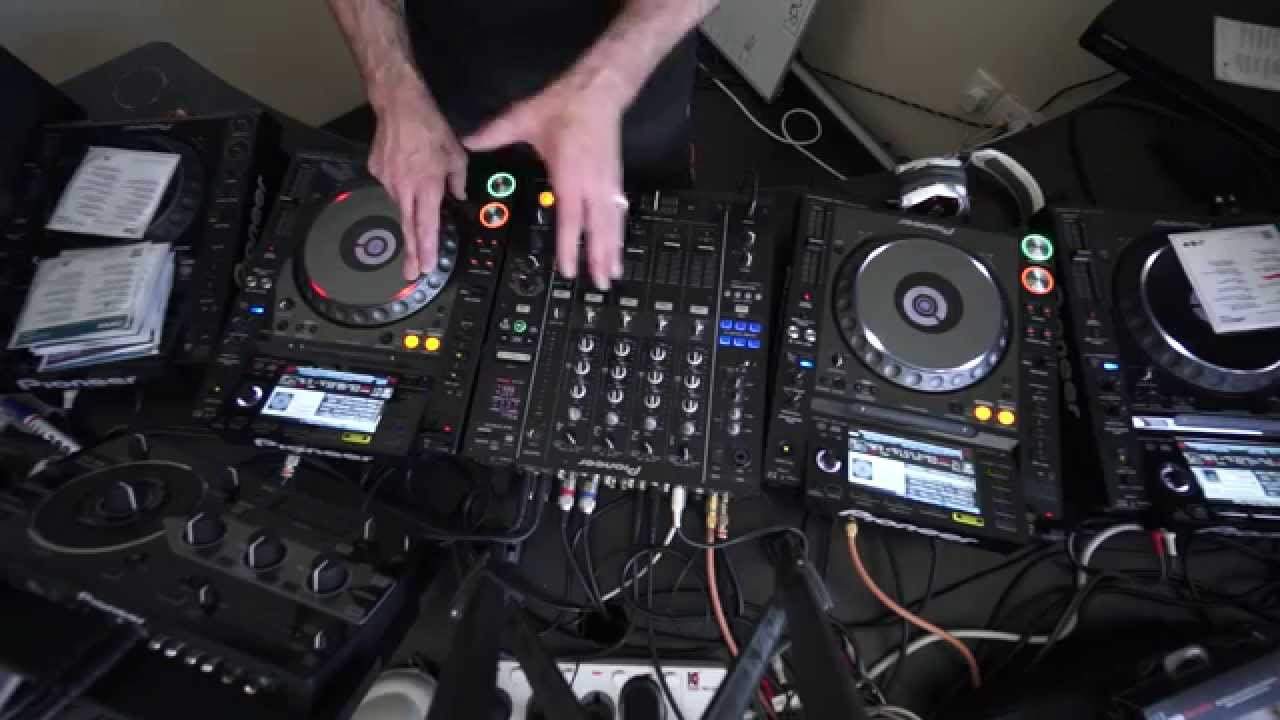
So I'm going to do that. So for example, say I'm doing it on my headphones. There you go. I've now got a reference of the actual timing. What I've done, I've made sure that the timing is now internally set inside the mixer and what I want to do is I want to do three quarter echo. I want to give it a bit of depth instead of just half or one over one or a quarter or an eighth. Quarter and eighth would be too much. Three quarters gives the echo a little bit more depth. I'm now going to press number two on the mixer here. This is the DJM 2000. The reason I'm pressing number two is because I only want the echo to be on channel two, not one, not three, not four, not mic, not A, not B and definitely not master. So what I'm going to do now
Is I'll get my headphones ready and I'll try and talk you through the mix as well so I'll just cue that up so all I need to do really is when I get to the point here I need to press B and that will give me time to beat match it. Remember, bass down a bit more mid bring this up as soon as we get to the point where I want to mix it in be bass down mid up a bit add it on trans I didn't want it on trans did I? I wanted it on echo so right I'm going to do that mix again alright I'm not going to edit this this is how it is really no point pretending you'll get it wrong sometimes yeah, ok so I'll set it from there here we go
Remember I'm going to hit B again see I should have noticed that
Get ready to bring it in that's been a help don't forget if you want to ask questions in the comments I'll do my best to answer and also don't forget to check out the link in the description it will take you to the cdpool website ok practice and enjoy thanks
This transcript was produced automatically from the audio of the video and may contain mistakes.