 6:26
DJ Lesson on Adding a Loop to Enhance the Mix
Contents of the video
0:00 The two tracks that I'm playing, I'll put names in the description
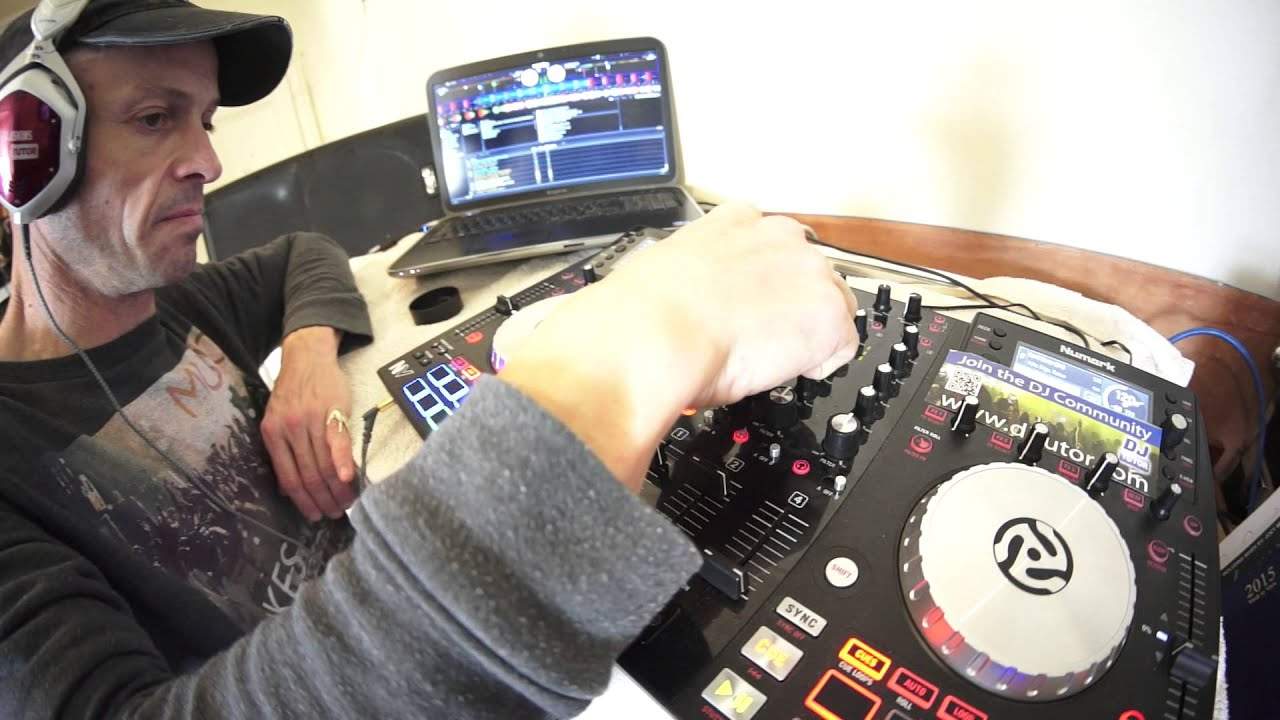
Alright guys, in this video we're using the Newmark NV. The two tracks that I'm playing, I'll put names in the description. I'll also put a link to the Newmark website where you can get a lot more info on the Newmark NV. So let's imagine now that we've played a track on this side and the track on the other side is now playing. What I'm about to show you, you will be doing on your headphones. So bring the volume down. Let's just bring that one back slightly. I'm going to always bear in mind timing, so we'd have played this one, we'd have brought that one in, the mix. A mix would have been however long, 4, 8, 16 bars. That one's playing now happily, it's about a quarter of the way through, so we're in real time mode now. What you're about to hear, you'll be hearing normally on your headphones, so that's playing there. Just press play on here. To cue, we're on cue, so what I'm going to do is go to...
1:28 I'm mixing this in now in time on my headphones
The point at the beginning of the track. I'm going to get rid of that cue point so we're starting off from scratch. I'm going to set a cue point which is there. I can see my wave format, bang, got my cue point, there it is. Alright, so I'm happy with that now. That's the most important part, setting a cue point at the beginning and or end of a phrase. So, play there. Now I'm going to go to press auto and bring the volume down. What I want to do now is I want to set a roll, so press play. So I'm mixing this in now in time on my headphones. Okay, so I'm going to cue that up so I've got my roll now. So all I need to do is bring it in at the right time. Our roll. Now, I can have a lot of fun with that. I can mess around and do whatever I want to do with it. I could do more rolls as well if I wanted to but not for this demonstration. So, this is still playing. Let's imagine we're skipping forward a little bit so I'll bring it to sort of about here. Now all I need to do now is press cues and now I bring my cue point in at the beginning and or end of a phrase and I say and or end because
The beginning of a phrase is at the end of the previous phrase, which is pretty much back there. But we've also got this bassline going on now. If I'd have really known this track well, I would know when the bassline finishes. So let's just... Okay, the bassline doesn't finish. Perhaps I'll start it when we stop having that slight vocal in the background, which is about there. Now also, what I forgot to say, which is... Which is really important actually, I actually forgot to say this, is while the roll is playing what you need to do is you need to make sure that you press that button again to come out of the roll otherwise it'll carry on playing. So do apologise if you could like just rewind that a little bit. So you know you're having a mess around, you're playing your roll, you've had enough of the roll, press that button again and that will get rid of that roll. Then go to cue and then we're ready to cue up. Sorry about that.
4:56 Press point
There you go, there you go. Okay so I've got to say yeah again once you're in the roll you press that button again to get out of the roll and then of course it's just a question of waiting for the right point where you want to bring the track in of course you set your cue point press that and then away you go and if you're a bit again what i do sometimes you'll notice i press the cue point a few times that's because you know if you're not sure If you're not sure about where to bring the cue point in, so long as you carry on pressing it at the point where it's definitely supposed to come in. If you don't press it again but you press it at that point where it will come in then it will play at the cue point and carry on playing so it will be in time. But again it's about practice and enjoy. Thank you very much.
This transcript was produced automatically from the audio of the video and may contain mistakes.










