 3:44
DJ Mixing help. Get a head phone 4 way amplifier
Contents of the video
0:00 All they need to do is bring some headphones
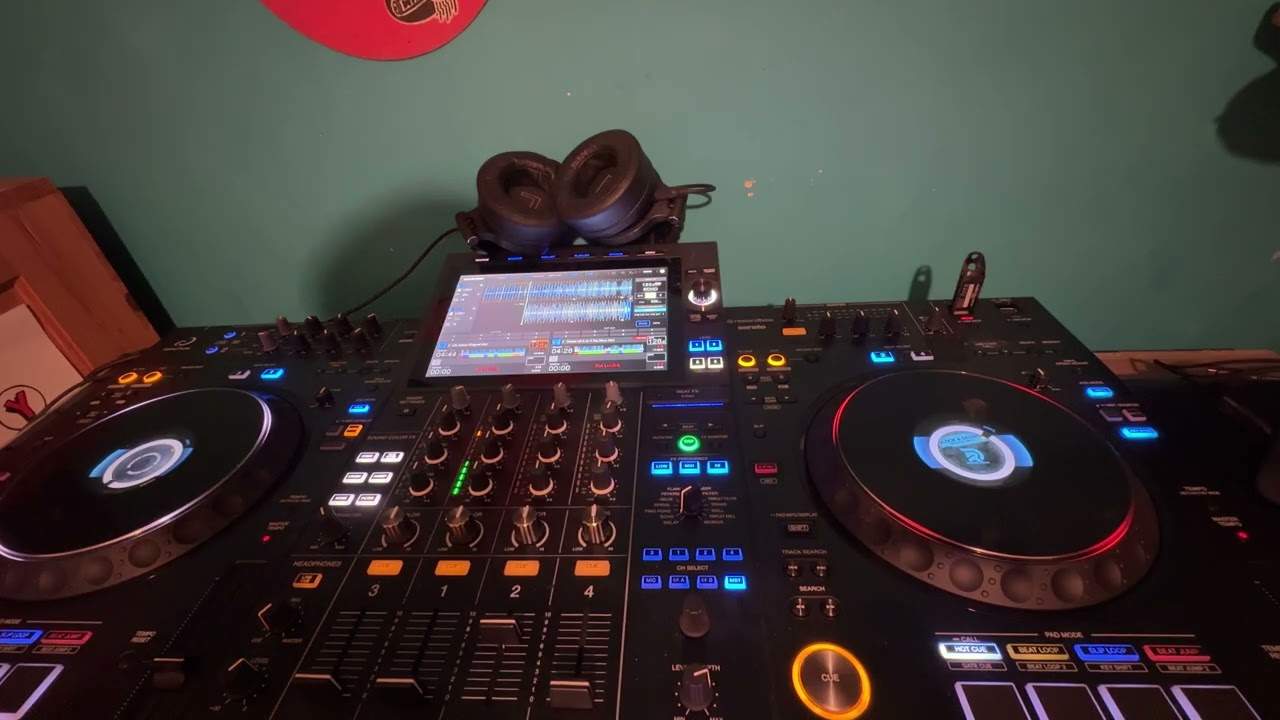
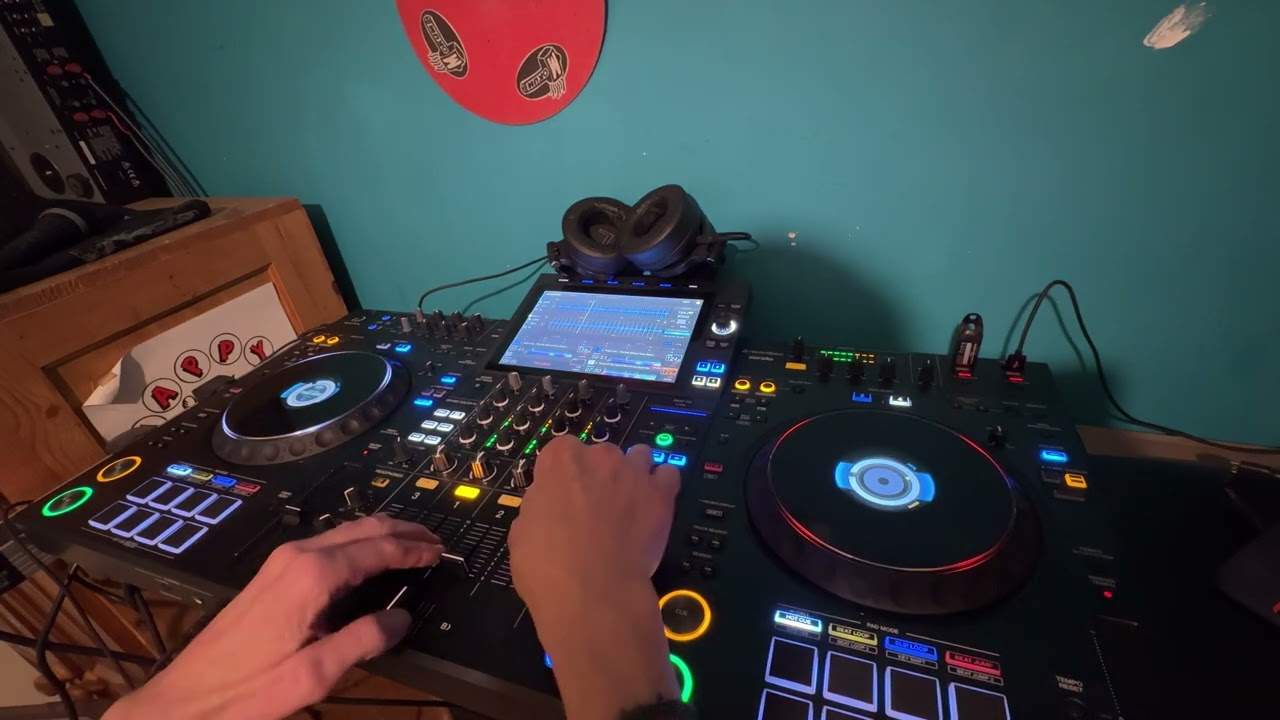
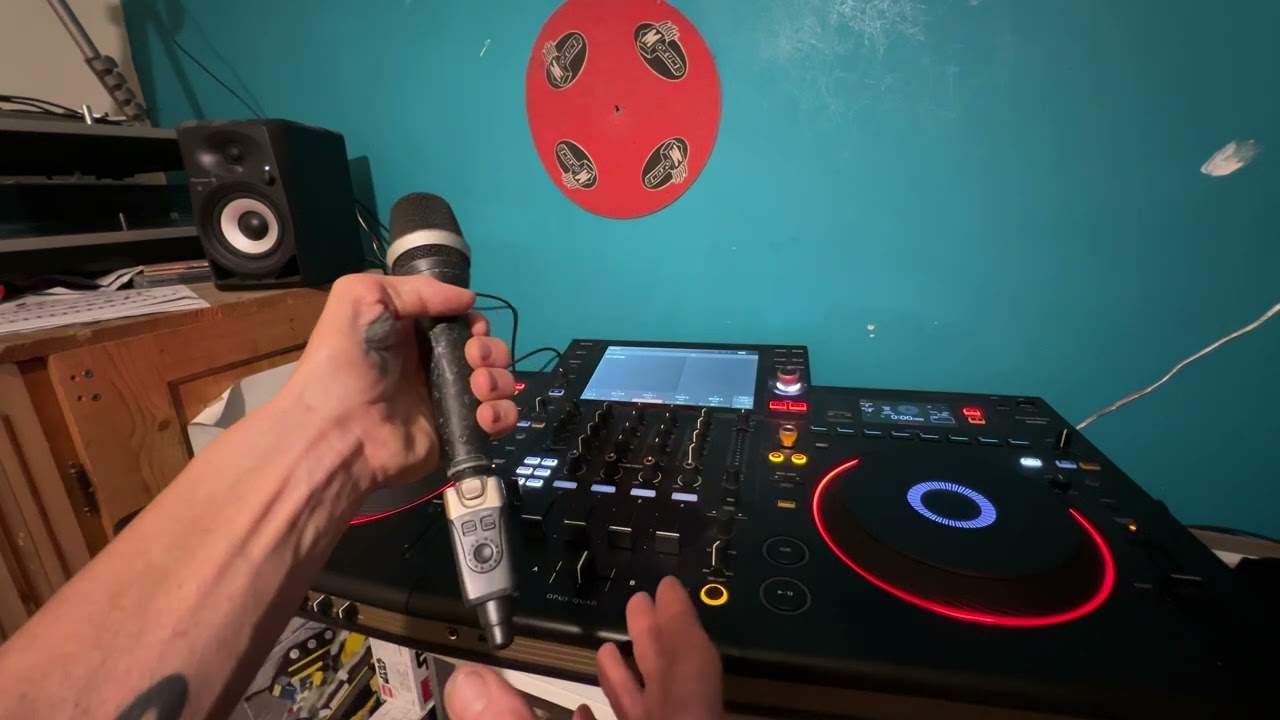
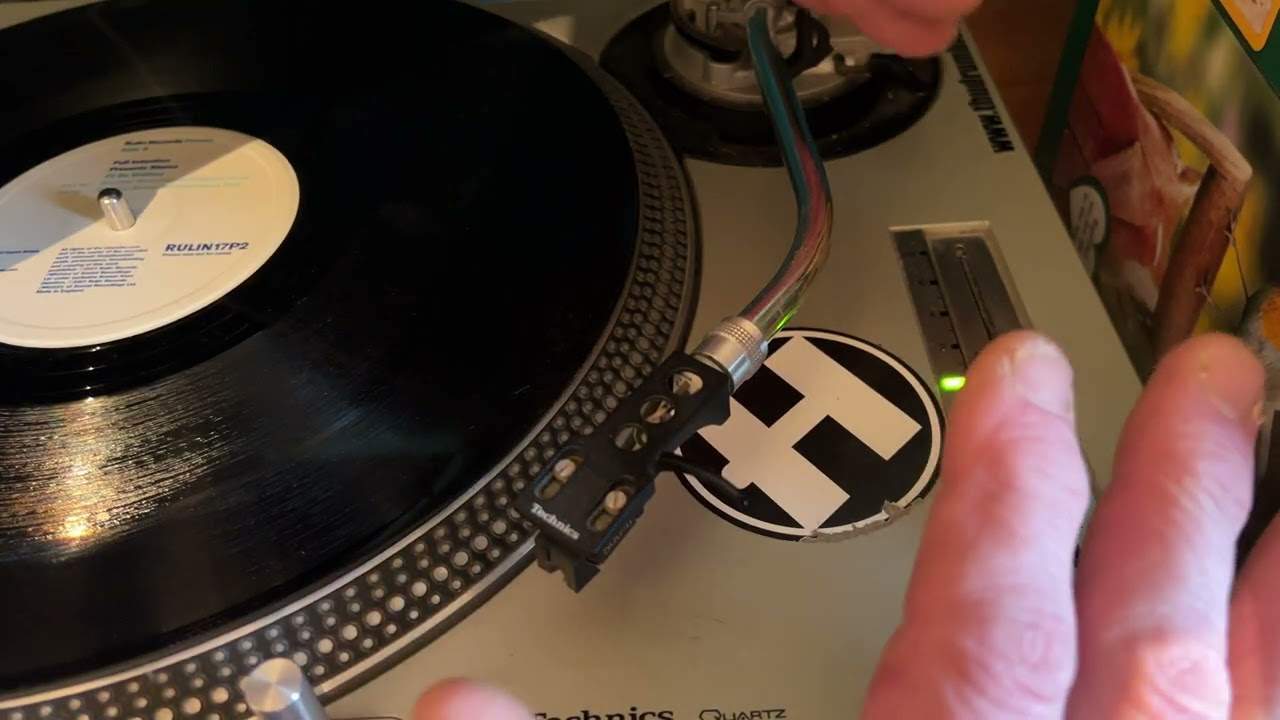
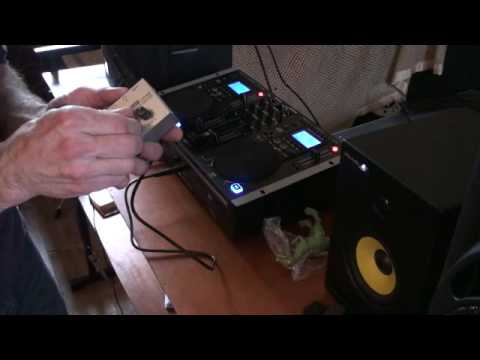
Alright folks, that's all well and good, me and quite a few other people out there teaching you how to mix and how to do sort of DJ stuff, but why don't you give it a go as well. Now let's say for example you're stuck in your bedroom and you get a whole bunch of mates around and they say, how do you do that? Well, all they need to do is bring some headphones. Now, in a couple of videos I've shown you how you can use an external monitor plugged into your headphone socket so you can physically hear what you're cueing up. But let's say, for example, the people in the room want to hear what you're cueing up but through their own headphones. Well, how do you do it? Now, with that guy there, it's a Gemini 3600. It has got two headphone outputs. But of course, most mixers have only got one. Now, you can use something like this. Where's it gone? There it is. Right. You can lose something like that. So you can at least get two sets of headphones, but that's only two. What do you do if you want more? Right. Well, I got this off eBay.
1:28 On the top, 1, 2, 3, 4 outputs
There you go. Now, it's known as an ultra-compact four-channel stereo headphone amplifier. Try saying that after about 15 pints of Guinness. The model is HA400. There you go. That is it in its glory. All right, so what does it look like? Just kidding. Right, that is it. There you go. Right, now then, if I just move the camera so I can see what I'm doing. Right, what we've got is we've got power in. It comes with a power supply. And you've got input there. And then you have 1, 2, 3, 4 dials. On the top, 1, 2, 3, 4 outputs. Very important. Input there and outputs. So, what you will need as well, now bearing in mind that is a mono jack-to-jack, you will need a stereo jack-to-jack because of course logically your headphones are stereo.
2:24 The beauty about this is you've got different volume controls
So what you'll do, just imagine that's a stereo one. You'll go out of your headphone like so. You'll go then into the input on that unit like that. Now prior to turning things on make sure all levels are down, make sure you haven't got any headphones plugged in and make sure your auntie's in another room. Right, what you need to do then is power, put the power in and there you go, little light shining. Okay, so if I put that there, and what I'm going to do as well, this is quite important, alright? Make sure that the headphone volume on your mixer is not high at all, okay? Put it initially, to begin with, say put it about a quarter of the way up, because eventually you'll get a good idea of how high or how low you want the sound to be. And then all you need to do is you can plug your headphones in, say to number four, like that.
And all your mates, the other three of them, can plug them in to 3, 2 and 1. Now the beauty about this is you've got different volume controls. So even though you've got the volume control set on your mixer, you and all your mates can set their volumes according to how loud they want it. So if I press play here, on there, and just make sure that's up. If we have a listen, if I just put the headphones near to the speaker and put that there. Right, turn it up. There you go. So basically now, four of you can listen while you're doing a mix. Practice and enjoy. Here we go.
This transcript was produced automatically from the audio of the video and may contain mistakes.