 11:40
DJ Mixing Lesson and Setting up Your CDJ/ Controller Correctly
Contents of the video
0:00 First of all the tune I'm using is by Fracture
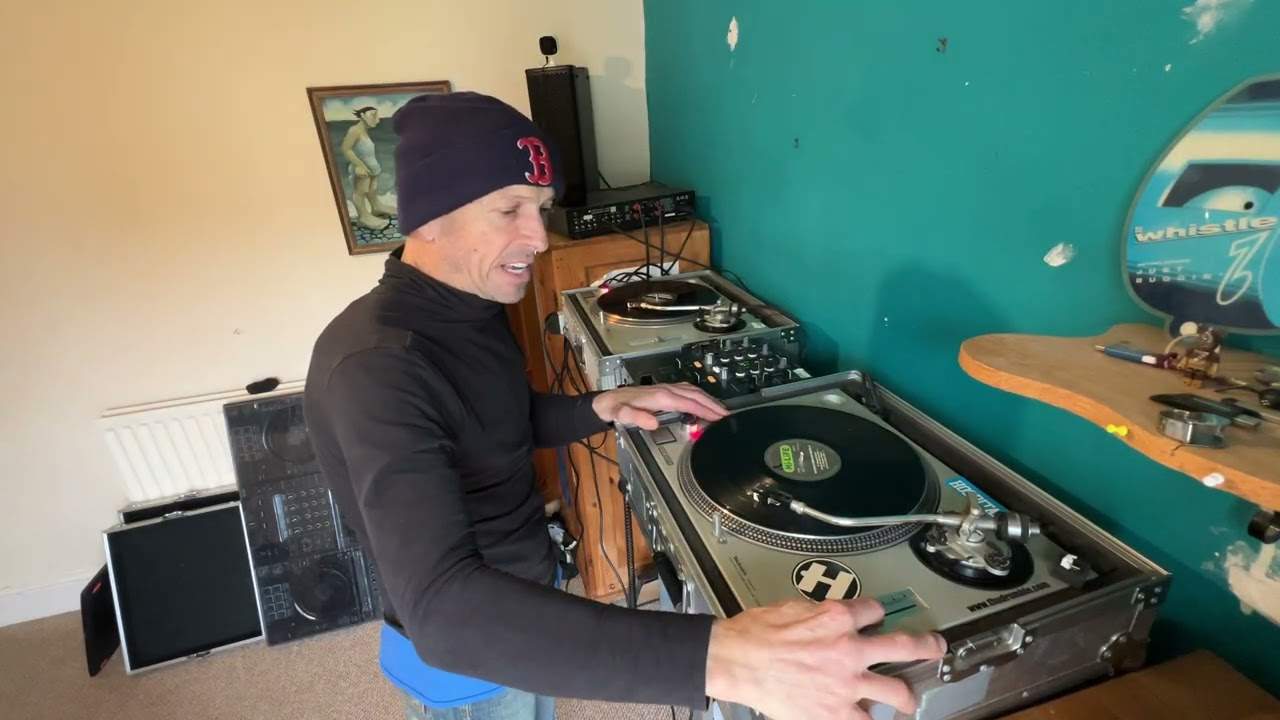
Alright guys, first of all the tune I'm using is by Fracture. It's a track entitled Deep Down. It's the original mix. It's on Karmic Power Records KPR-101. There will be a link in the description to this video. This tutorial is in two parts. Firstly, setting up your decks correctly. Now this does apply to practically every single CDJ out there, whatever make, and most of the controllers out there. Not all of them, but definitely most of them. Now, setting up your deck is vitally important. Setting it up correctly is vitally important. But what is paramount above that, is to make sure your two decks are set up identically the same as each other. Now I give Skype lessons one-to-one over the internet and I taught a guy who I won't name, but I taught a guy last week who's from the States.
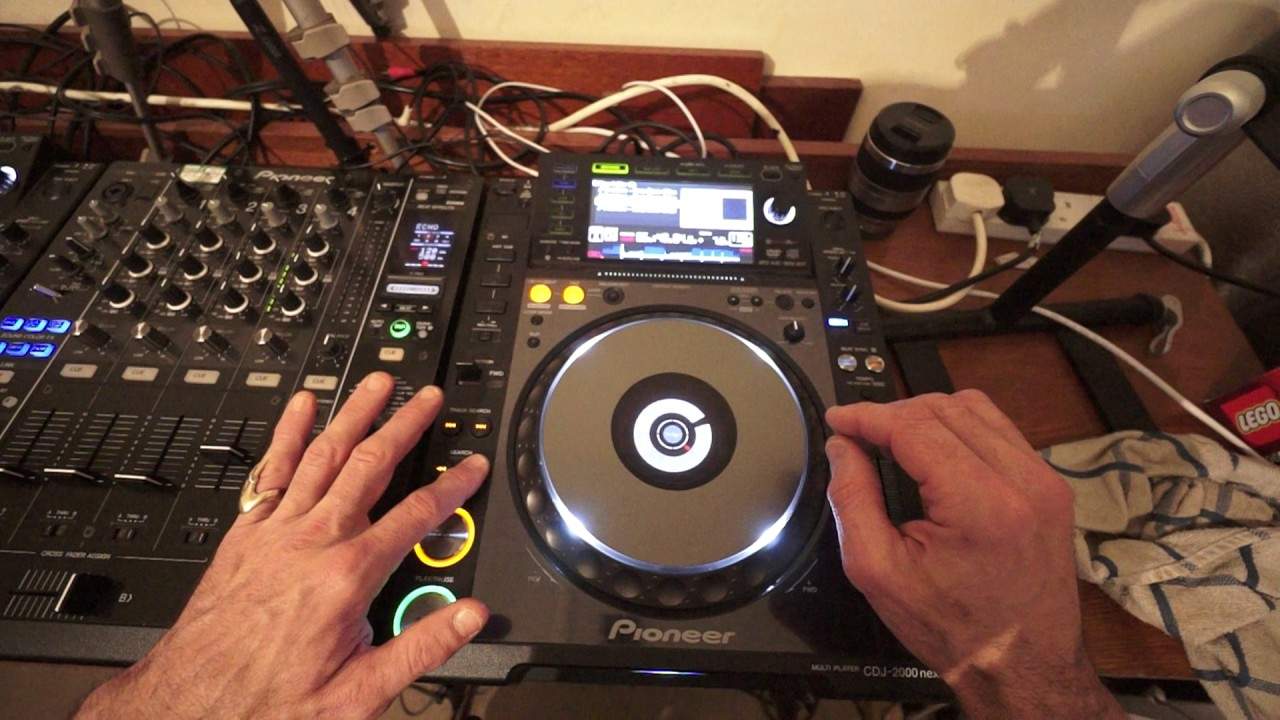
He's a blind DJ and of course he was having issues mixing simply because his two decks were not set up correctly. Because of course he couldn't see properly. He did explain to me that when he did back-to-back with another DJ and he was only using the one deck, his mixes were seamless because he is using the one deck with the one settings. But of course when he was using the two decks, he was going from one deck with one setting to another deck which had another set of settings. So what settings? What are we looking at? I mean you know it's a turntable. You can't change anything on the top. Actually you can. What you can do is you can set change many features. For example, the jog adjust. So I have the CDJ-2000 Nexus.
2:20 Both decks, position track, decks either
Now a lot of CD players will have the likes of a jog adjust. Now if we set that all the way to light and I do a spin back. The setting to light is where you turn the dial as far as you can to 7 o'clock anti-clockwise. Give it a spin. There you go, there's quite a lot of spin going on there. Now I'm gonna set it to heavy. All the way to heavy. Very little spin. So firstly make sure your jog adjust on both decks is the same otherwise you're not gonna get the same feel on both decks and it's gonna be very off-putting. The other very very exceedingly important feature is to make sure that your tempo is set or your tempo selection of percentage is set correctly. Now what that will do is it will increase or decrease the speed of the track by a percentage.
So for example, let's say you have a tune that's 100 BPM and you've got it set to plus or minus 10. What that will mean is if you move your pitch all the way to as far as it will go to the plus position that track will increase by 10%. So it will no longer be 100 BPM. It will be 110 BPM. Reduce it all the way. It will be 90 BPM because you will be reducing it by 10%. Okay, now one quick tip here as well is I would stay clear of anything above if you're a beginner, anything above 16%. If you go to the wide feature and you try to do a mix it can be done. It can be done but it is exceedingly difficult because no longer are you up to 10, 6 or 16%. Pretty much if you move the pitch all the way to the minus position
4:42 Piano break
The track will stop. I'll give you a demonstration. Bang! It has stopped because you've reduced it by 100%. So even if your tune originally is 1000 BPM guess what? All you're doing is reducing 1000 BPM by 100%. It's going to stop. Increase it and of course it's going to increase. So if it was 100 it's going to be 200 BPM. Right, so that's very important. Now ideally I would set your decks to either plus or minus 6 or 10% and that is of course if you're mixing tunes with roughly around about the same BPM. The other one is master tempo. Now what that will do, that will keep the key of the track so it's very, very important to make sure that both decks either have master tempo engaged or disengaged. If they're disengaged what will happen is
As you increase or decrease the pitch to speed up or slow down the track not only will you speed up or slow the track down you will also increase or decrease the key, the tone, the feel the energy of the track as well. This can be heard very well at 100%. Master tempo is disengaged. Let's go to a piano break. So I would recommend you make sure master tempo is engaged. So I'm going to put my decks to plus or minus 10 master tempo engaged. Vinyl speed adjust what we want to do is we want to always make sure if you're not going to be doing any effects that your master, sorry your master tempo your vinyl speed adjust dials or dial are at 7 o'clock. So what that means is when you press start on your deck it starts. It stops.
6:28 Another track that track just starts
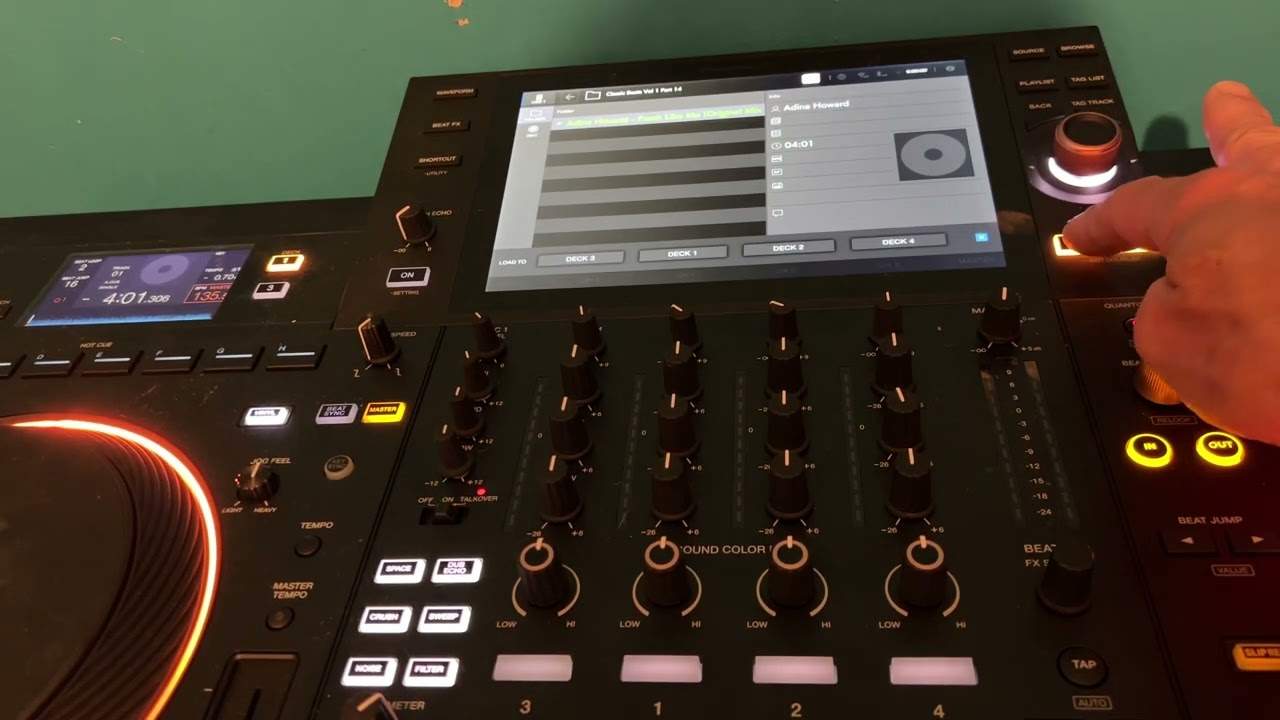
Start and stop, start and stop not a slow start and a slow stop. Also you may find and this is the same with your program as well that your deck seems to start or the track seems to start as soon as you put tune in it is one of the most annoying things in the world I hate it. So that can be stopped by making sure you have a cue auto cue set. So what I'm going to do now I'm going to press my time mode now auto cue has stopped so if I go to another track that track just starts go to another track it just starts now that can be very annoying for some people including me so what you need to do is press time mode keep your finger on it until AC auto cue appears on your screen and now guess what yes it should theoretically stop which it has done
8:28 Phasing phasing, move wheel, faster
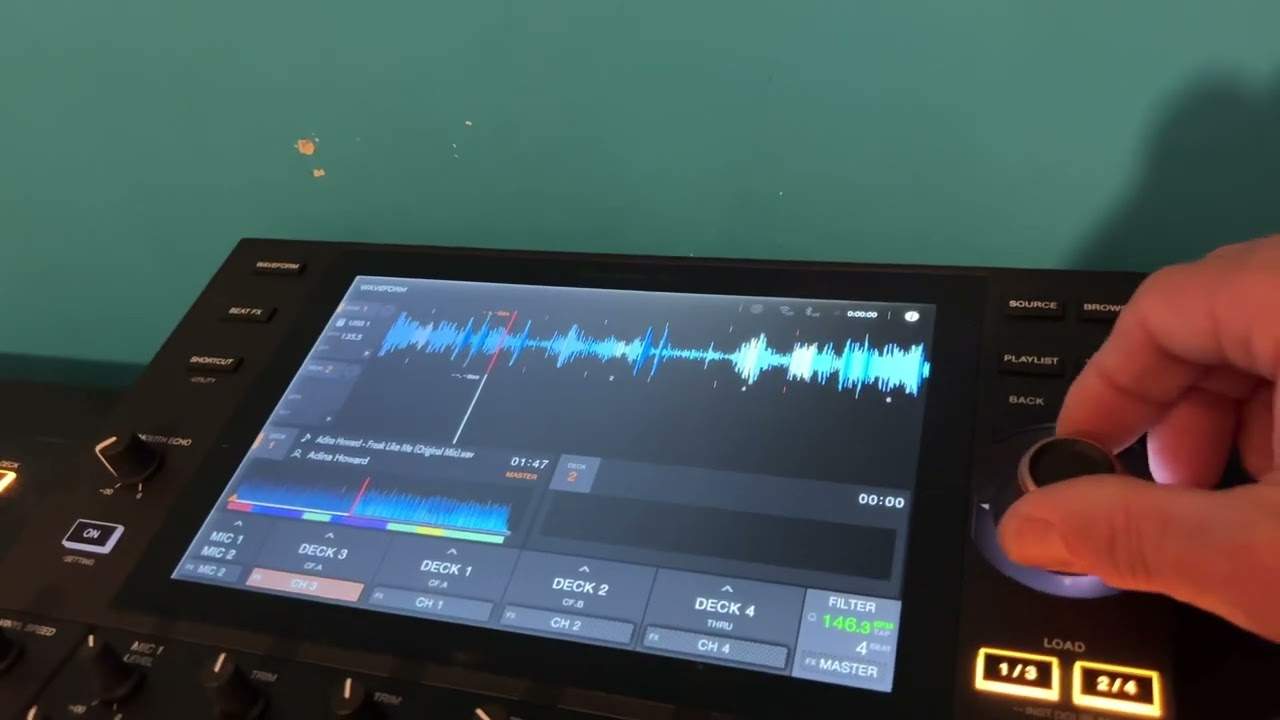
And you have to start the track yourself there you go alright so that's sort of pretty much it those are the important parts of your deck other than that it's up to you how you how you want to have any settings okay so the next part now is a beat matching practice okay I'm going to put the same track on the other side and I'm going to move the pitch on one a little bit closer to me so the deck that you cannot see now is away from the centre position we can hear that's going off I'm moving my jog wheel now on the right hand deck anti-clockwise we can hear that's going even further off I'm going to move it clockwise start this one again phasing they're in time can you hear they're going out of phase now right hand deck jog wheel
Clockwise they're phasing again now they're going out of phase right hand deck jog wheel clockwise I've just started the left hand deck again we're getting that echo now I know the other deck is faster so I'm going to move the jog wheel on the right hand side clockwise a little bit now they're in beat again okay so what's the point in this now I know I have moved one of the decks the pitch towards me increased the speed therefore the other deck is slower which means I have to move the jog wheel clockwise now of course yes I could have increased the speed the pitch on this deck to compensate for the fact that this is a lot slower but I didn't want to do that the objective here is to know that one deck is slower and to get used to moving the jog wheel
In the one direction because you know the other one's faster you moved it slightly faster so the objective is of course as I said to move the jog wheel clockwise faster but also to get used to knowing how much you've got to use it it's like treating an animal with respect you don't have a new dog and bat it across the head you treat it with respect it will respect you okay so let's try that again this time though slightly slower than the one that you're looking at so I'm going to start them both off at the same time there okay here we go now the one on the right is faster so anti-clockwise phasing going out again
Phasing too much phasing again that's still phasing this is where you need to get to where you can keep it in that phasing sound just about there okay so I hope that's been a help check out the link in the description to Karmic Power Records and a big shout out to Mr Len Fontana for letting me use his tracks thank you very much practice and enjoy this is one hell of a tune
This transcript was produced automatically from the audio of the video and may contain mistakes.
Related videos
-
Complete Beginner DJ Lessons Tags Key BPM Etc
A more advanced lesson folded in early, and worth doing once rather than putting off, because everything it sets up gets used for years…
-
Complete Beginner DJ Mixing Lessons Video 19 Getting Your Kit Ready for an Easy Mix
A whole lesson on getting ready, which is the right call - the exercise in the next video only teaches anything if the two decks are…