 13:28
DJ Mixing Tutorial from Dubai, How to Keep a Tune off Beat but in Time
Contents of the video
0:00 We're going to call this tutorial Driving the Car
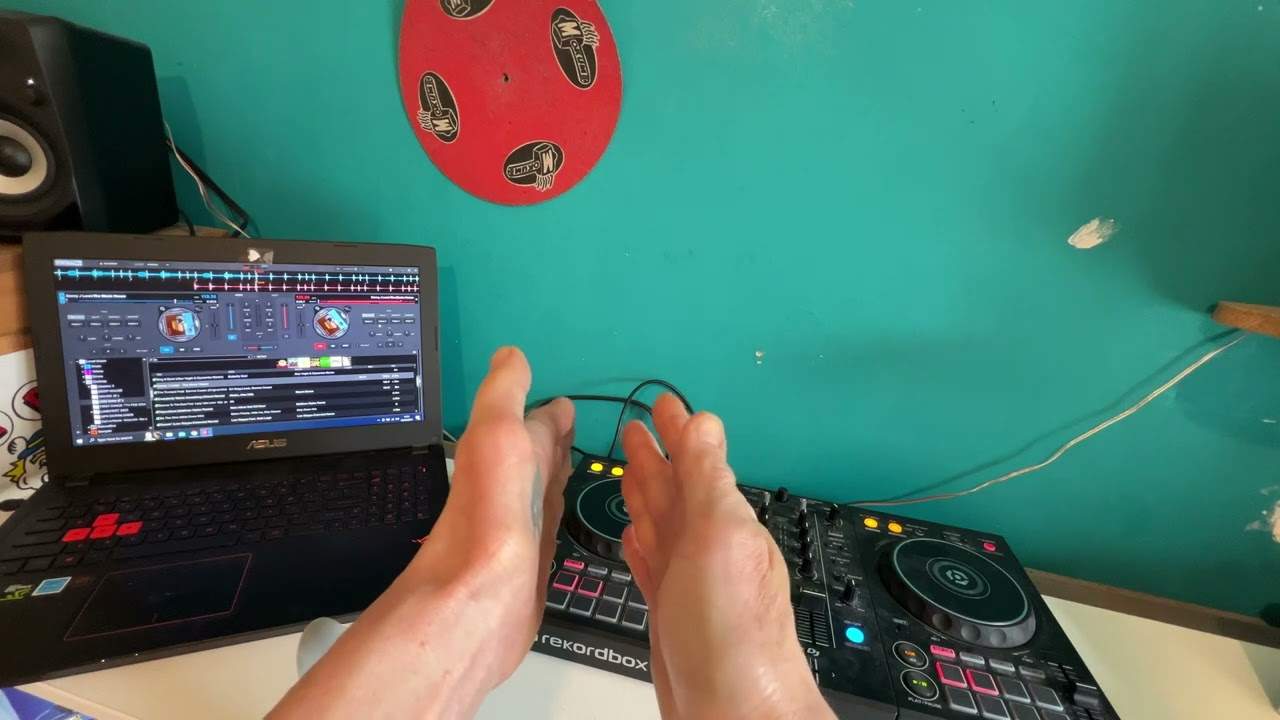
Alright ladies and gentlemen, we're going to call this tutorial Driving the Car. Just watch and learn. Now first of all, the two tracks I'm using is Deluxe Bitch Please, it's the original mix, and on my right side I have Danny J Lewis Organic. You may notice here, the master button is on, and over here the sync button is on. Right, I have put these two tracks through rekordbox, so by all accounts if I press here, and if I press here they should sync up, which they do. And also when you do use rekordbox, by the way it's a free software you can download, it will analyse your tracks, BPM, key, etc. If you listen now, I'm moving one pitch, and guess what? That one slowed down as well.
Now that's all well and good, and it's highly advisable to learn how to mix first, before maybe you start using the master sync function. What I would recommend as well is if let's say you're the sort of DJ who likes to experiment to add acapellas, to really go to town with the effects, then by all means use sync and master, do not let it take over your life, because it quite possibly could, and before you know it you may just not forget how to beatmatch. But there could come a point when you go to another club or somewhere and they don't have this technology, and because you haven't practised enough maybe you'll lose your little bit of a touch that you've got. So I personally do not like the sync button, because I like to do this myself.
As I said earlier, this is about driving the car. This video also is about keeping it offbeat. What on earth are you all about Jonathan? Why would I want to keep the track offbeat? Well, it's keeping it offbeat, but it's keeping it offbeat at around about the same BPM. It's a great way to get your ears used to it being offbeat, staying offbeat, but staying offbeat at the right time. Now this is the important factor. So straight away what I'm going to do, I'm going to cover the BPM over and I'm going to move that one down there. So now that is a completely different BPM, so this one will have to be as well and if we do all this then I don't know where they are now. OK, I can't see anything, just put it there, that's it.
Right, let's press play. Now first of all let's start this one, do nothing and you will be able to hear that it's completely off.
3:22 What we call the trainwreck
They come together, there, now they're off.
What we call the trainwreck.
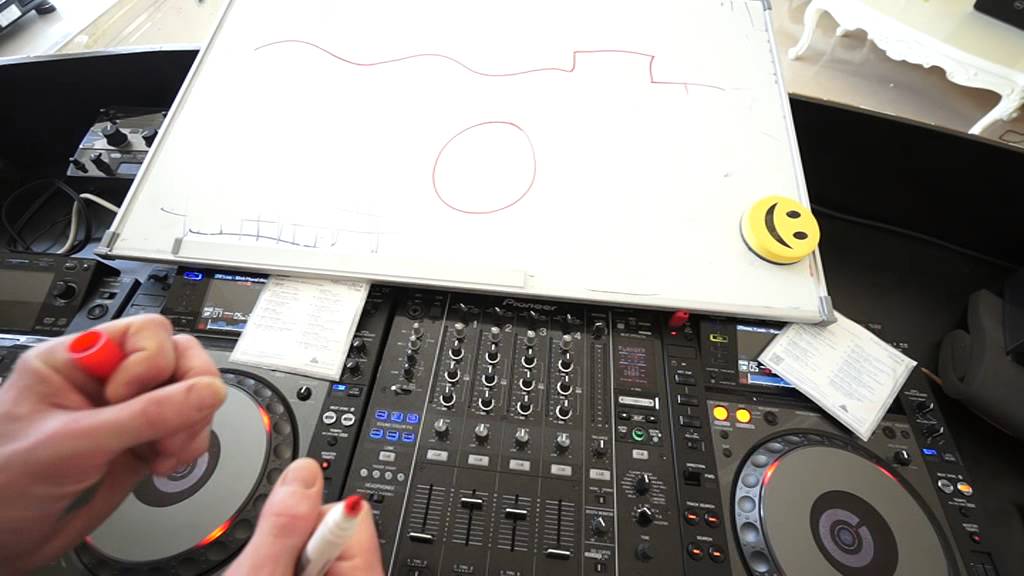
You know, they come on and off. So what's happening is if you imagine on this track here we have 1-2-3-4 one bar, 1-2-3-4 in between 1 and 2, in between 2 and 3, and in between 3 and 4 there's a gap. Those gaps are equal, equal space on this guy. Over here, exactly the same, 1-2-3-4, 1-2-3-4 1-2-3-4 the gaps are equal. But, the size of the gaps are different. So if I start to speed this one up what will happen if we imagine this is 1 and 2 If I start to speed this up the gap will start to decrease. If I start to slow this down the gap will increase and that's the same with 1-2-3-4 and so on and so on all the way through the track. So if I bring it down here it's 1-2 the gap's even bigger. Bring it up here, the gap's even smaller.
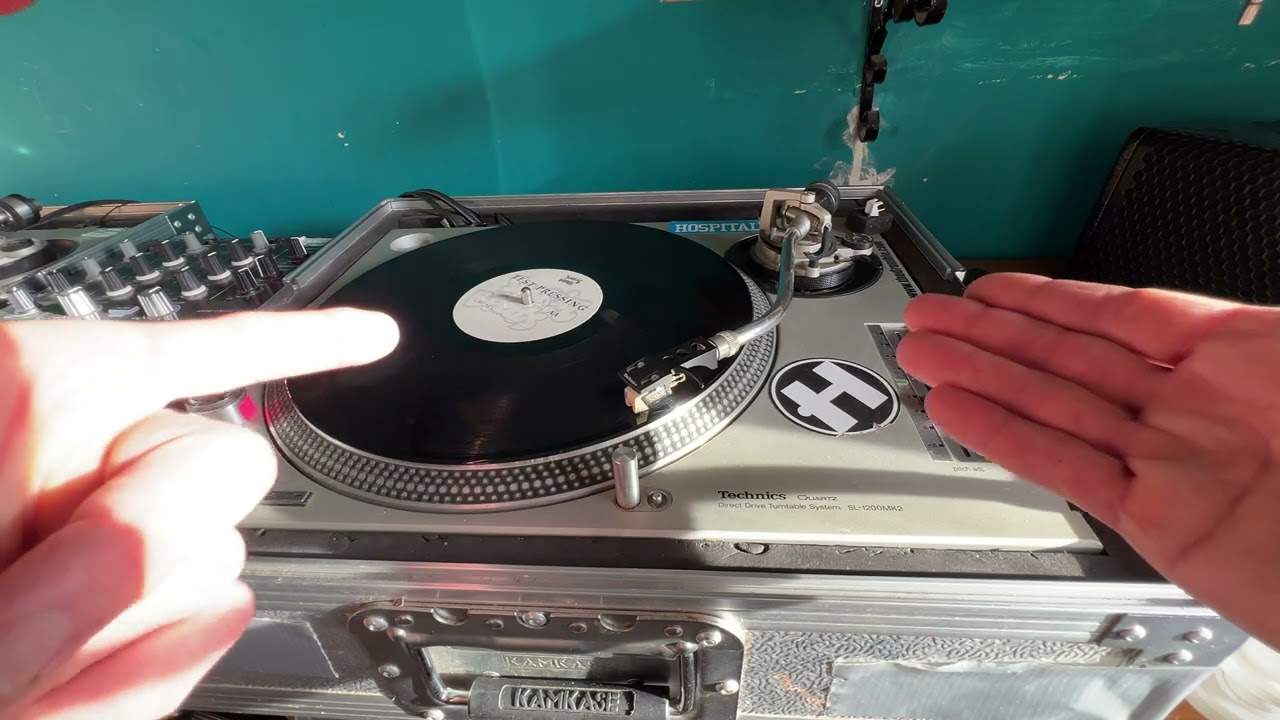
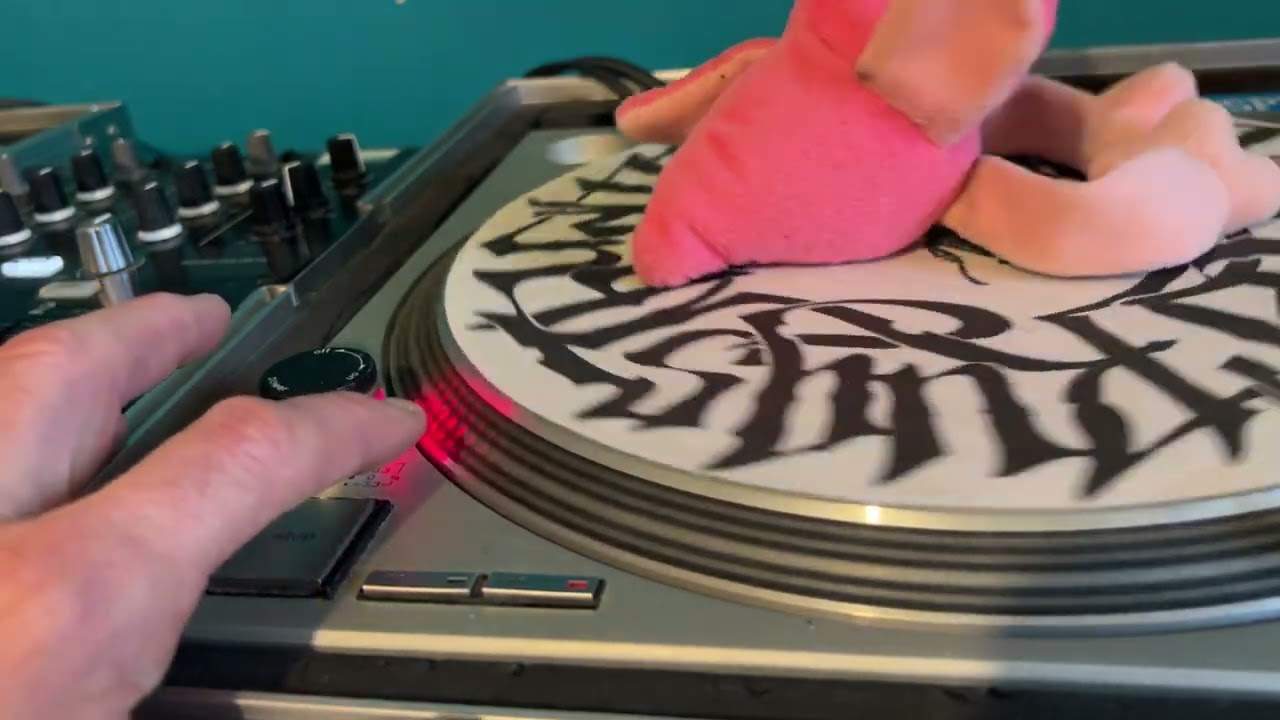
If I then say for example put that to the wide feature I'm going off on a tangent here but it doesn't matter then the gaps would be very close together there still would be a gap but they'd be very close together so let's go back to the original idea of this video driving the car we're going to use the jog wheel now first and foremost you need to make sure that if the jog wheel is in vinyl mode you don't touch the top of it if you do with vinyl mode you stop the track. I'll give you a demo here but if you move the jog wheel clockwise or anti-clockwise you will either speed the track up clockwise or slow it down anti-clockwise
So I'm going to press play here I'm going to try and not get it in beat but keep it out of beat at the right amount of time or same sort of time signature have a listen, here we go
Double tap there
Turning the car before
And listening for the beats to get further apart from here, that's it again
The last part of the demonstration was very important because even though it was off beat what I was trying to do was keep it off beat but keep it off beat at the same time to the track that was playing now also driving the car I'm going to get a piece of paper and a pen we haven't got any paper
We haven't got paper oh I know what we can do do this we can do that
Look at that, genius right so what I want you to imagine now let me just turn the level of light down slightly there you go what I want you to imagine now is a vehicle steering wheel like so now that we've got our platter
And depending on which way you turn the car is depending it will depend on the direction you go now the direction you go is forward and if you move this to the right you're going to go that way if you turn it to the left you're going to go that way now some people may think what on earth has this got to do with driving well if there's anything that can help you then anything that can help you is good so let's take that and put it here
Press play I'm going to now hit the play pause just slightly off beat so it will be off beat
Was off beat but it stayed at the correct time signature off beat so not only that because I was moving the jog wheel I was having to keep it at that time signature so the idea here is to try and continually keep it at the same time signature
So if we do that again press play do the same thing but without one part of this tutorial I'm not going to move the side of the jog wheel now
And let's hear the difference so if I was moving the jog wheel I was able to keep it off time if I hadn't have moved the jog wheel then it would have still been off time but eventually those beats would have caught up alright there's a lot to consider in this video and this may be better for someone who is from a level let's say 0 meaning a complete beginner to 10 meaning you're pro this could be a level for someone of 4 and 5 so they can understand what's going on here this is the important factor also bearing in mind this maybe isn't for the faint hearted if you are beginning to beat match then maybe come back and watch this in a months time or 2 months time when you've got it and you know what to do what I'm going to do now
Is I'm going to do exactly the same thing but this time have them both in beat
And keep this one in beat by turning the jog wheel now the movements have to be the same or should I say that by moving the jog wheel like so I have to keep some form of steady movement continual steady movement because if I don't it will eventually go off now you'll notice that I'm moving the jog wheel clockwise now that tells me and that should tell you that this is too slow if I was moving it anti-clockwise it would be too fast so of course if we were taking this to the next level then what I would have to do I'd have to move the pitch actually I just noticed that's pressed there so if you can see there the tempo select reset sorry and that means no matter where the pitch is it will be at the time signature that the track was made
In the studio so I do apologise about that but because we know it's off beat anyway I'm going to leave it like that so if anyone half way through this video said ah but the tempo select reset is set then I do apologise but like I said
Here we go remember it's about having fun train wreck sound don't worry about it try again and again and practice and enjoy thank you
This transcript was produced automatically from the audio of the video and may contain mistakes.