 2:01
DJ Trick to Add to the Mix BY Ellaskins the DJ Tutor
Contents of the video
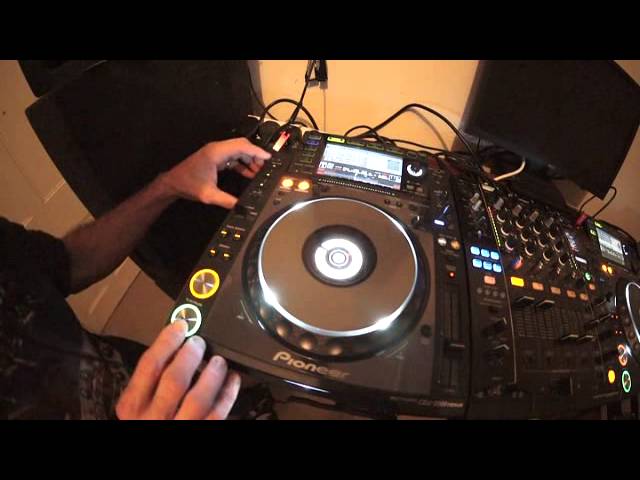
Alright ladies and gentlemen, a bit of a tips and tricks for you here. We're using a bit of a funky track by Ed Wizard, Disco Double D. We're going to use the vinyl speed adjustment top right hand dial, set that to 12 o'clock. This will enable the track to slow down softly and not stop abruptly. So if I just press play pause, there, the track has stopped straight away. Turn the vinyl speed adjust to 12 o'clock, now have a listen. Have a listen. There. If we use this with the hot cues, we can get some cool effects so here we go. Ok so all I've done is set the vinyl speed adjustment to 12 o'clock. Set some hot cues, let it play and in time, pressed play pause and we've got that rather nice cool eeeerrr effect. Practice and enjoy.
This transcript was produced automatically from the audio of the video and may contain mistakes.










