 14:56
DJ Tutorial / New Releases Underground CD Pool July 2009
Contents of the video
0:00 Some more new releases for you from CDPool
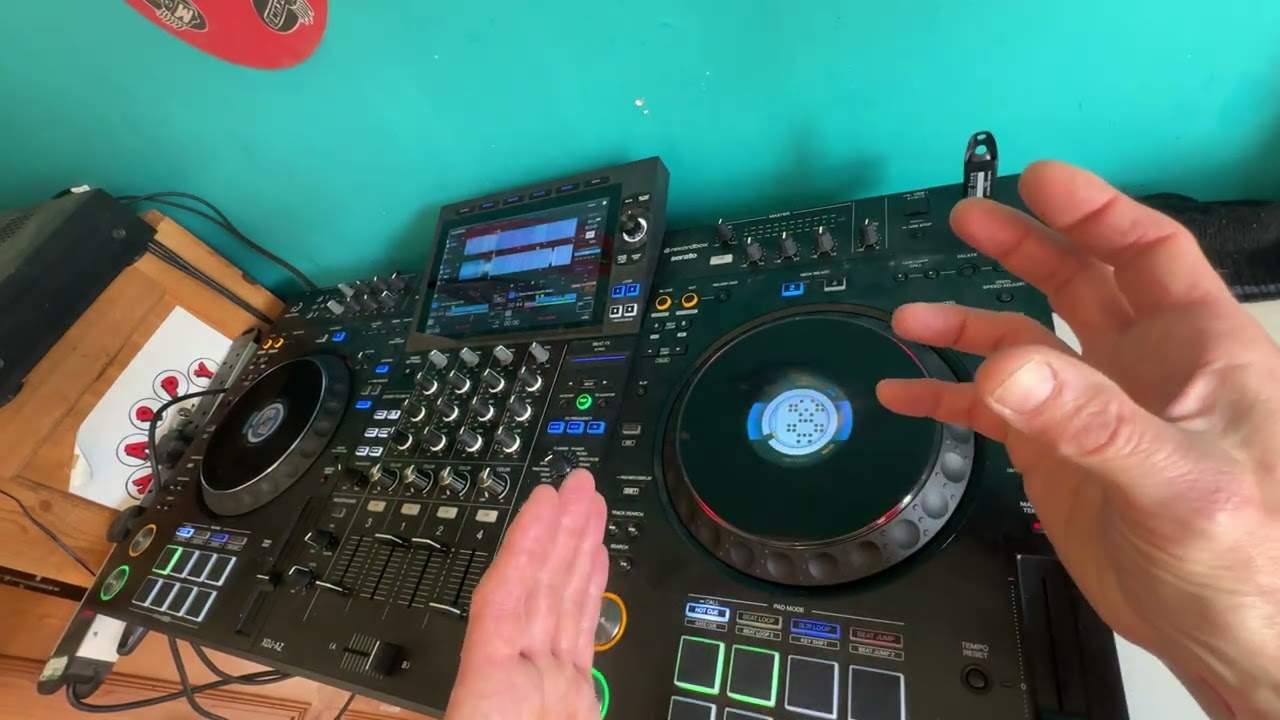
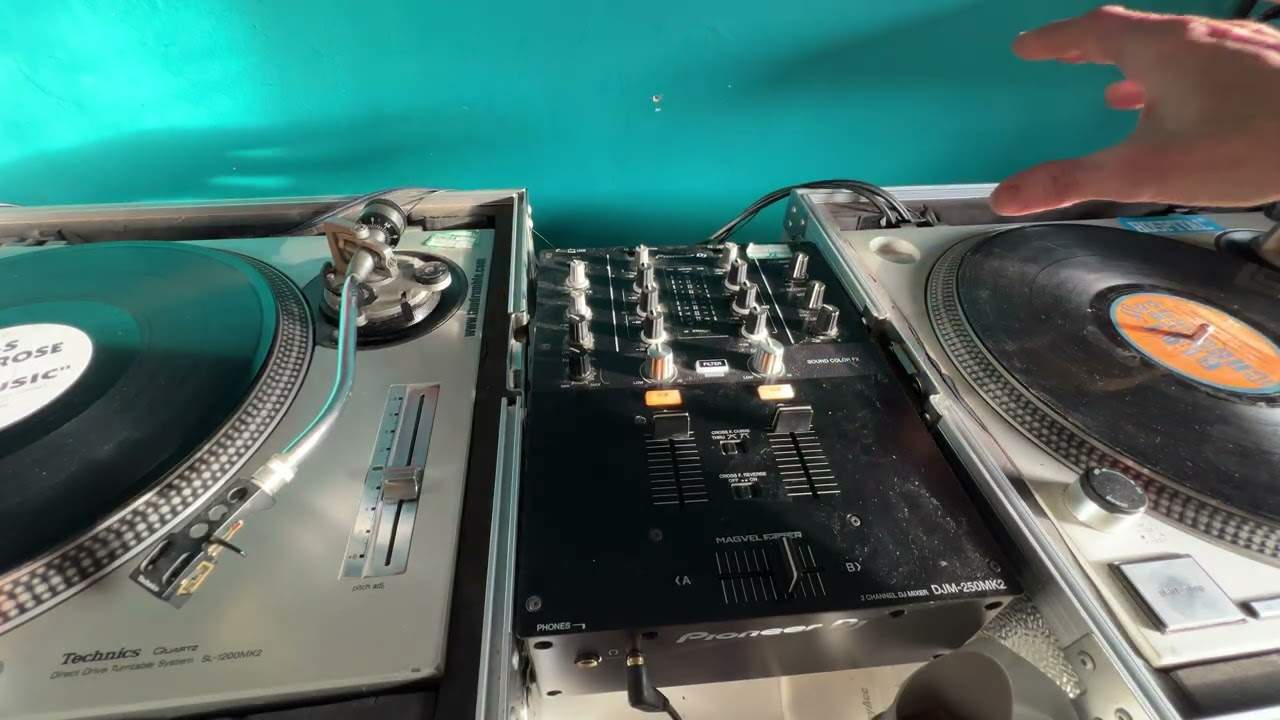
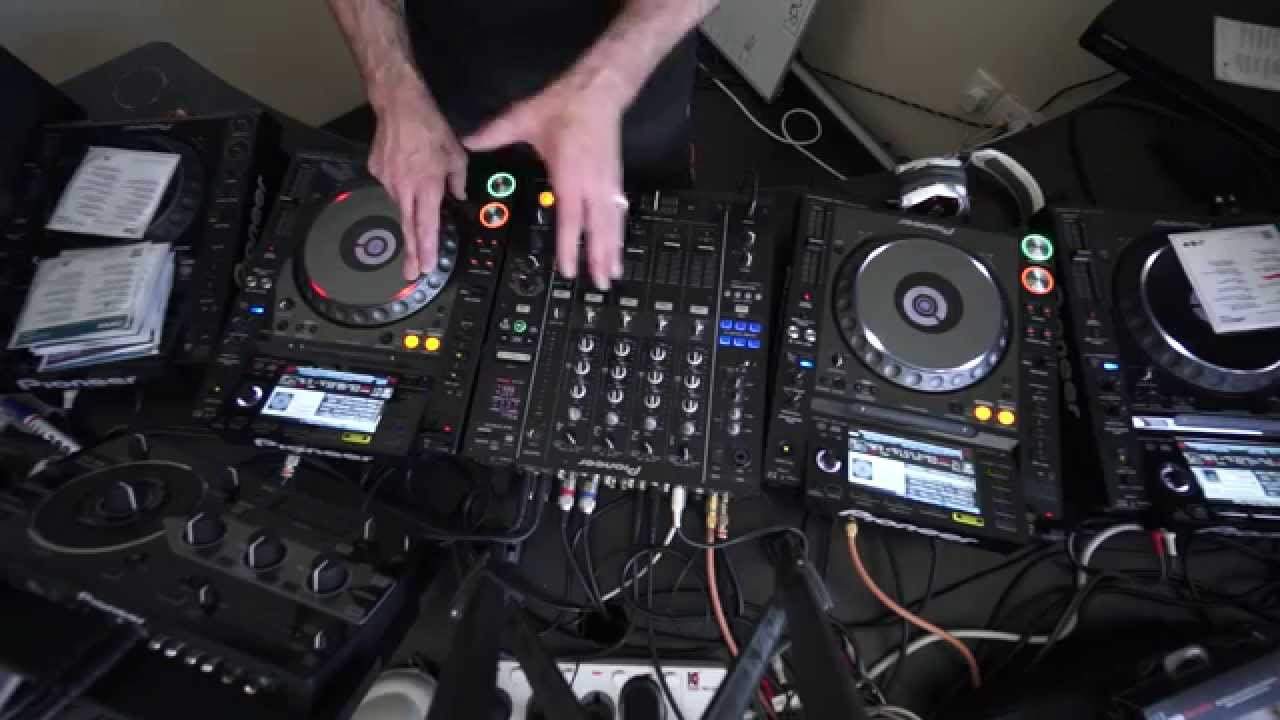
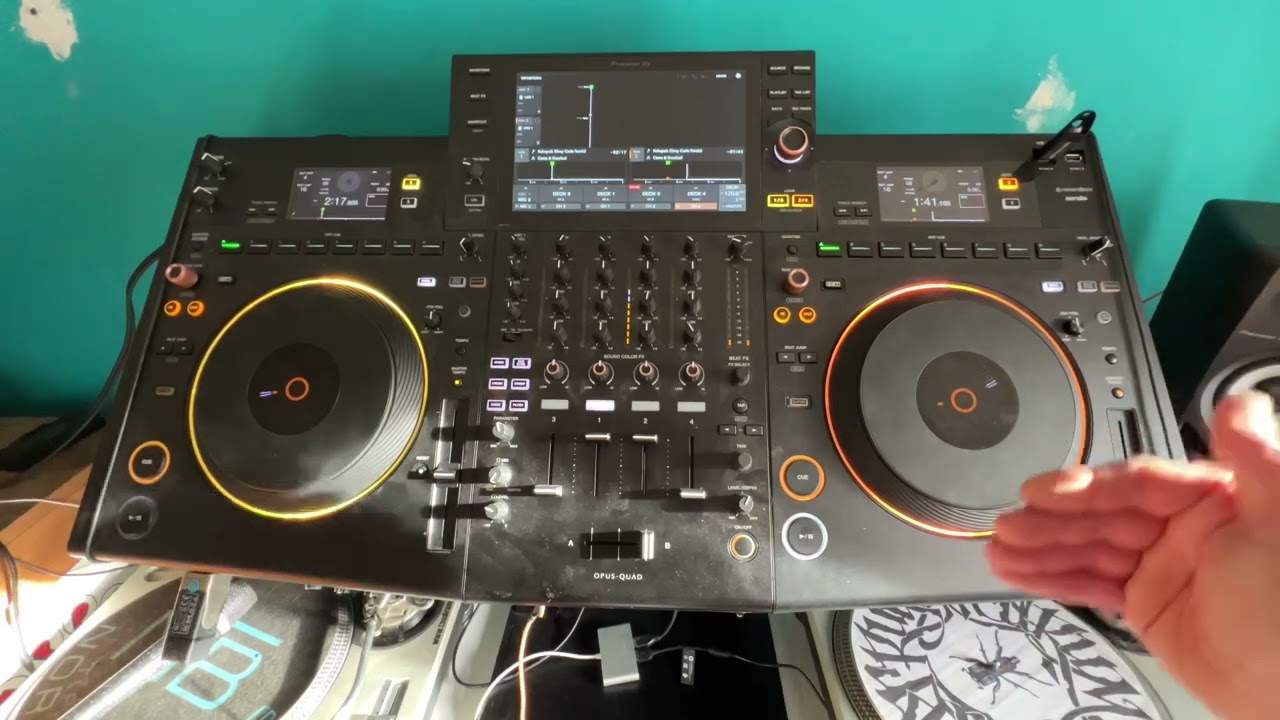
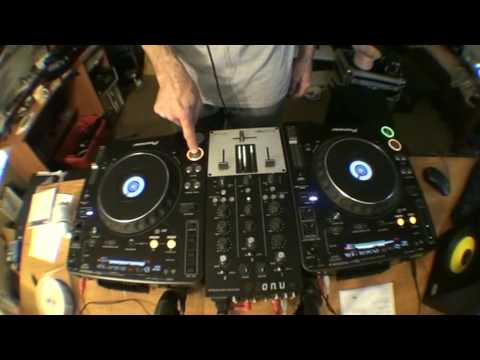
Alright folks, some more new releases for you from CDPool. We're looking at the underground releases for July 2009. This video is a promo video and also it's a tutorial video showing you a few tips and tricks on the good old mixer here. Follow the link in the description and that will take you to the CDPool website. This is track one from disc number one. One, two, three. One, two, three, four. One, two, three. One, two, three. What I did there I had to hit the cue twice, because I've got play. If I just hit the cue once, it stops it, so I have to hit it twice. And also, the first time I hit it is just before the count of one. If I hit it on the count of one, it'll be offbeat. One, two, three, four. One, two, three, four. One, two... So I can edit the track. Have a listen. Two, three, four. One, two, three, four. One, two, three, four. One, two, three, four. One, two...
3:54 Nice bass line with this
Track number one taken from disc number one. Let's spin this one forward a little bit. Hell of a good skip beat to this, to track number one taken from disc number two. What I'll probably do here is put the two beats together. First I need to beatmatch this one so I've got my headphones on, just cue it up. Mess around with the beat on this one from disc number two. Right, I'm going to wang this one forward a little bit. You're like that wang. What's a wang? It's a gong that's upside down. Nice bass line with this. Whang this one for a little bit. Right, let's listen to this one. Hold on. Right, what I'm going to do, I'm going to set a cue point right at the beginning of this track. And... Set a cue point here, look. Right, let's have a listen. Now again, it's about experimenting and having a bit of fun. Find a couple of cue points and have a bit of a mess around. Now bearing in mind...
This is sort of a demo tutorial, but it's me just experimenting. That's what it's all about. From disc number one. Right, let's find another one on this side. PFL it so I can listen to this one. Crossfades on that side, volume up there, so if I go over the crossfade we'll get the sound from this one in because the volumes are up. Simple. Interesting, it's almost very twisted at the beginning. I could bring this one in probably. What I'm going to do is I'm going to take the low away, bring the mid up because I like that eep eep sound. Have a listen.
7:51 We are taken from disc number two
We are taken from disc number two. Someone is sort of squeegeeing a mouse, or two mice, a big one and a small one. Oh dear, you've got to let that volume up there, because if I want to get it right back to the beginning, all I've got to do is put my finger off and press on it again. From disc number one, space back up. Notice I took the low out on that side. PFL over this side so I can have a look at the CDs. Don't just think, oh, I always mix track one with track seven. Just try track 14 or, you know, have a mess around.
10:24 Again, I'm using these as reference
I'm going to use the isolators. Basically what they do is they will completely cut out either the high, mid or the low. Beatmatching first. Again, I'm using these as reference. 127 should work really well together. Sorry, this one. These two should work well together. Right, I'm going to take the low out. We'll play one more, frat number one, and that's it. This is a demo, stroke tutorial and also showing you some new releases.
This transcript was produced automatically from the audio of the video and may contain mistakes.