 6:00
DJ TUTORIAL. Practise with timing. Tune is by Danny J Lewis "Say Goodbye"
Contents of the video
0:01 Demo stroke tutorial here on getting your timing right
Alright guys, demo stroke tutorial here on getting your timing right. Now this is a great way of getting your internal clock working. Believe it or not we all have an internal clock. It's the sort of thing that happens let's say for example during the day and you think it's like 3 o'clock in the afternoon and you look and yeah it's around about 3 o'clock or guess what if I walk over that road now I'm going to get knocked over by a bus. That's why you're not going to walk across over the road because you'd, no it's got nothing to do with it really that's just being very silly. So internal clock and timing. What has that got to do with this? Let me show you. The track I'm using by the way you can get from TrackSource, I'll put a link in the description. It is by my mate Danny J Lewis. It's a track entitled Goodbye. No, Say Goodbye. Right so let's press play.
2:01 99.9% of modern day dance music, electronic style music has got timing
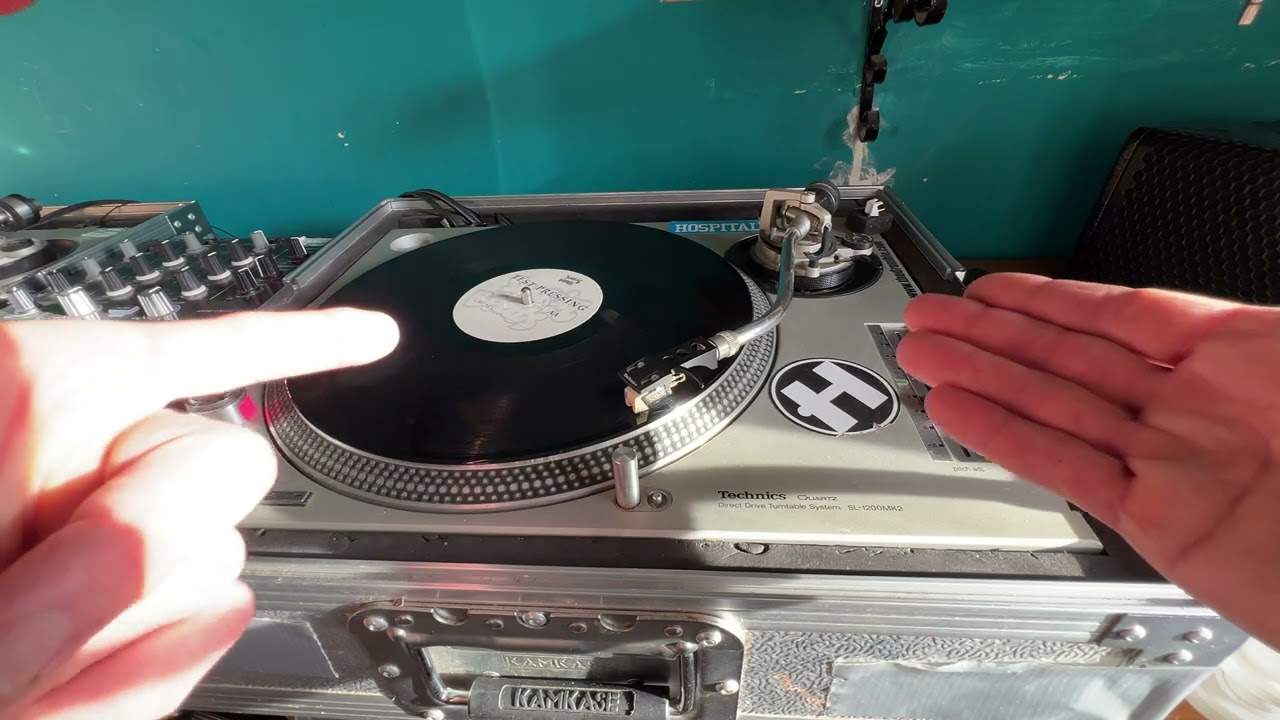
I'm going to give you a demonstration of how to do that. I'm going to give you a demonstration first then I'll explain what I'm doing, why I'm doing it and what it's all about. You'll notice as well I did cover the LEDs. A very good reason for that because I didn't want people halfway through this video to say oh well you were looking at the LEDs peaking. Right what was going on? Well of course this particular track, I will play a little bit more of it very shortly, has got timing. 99.9% of modern day dance music, electronic style music has got timing. All the way through, well when I say timing all the way through, the timing is perfect. In other words if it starts at 120 bpm it will finish at 120 bpm theoretically.
So again I covered that so I couldn't see the LEDs. Now what I was doing is I had the track playing in the background. I didn't move the pitch. It was set to its correct timing and what I was trying to do, I was trying to move the crossfade over in time with the music. But also in time with the beats. So in other words you have that 1, 2, 3, 4. Now what you should be doing when you're doing this is you should try and imagine the sound, the beat inside you going 2, 3, 4, 1, 2, 3, 4. Now a lot of people would recommend you tap your foot which is good by all means tap your foot but maybe try not to tap your foot. Imagine that you have got some sort of internal counting mechanism inside you. Even count. Like for example here we go. Start it off. So that's 1, 2, 3, 4. I can hear the timing. And then slightly off there but you see what I mean. Now let's go a little bit further on with a bit more into the track.
3:55 Danny J Lewis does it again with a stomper of a track
The bonus beats. Go to it. Danny J Lewis does it again with a stomper of a track.
If you want to get it follow the link in the description. It will take you to TrackSource where you can go and get it. Alright? So once again this particular video is about timing. Now a lot of my videos are very random but a lot of them hopefully will give you a tiny little bit of information. And if you've got that much from this video, and that much from another video, and that one from another video, and that one from another one, put them all together and you've got like that much! And then you put that much together with that much from a lot of the other videos and you've got that much! Practice and enjoy. Thank you. Love you dude.
This transcript was produced automatically from the audio of the video and may contain mistakes.