 5:58
DJ Tutorial . The Wide feature Technics SL1200 video 3
Contents of the video
0:00 It has not got a wide feature
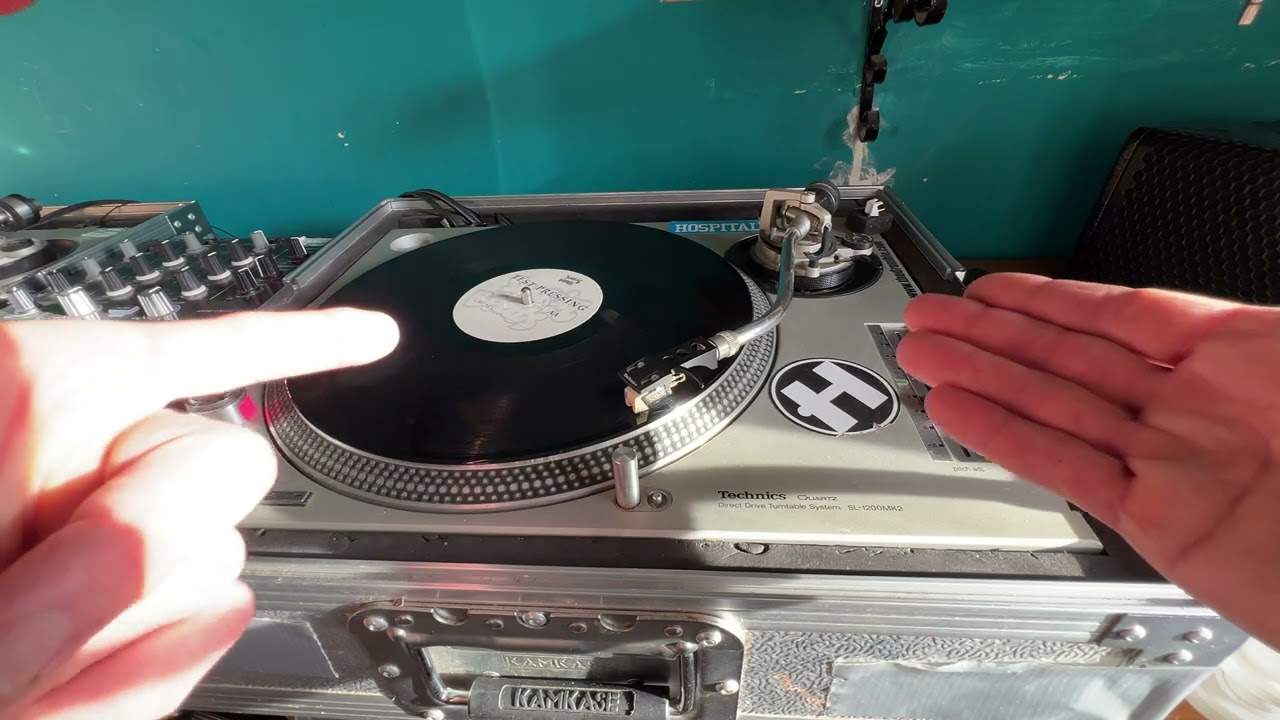
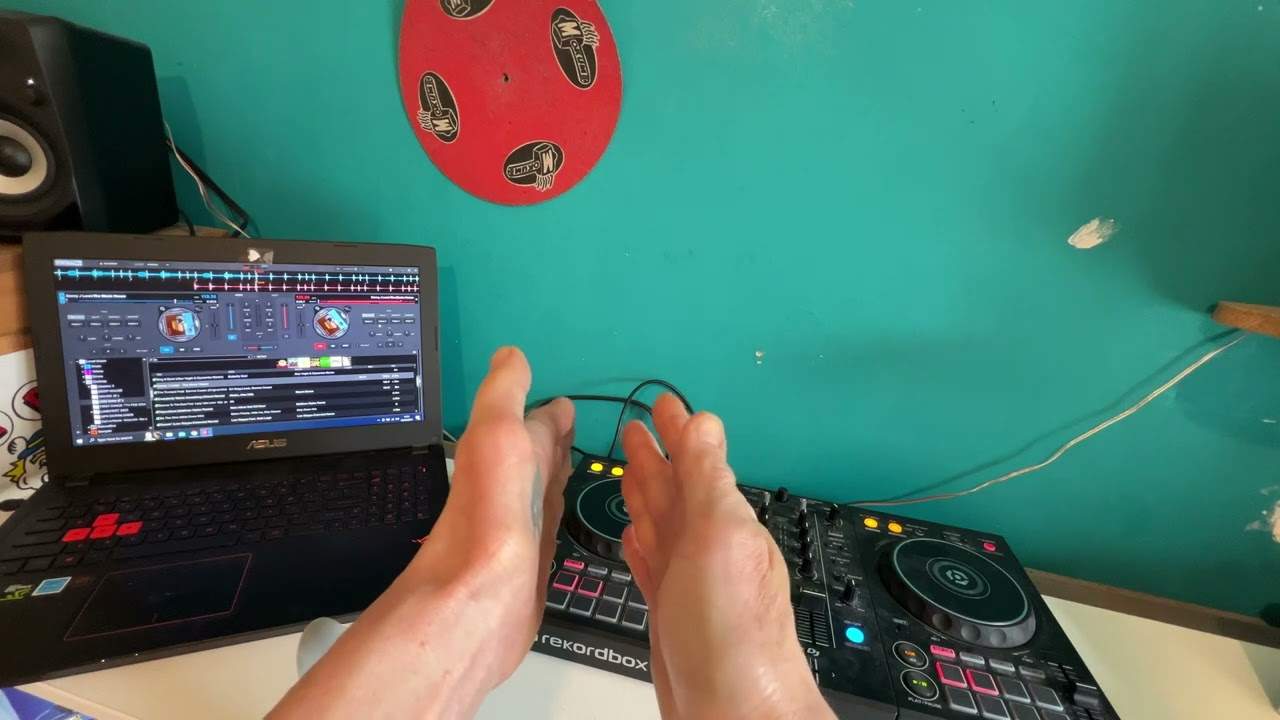
Alright folks, video number three for you on what I will class as the wide feature on a DJ turntable. In video number two we mainly looked at this guy here, the Technics SL1200 Turntable Mark II. The reason being is because this guy can only go plus or minus 8% on the pitch. It has not got a wide feature. As opposed to in video number two I showed you the Cam DDX4500 that has got a wide feature and over there the Pioneer Mark 2, the CDJ800 Mark 2 that has got the wide feature. In video number two I showed you how you could almost get the wide feature on this guy here. But in video number three I'm going to show you how you can almost find out how fast you're going and try and keep at tempo even when the turntable is off. In other words no power going to that motor but theoretically with a lot of practice you can near enough do this. So first of all
I'll try and explain myself. Right, very quickly, this is what I did in video number two. Press play, turn that off, and I kept this going at the original speed, and then when I was ready, I just started to slow it down with my finger. But let's say I wanted to keep it at loud speed, and I needed more of a reference as opposed to just my ears. How can we do that? Okay. Well, I tell you what, before we have a look at that, let's just have another look at this guy over here, alright? Wide feature. What's the wide feature? Well, on this pitch control we can either have plus or minus 10 or we can have plus or minus 100. So, alright, this is plus or minus 10. This is plus or minus 100. Now that's fair enough, that's fantastic because, you know, there's no need to turn the platter. That guy will do it by itself.
2:13 You've got to use your fingers
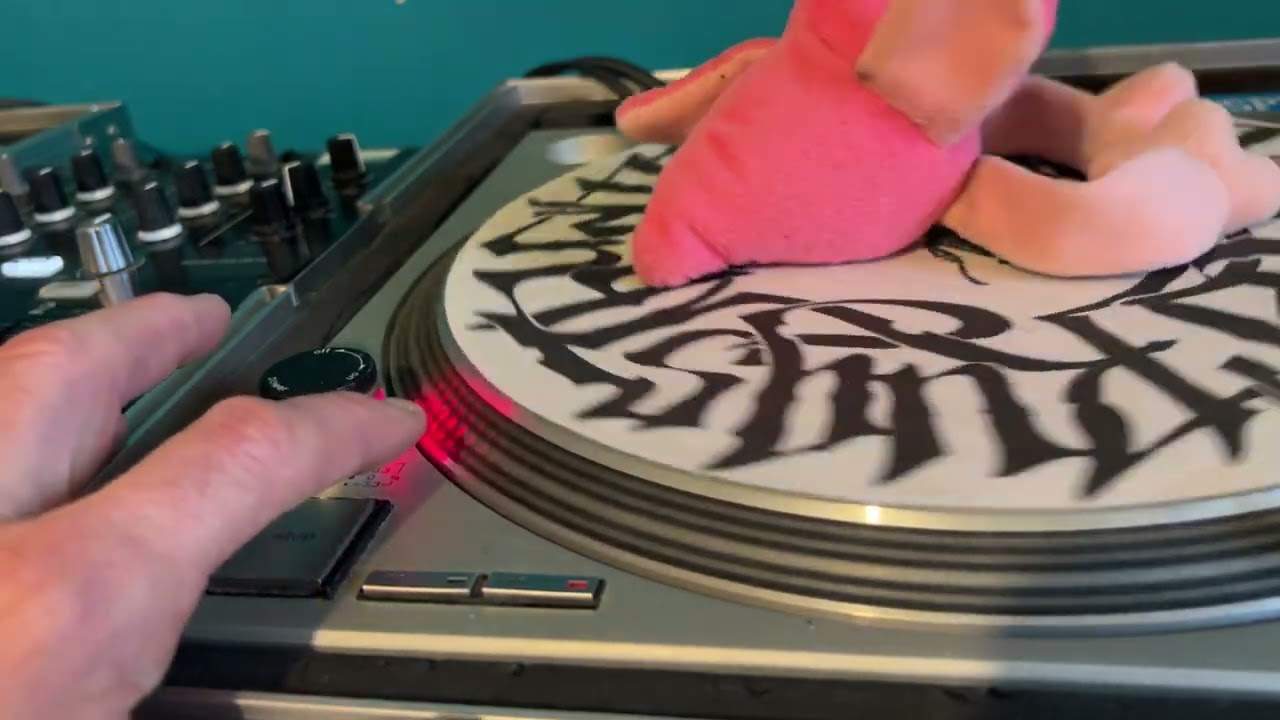
On the other hand, this guy over here, and a lot of people still do use these, you've got to do it by yourself. You've got to use your fingers. Let me just put the camera in a sensible position. Okay, quickly as well, the track we're listening to is on Junior Boyzone. Junior Boyzone, and it's a track by Fire Island, and it's entitled White Powder Scream, this one, and it's the Roach Motel remix. Right, power on, press play. That's what happens. So really, if we're moving that with our finger, the only reference we've got is the sound of the track. Now I'm going to show you how you can get another reference. Alright, let's move down a little bit here. Now watch this. OK, power on, press play. Power off, power back on. It'll still slow down. That's because we haven't pressed start again. Now watch what happens when we press start again after turning the power off and then...
3:52 Power off, power back on
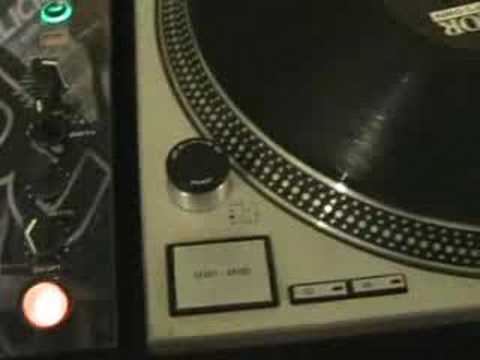
Turning the power back on. So, power's on, press start. Power off, power back on, press start. There you go. So in other words, power's off, no power to the turntable, power back on, there's power to the turntable, but we've got to press start again to get the motor working, enabling the placer to move to get it right back to the original speed it was going. Alright, what I want you to do now is make a note of... Those small dots. Do that again. Now this is how you can almost get a visual reference of how fast you're moving that turntable with your finger, with the power. Here we go. Power off, power back on. Now I'm watching the dots. Now if I want to get that now, I'm just reaching over a bit.
Back to the original speed, in other words where it's on the green. You can see there now, it's on the green. Right I'm going to move this, I'm doing all this by myself so hold tight. What I'm going to do now, I'm going to slowly increase it until the centre dot is stationary. I'll move the camera down so you can see me press the start as well. There we go. Now maybe this is a tutorial, a demonstration but hopefully With this video you'll get a few tips and maybe you can incorporate this into the mix. Practice and enjoy!
This transcript was produced automatically from the audio of the video and may contain mistakes.