 7:35
DJ Tutorial Using the filter in the mix
Contents of the video
0:01 First of all everyone wants to know what kit I'm using
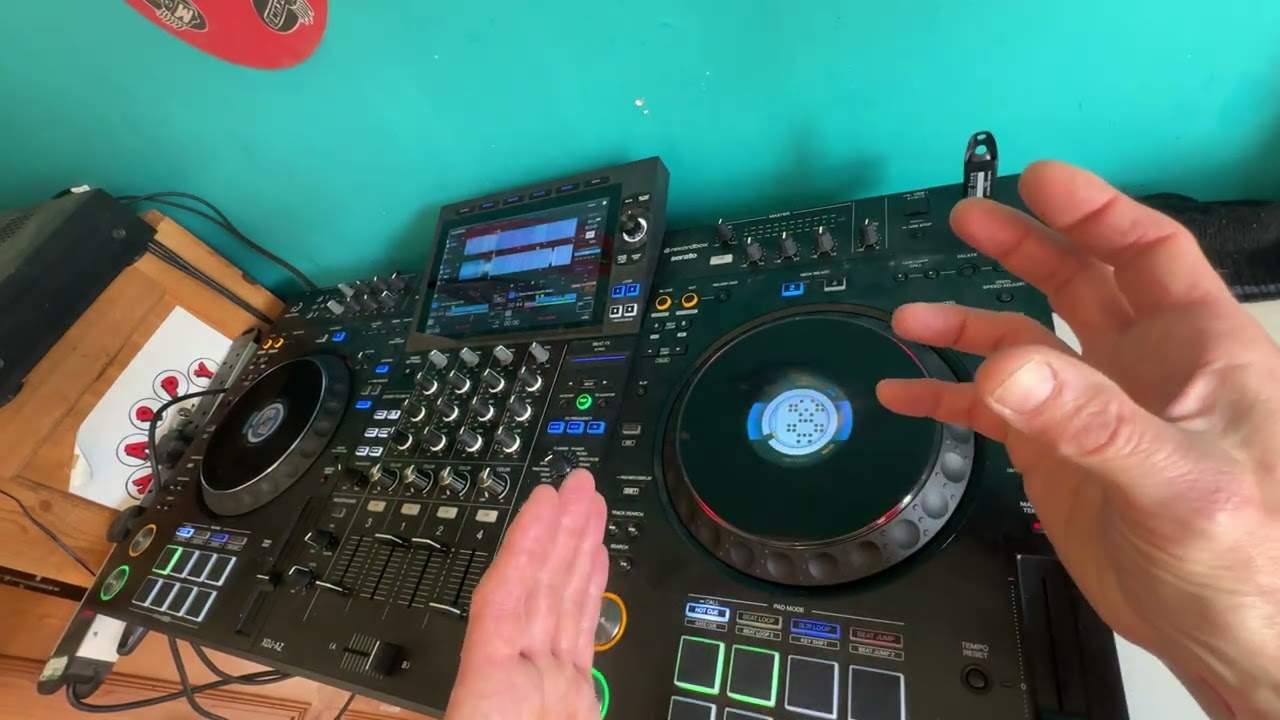
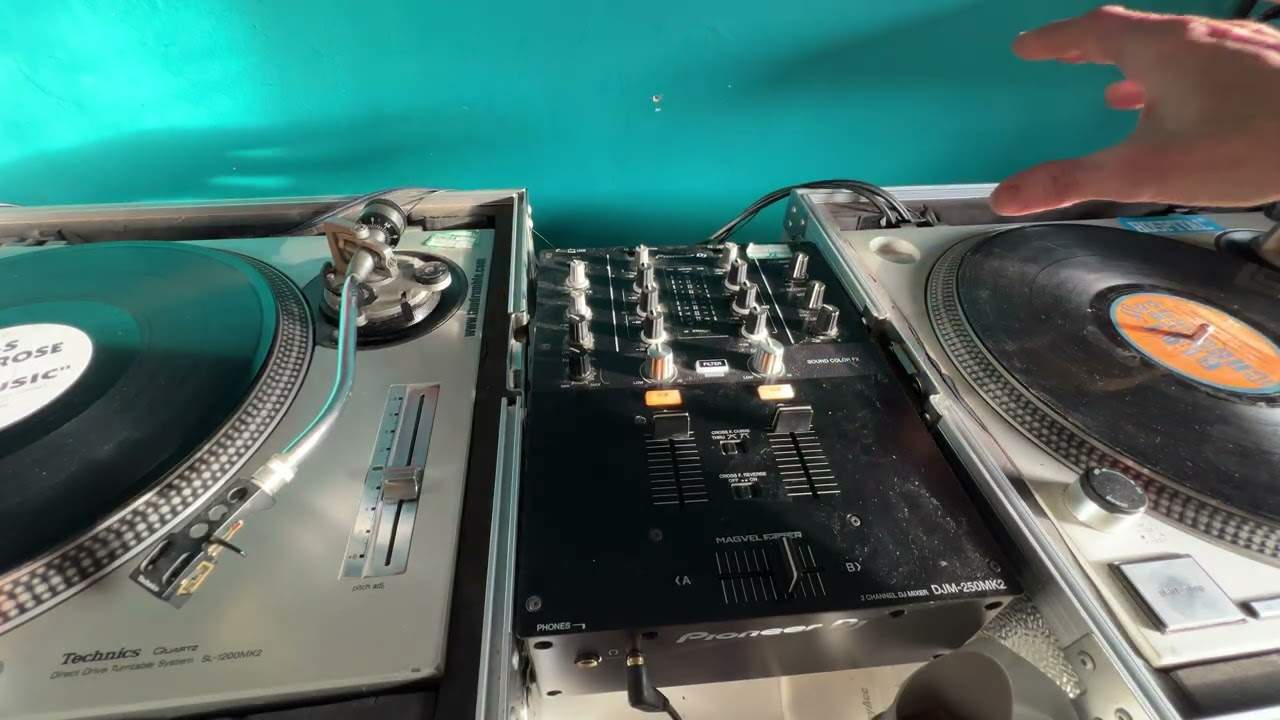
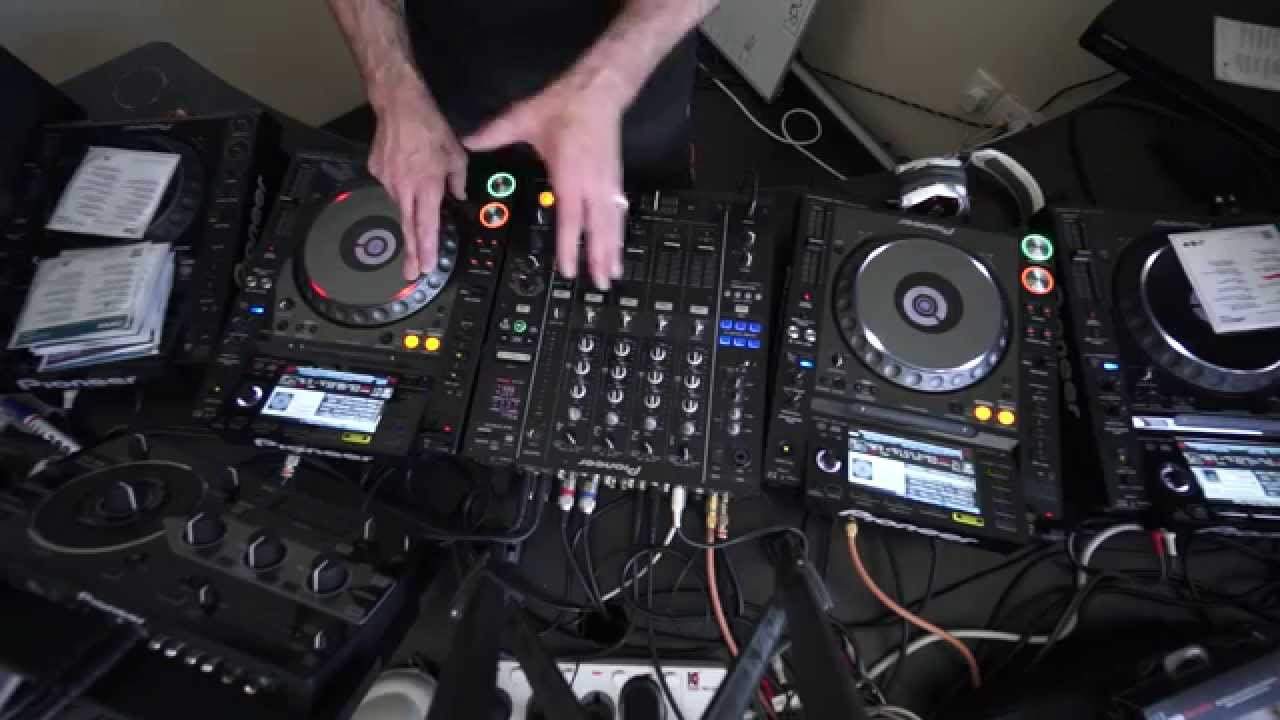
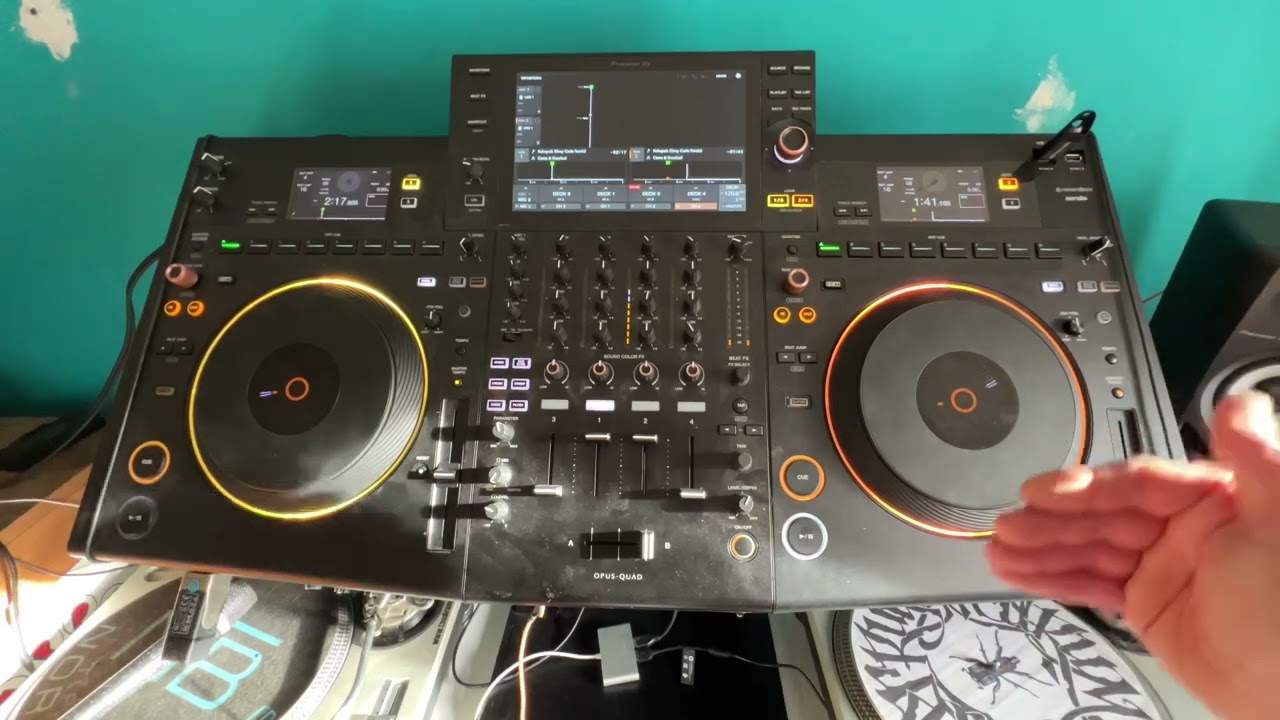
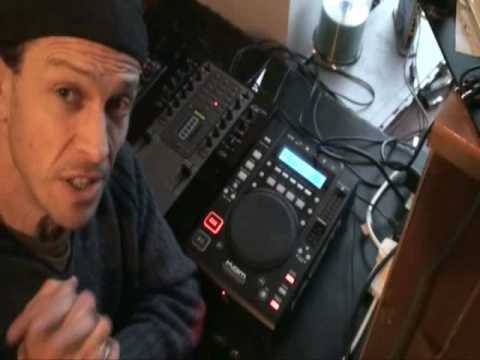
Right, that's better. Right, in this video guys what we're going to do is incorporate an effect known as the filter into a mix. Now first of all everyone wants to know what kit I'm using. A couple of things here. Right, first of all the kit, the CD player here is the Cam KCD400 MP3. This mixer is the Stanton M.207 and this guy here is the Denon DNS1200. First of all that. Secondly, this proves that you can plug in different kit to a different mixer. In other words, you don't have to have two of the same players. Alright, ideally you want to do that because then you get used to one pitch, you get used to the other one, etc. But, proof here is basically that you don't have to have the same items. Right, so what I'm going to do... Shall I pause the camera? Yeah, I'll pause the camera so we can have a closer look down here.
Right, here we go. Now first thing I will say about this player is the cue is exceedingly responsive. So, hold on. So, let's go a little bit closer and we're going to have a look at this guy here, the filter. So, press that guy. Press play. On the screen we have FL and if I start moving the jog wheel, I'll just pan out again a little bit. Clockwise we go to a higher filter. Anti-clockwise We come through to a lower filter. So at one point we will have 0-0. That basically means that the music is playing as it should be. When we go to minus, we decrease the mid and top and we just end up having bass. Now that's the sort of sound I want when I'm going to bring this particular tune in. So first thing, of course, by the way if you want to know the names of the tracks, have a look in the lickable clinky descriptiony kind of stuffy thingy doodah sort of direction. Okay.
2:45 What matters is the effect and how it comes in
So, what I'm going to do, I'm going to bring it back up to zero. But having said that, it can be anywhere, it doesn't really matter. If you press the button on the filter again, it'll go back to the normal sound. Right, I'm going to pause the camera again and I'll in a sense talk you through what you need to do to get to this stage. Right, first of all there are a couple of steps you need to do. You need to make sure the tracks work well together. I need to make sure as well that the one you're bringing in is beatmatched. Now, that is very important because what you don't really want to do is you don't want to start having to use the pitch quite a lot while you're bringing the effect in. Now, bearing in mind you might have to move the pitch a little bit, that doesn't really matter. What matters is the effect and how it comes in. Now, the whole reason for doing something like this, now I don't expect you to do this mix every single time,
4:41 Bearing in mind now, let's say you're on the fly and you beatmatched i
What we are actually doing, if you imagine, let's say, you're, I don't know, stuck in the middle of, like, over there, in a desert, something like that, or maybe a forest, and you can hear this sort of sound in the background. You know, I mean, we've all been there. Forest and desert and stuff. No, I suppose... I've actually been to a forest, never been to a desert. I'd love to go to a desert. Also, I want to walk the Chinese Wall. I digress. Anyway... What I'm trying to get to here is, let's say you're on the way to a party and you're like a mile away from the party. Well, you will always hear that thud first.
The closer you get, the more sounds you'll start to hear until eventually when you get to the function and you're close in front of the speakers, you'll hear all the frequencies. That's near enough what's going to be happening here. So it's a way, two things are happening. One is you're mixing the track in but also you're slowly bringing Bearing in mind now, let's say you're on the fly and you beatmatched it. So then before you start bringing it in, you'll press filter and we'll have this tune playing. Don't forget to count as well. I forgot to turn it down. I'm going to leave that in audit. Right, let's just bring it down. Can you hear that? It's just that... Bring it up a little bit more.
That's about right. Okay, now again. You see? Punk TV, guys. Alright, again, you see there, what you would be doing is you'd be listening through your headphones anyway. So while you're listening through your headphones, you'll be able to determine what frequency you want it to start at. Again, that's not necessarily very important, but it's something that you may want to consider. Okay, here we go. Let me get counting of bars. One, two, there I'm in. Now what I could do here if I wanted to, slow and take the bass out.
Again, this is only a demonstration. It was in time, in beat, but maybe it could have been, you know, one or two bars the other direction. But it worked. Very subtle and sometimes that is what's good about doing a mix. Just tiny, tiny, subtle differences as opposed to just mix, mix, mix, mix. Don't forget, again, subtlety. Don't use all the effects all the time. Maybe one effect once, maybe two effects once, maybe three once, but then go back to just one because by using one effect you'll get more benefit as opposed to shoving loads of stuff in and not knowing what's happening. It's a bit like cooking isn't it? If you've got one or two ingredients you'll be able to taste them. If you chuck in 55,000 and a half it could just end up like mushy stuff kind of thing, sort of stuffy bits and stuff.
I'd like to show you my pointy bit of paper. There you go. Practice and enjoy. Thank you.
This transcript was produced automatically from the audio of the video and may contain mistakes.