 2:14
DJ VJ Tutorial on Chopping from One Video to Another for the Mobile DJ
Contents of the video
Alright ladies and gentlemen, noise in the background, I do apologise. A couple of tracks, Jay-Z, Girls Girls Girls, It's My Birthday, which is Will.i.am and Cody Wise. Okay, two different BPMs, how do you mix them? Alright, Will.i.am. Okay, we're doing video mixing and this is really a tutorial for the mobile DJ. Two tracks, different BPM, okay, you could match them up if you wanted to, but it's quite often a good idea just to do a chop from one to the other. Let's have a listen to the beginning of Jay-Z. Okay, let's get it to there. I'm just going to pause it there, bring it forward a tiny bit more, pause it about there, there, better.
Okay, I'm just going to bring this back a tiny bit.
Bridge.
Bang. Alright, it's straight over.
When you're doing a transition like this, you don't really want to have the tracks blending, you literally just want to chop them from one to the other. If you try and do a blend when the BPMs are not the same, it's going to sound terrible, bit of a train track, train track, train wreck.
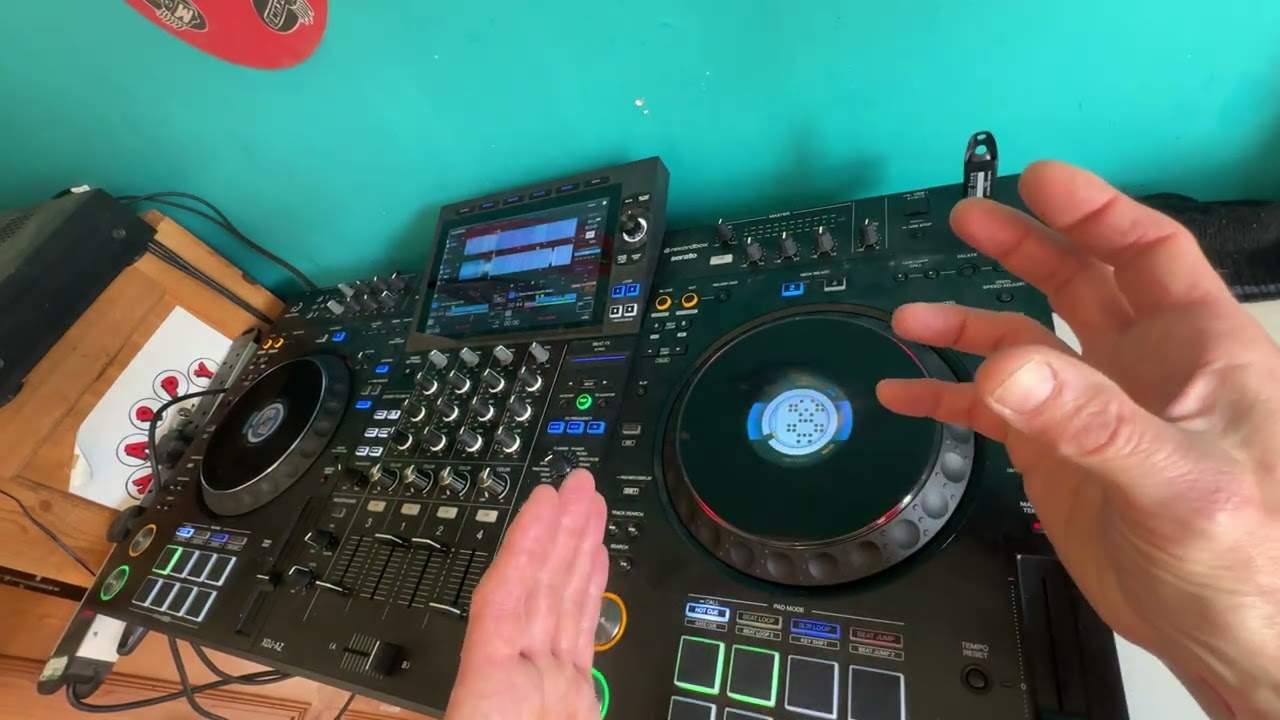
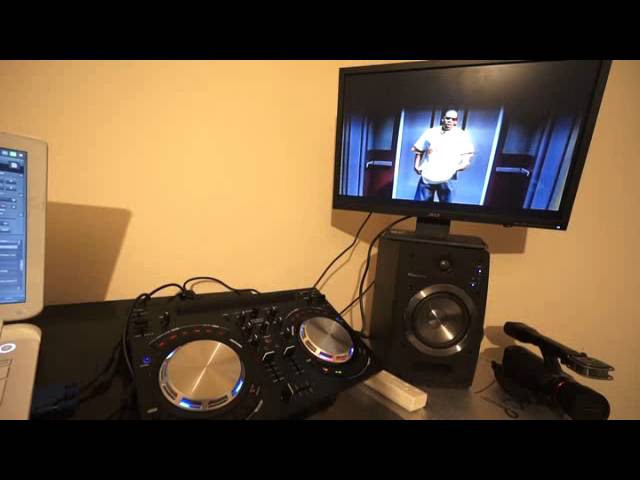
So it is as simple as just chop from one from the other. If you noticed on the controller, it's the WeGo3 by the way, we had both channels up. I used the crossfade and as soon as I was ready to bring the other track in, I moved the crossfade straight over and pretty much while I'm moving the crossfade straight over, press play and away you go. That is pretty much it. Practice and enjoy, thank you.
This transcript was produced automatically from the audio of the video and may contain mistakes.