 1:37
DJAY App. How to plug into a Vehicle
Contents of the video
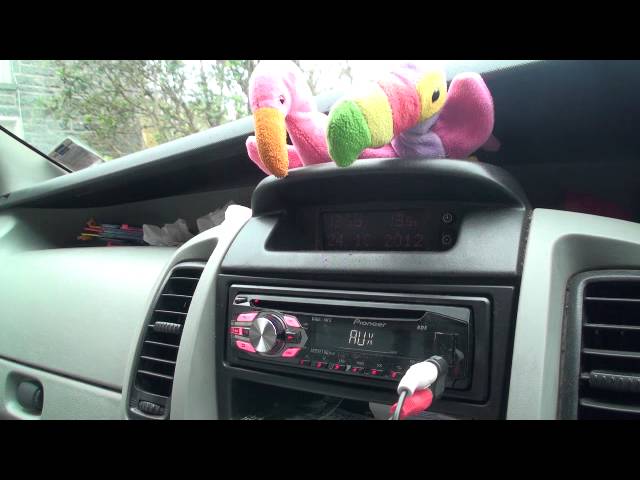
All right guys, another video on the DJ app from a company called Algorithm. In this one I'm going to show you how you can plug it in to your music source in your vehicle. Now most modern day music sources, the likes of this player here, have got a mini jack input for auxiliary purposes. You will need a plug similar to that. The moment I've got this adapter plugged into a set of RCAs, mini jack into here. So you've got a small plug, I can plug that in there. We need to make sure that your music source is set there to AUX, which is short for auxiliary. Then on the other side into your iPhone or your iPad you need to put that into the headphones. So what I'm going to do is turn that up a little bit. We'll turn it up to about 28. If I press play the track we're using is by Mr Rick Parkins, track entitled Trust Away. Very important if you are in control of the
Vehicle, you should not be using this app. You should be paying attention to where you're driving, but there is no reason at all while the chap or lady next to you can start spinning some funky grooves. The functionality on the application stays exactly the same if you're in a home or if you're in a vehicle. In other words, you can still use anything and everything on the app. Have fun while you're driving. Remember to be careful and practice and enjoy.
This transcript was produced automatically from the audio of the video and may contain mistakes.