DJM-400, How to get 3 music sources out of it at once
Contents of the video
0:00 How you can get three separate
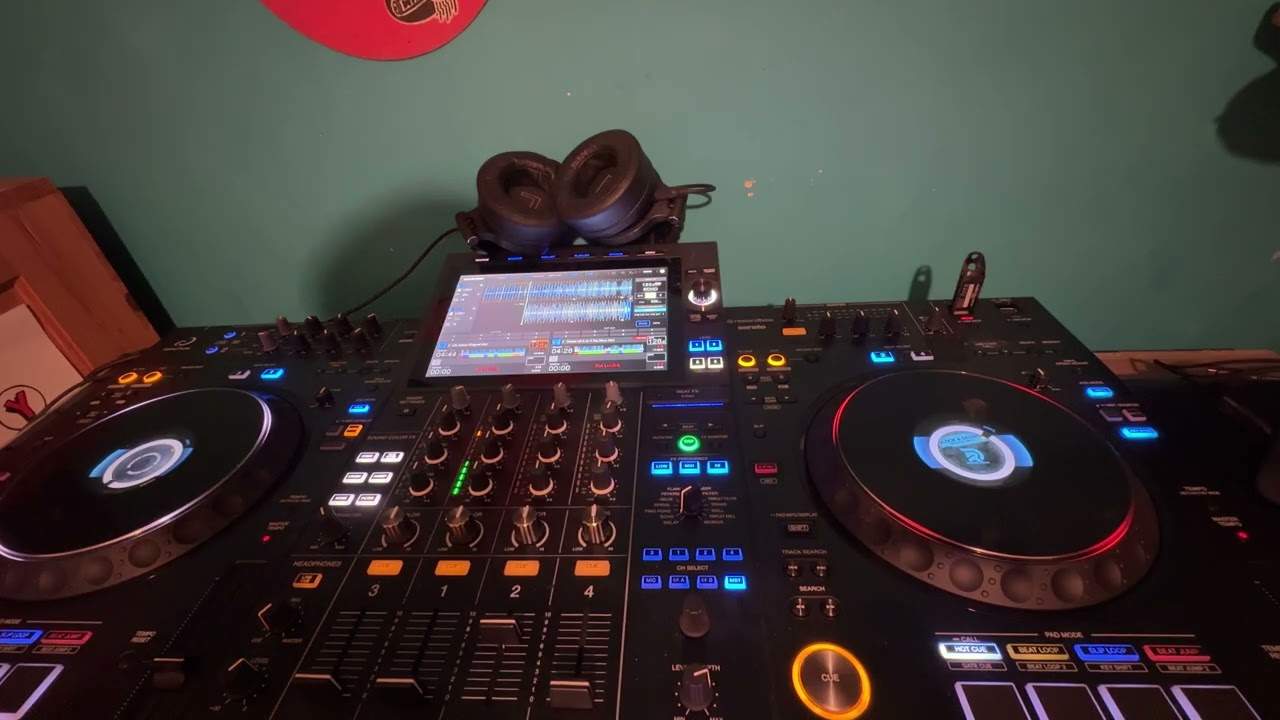
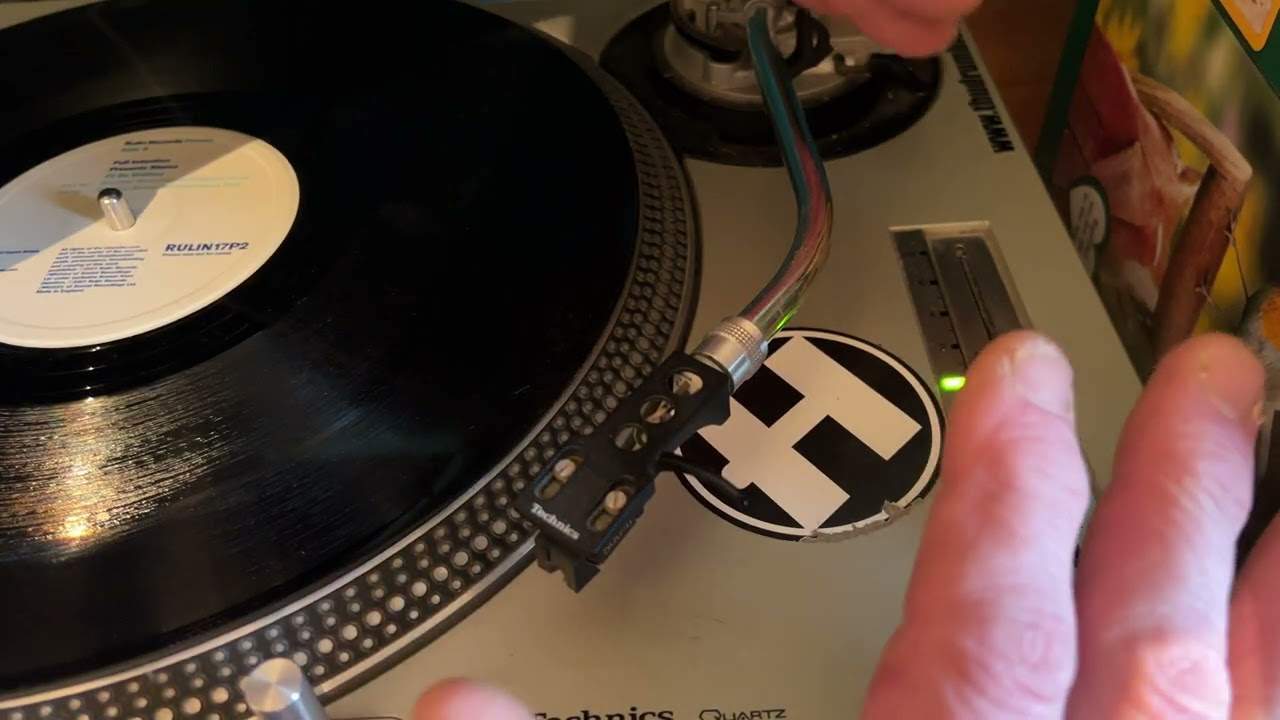
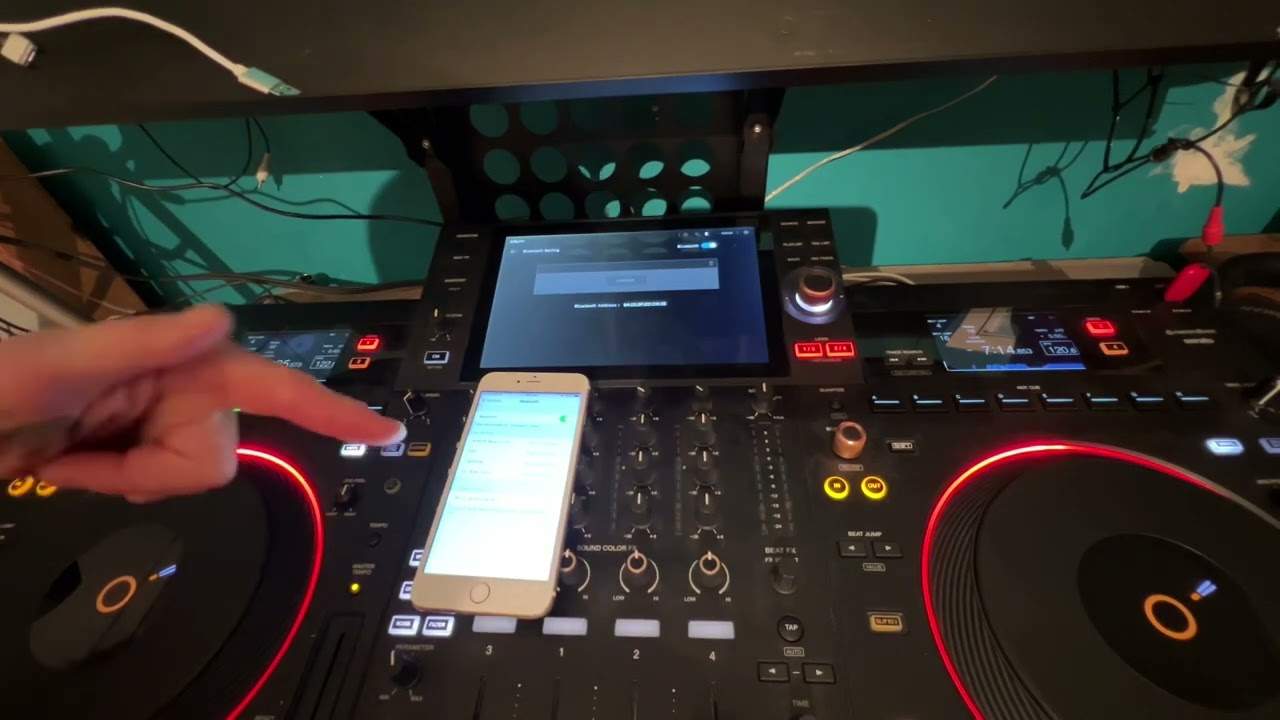
Alright folks, in this video I'm going to actually show you how you can get three separate audio signals from a two-channel mixer. Namely, this guy here. It's the Pioneer DJM400 mixer. Now, theoretically, one CD player or one vinyl turntable through this channel. One CD player, one vinyl turntable through this channel. You've got CD or phono line select there. So, in a sense, you can theoretically only have... Two music sources coming in at one time. But I'm going to show you how you can actually have three. Here we go. Right, what I'll do, I'll actually take the fisheye off the camera and I'll just give you a runabout on the actual settings here. Hold tight a second. Okay, the main area we're actually going to look at is the level depth and here the roll feature. So we're going to set this dial to roll. What I've got now, I've got channel select on channel two.
1:22 I've got the level depth set to 12 o'clock, channel select set to 2
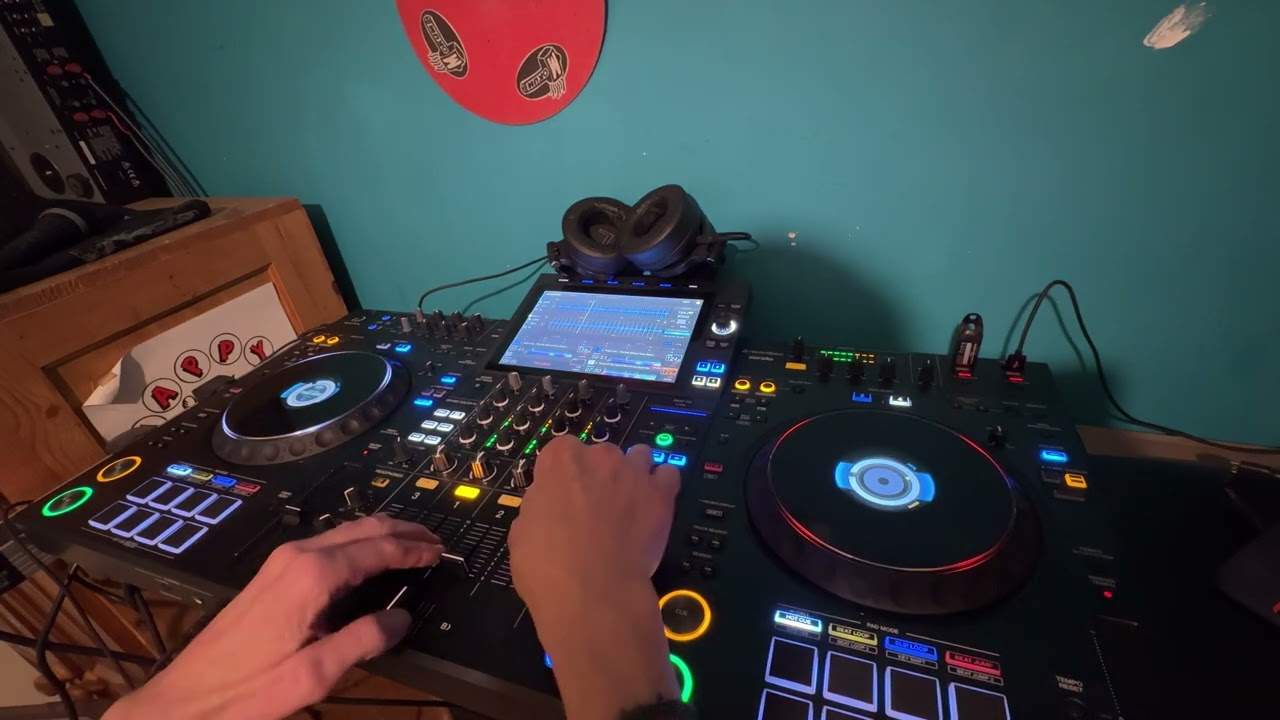
Which is that CD player there. Right, what I'll do, we'll play the music. By the way, look to the side of the video for the tracks. This side here will be the right side, and that over there is the left side. So let's play the music. Now what I can do with the roll feature, or should I say this area here, we've got the effect select set to roll. I've got here 1 over 1. I've got the level depth set to 12 o'clock, channel select set to 2. If I press this button here on the beat, I'll now get a roll. OK, so we've got a roll there on channel 2. What I can do now, I can transfer that roll to channel 1 by pressing, or should I say, sorry, moving the channel select to channel 1. Now if I turn that down, we can now see that we've got something on channel 1. So if I move this dial up, that has now been put...
Channel 1. The roll from channel 2, now channel 1. If I press pause on this guy here, put the volume down and I switch channel select to channel 2, it's now back on channel 2. So 1, 2, 1, 2. Now watch what happens now. If we put it back to channel 1, if I now start to move the level depth, have a listen. So at 12 o'clock you can hear it. As we move the dial anti-clockwise through to the 7 o'clock position, it's gone. Through to 5 o'clock position, it's there. Alright, so what the heck has this got to do... Just stop that. What the heck has this got to do with actually getting three channels? Right, I'll put the actual fisheye back on the lens and I'll give you a demo. Right, first off, it's very important to make sure that the two tracks are beatmatched. So, what I'm going to do now...
3:03 Switch that over to channel 1
I've got the actual level depth set to 12 o'clock, channel select set to number 2, I've got the roll feature selected and I've got here 1 over 1. So I'm going to play this music here and I'm going to sample a tiny bit of the sound. So here we go. Let's start it. Right, put it back to the beginning. Here we go. Switch that over to channel 1. Let's pause that. We've got that on channel 1 now. Now have a listen to this. If I put the level depth to maximum, press play on this guy, have a listen. We can't hear anything on that side. But as I move the level depth over to 12 o'clock and then through from 12 till 7, you're getting that side here. So what I need to do is I need to try and sample this or start this, should I say, in time with the music. Practice and enjoy.
This transcript was produced automatically from the audio of the video and may contain mistakes.