 3:22
Fader start: the channel fader as a play button
On YouTube this video is called Fader start, What does it do? video 1, Dj tutorial on Pioneer DJM-400
What this lesson teaches
A careful demonstration with no music playing, so that the mechanism is visible rather than impressive.
The cable
First thing to know: this needs a control cable from the player to the mixer - the thin lead that comes in the box with a CDJ and that most people never unpack.
It is optional. Plug it in when you want fader start, leave it out when you do not.
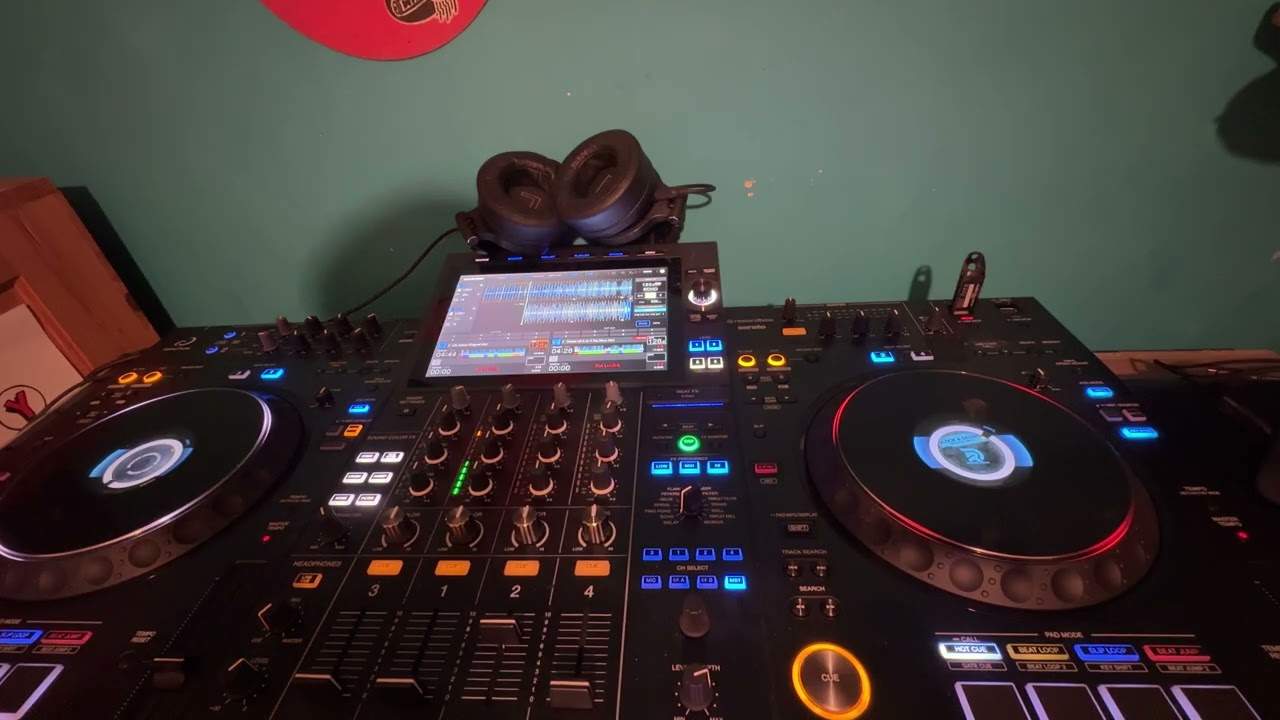
The setup for this demonstration
The crossfader is set to through, which disables it entirely - wherever it sits, it has no effect. So the only things controlling the sound are the two channel faders, which is what the lesson is about.
Without fader start
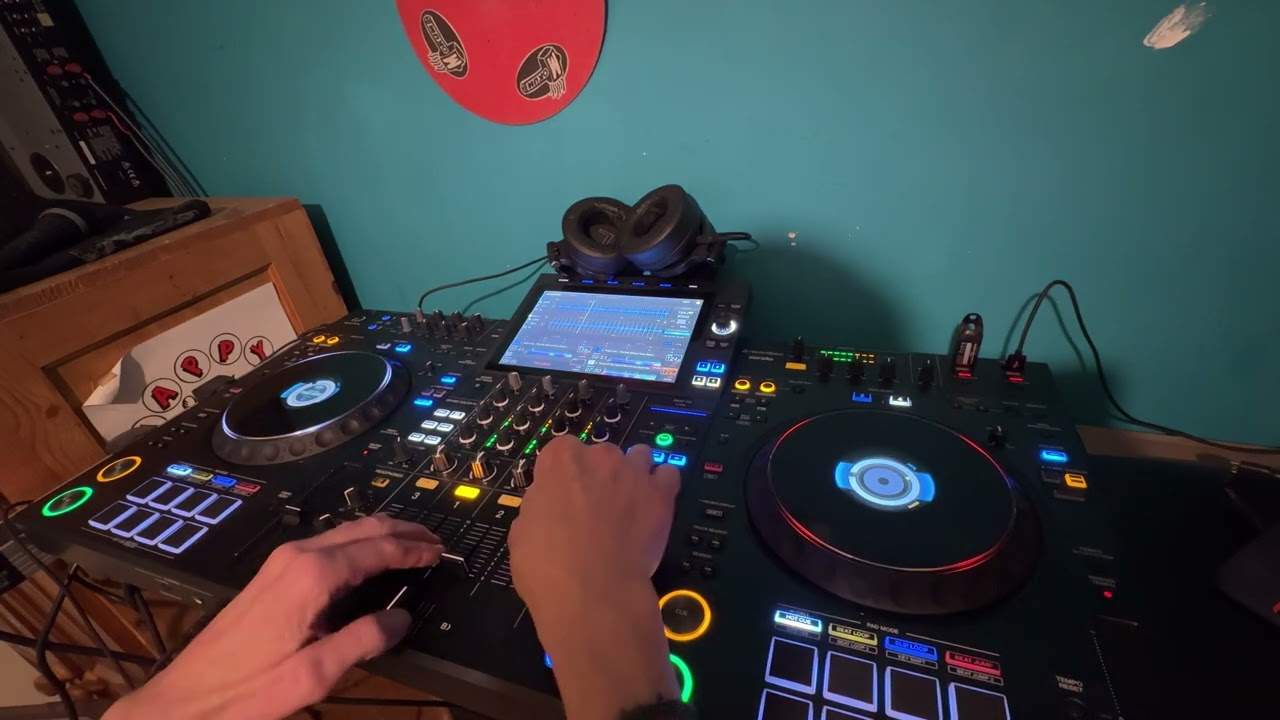
Two hands, two actions.
Press play on the player. Then bring the channel fader up, and the music appears. Fader down, silence - but the track is still running, and you can still hear it in the headphones if the cue is on that channel.
That last point is the one worth noticing: a fader down is silence to the room, not a stop. The record keeps going and you have lost your place.
With fader start
Press the fader start button on the mixer - it lights - and the behaviour changes.
Fader up: the track starts. No hand on the player at all.
Fader down: the track stops, and returns to the cue point.
So one movement of one finger does what previously took a hand on each machine. And the second half - returning to cue - is the more valuable half, because it means a fader down leaves you ready to go again instead of somewhere in the middle of a record.
What it is good for
Tight, repeated entries. Punching a record in and out on the beat, with no risk of drifting out of position, because every exit resets.
One-handed work. A hand freed for the other deck, the EQ or the microphone.
Speed. It removes the gap between deciding and starting.
What to watch for
It also means the fader is now a transport control, which can catch you out: a fader nudged while you are reaching past it will start a record.
And it is the explanation for a problem that baffles people with new equipment - if tracks keep starting on their own, look for this cable and this button before anything else.
Contents of the video
0:00 We're not going to mix, we're just going to pretend we are
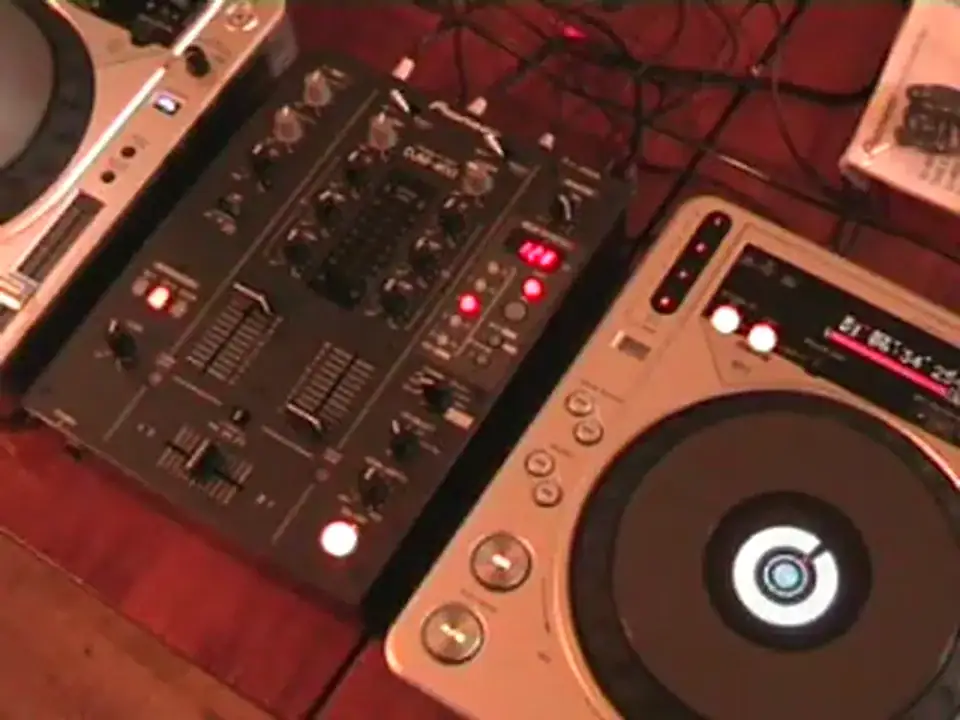
Alright folks, Jonathan here. Now this is video number one in a couple I'm going to be doing on what is known as the fader start. Now the bit of kit we've got here, we've got the DJ-M400 and we've got the CDJ-800 Mark II. Now then, as you can see on the mixer, we have the left hand side channel up like so. Now, but we haven't got any music playing. The reason being, I just want you to imagine that we've got music playing and we're going to do a bit of a mix. We're not going to mix, we're just going to pretend we are. The concept, the idea, the initial idea behind the usage of fader start. Also we've got the crossfade set to through, the through position. Now what that means is that wherever the crossfade is it won't be used. It can be in the middle, it can be on the right hand side, the left hand side. The crossfade now isn't being used at all. The only way of actually getting sound is by messing around with the two volume controls.
0:55 Without the use of fader start, this is what we would have to do
Without the use of fader start, this is what we would have to do. Let's say again, the left hand side is playing. We will press start and then bring the volume up and we can hear the music playing. Volume back down, no music. Volume up, music, back down, no music. And again, with the volume down, if we've set the headphone to channel 2, we will still be able to hear it through the headphones, the music will still be playing as you can see there, but... The punters, the people listening, the dance floor, the main speakers won't have any sound coming out of it because the volume is set down to zero. And again, as we increase the volume, we can hear the music. Volume back down, we can't hear anything. We'll press cue again. Now then, if I now press fader start. Now, first of all as well, very important, what I've done, there is a cable fitted into this particular CDJ.
2:22 That's happening
And it's going out of the CDJ and into this mixer. Now then, also you don't have to have this cable fitted, OK? The cable does come with the CDJ but you don't have to have it. You can unplug it, plug it in whenever you want, OK? Now then, as you can see now we've got a button that's lit up. Right, now watch the difference. Now finger on the actual volume control and here we go. Bring the volume down, volume back up again. Volume down. Now, two things are happening. One is that I'm not having to, with my other hand, press play. What's happening is as soon as I move my finger that's on the actual volume control up, the music starts. Bring it back down and it stops. Starts, stops. That's number one. That's the first thing that's happening. The second thing that's happening is that when I bring the volume back down...
Thanks for watching. Practice and enjoy.
This transcript was produced automatically from the audio of the video and may contain mistakes.