 8:40
Formula Sound FF2.2L Vinyl Transition Using the Filter and Cross Fade
Contents of the video
0:00 In this video I'm using the two-channel mixer from Formula Sound
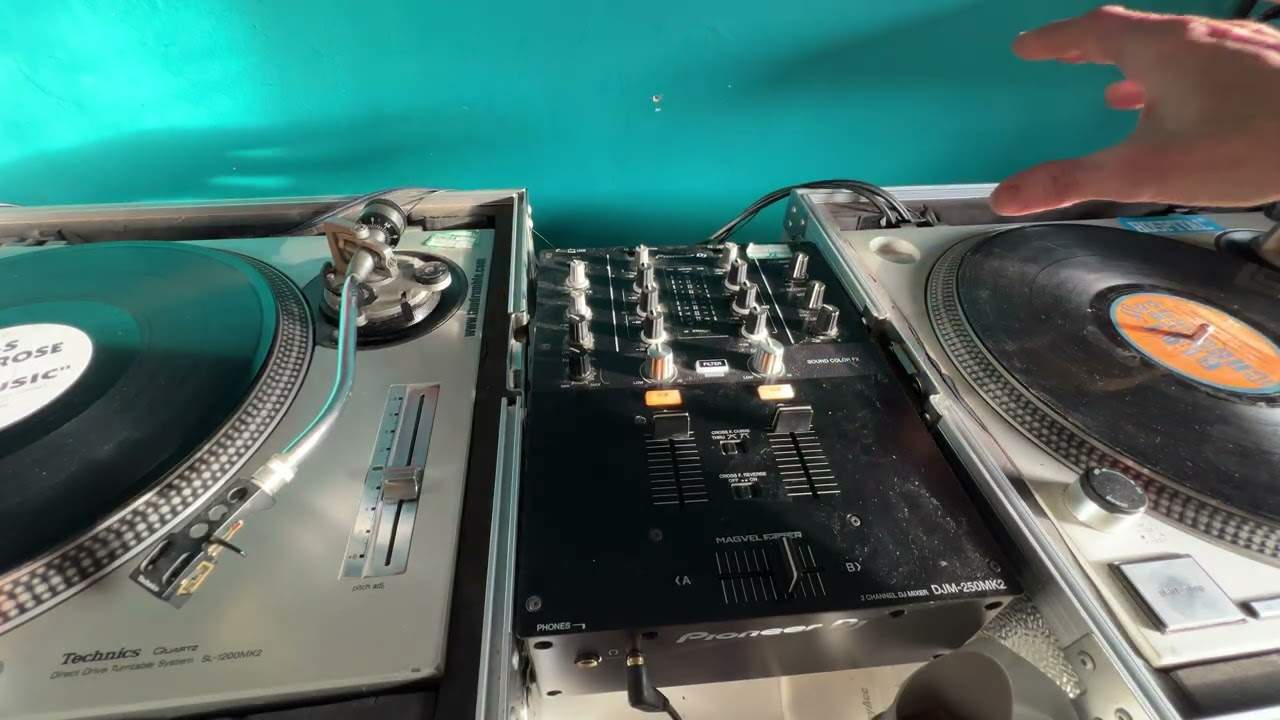
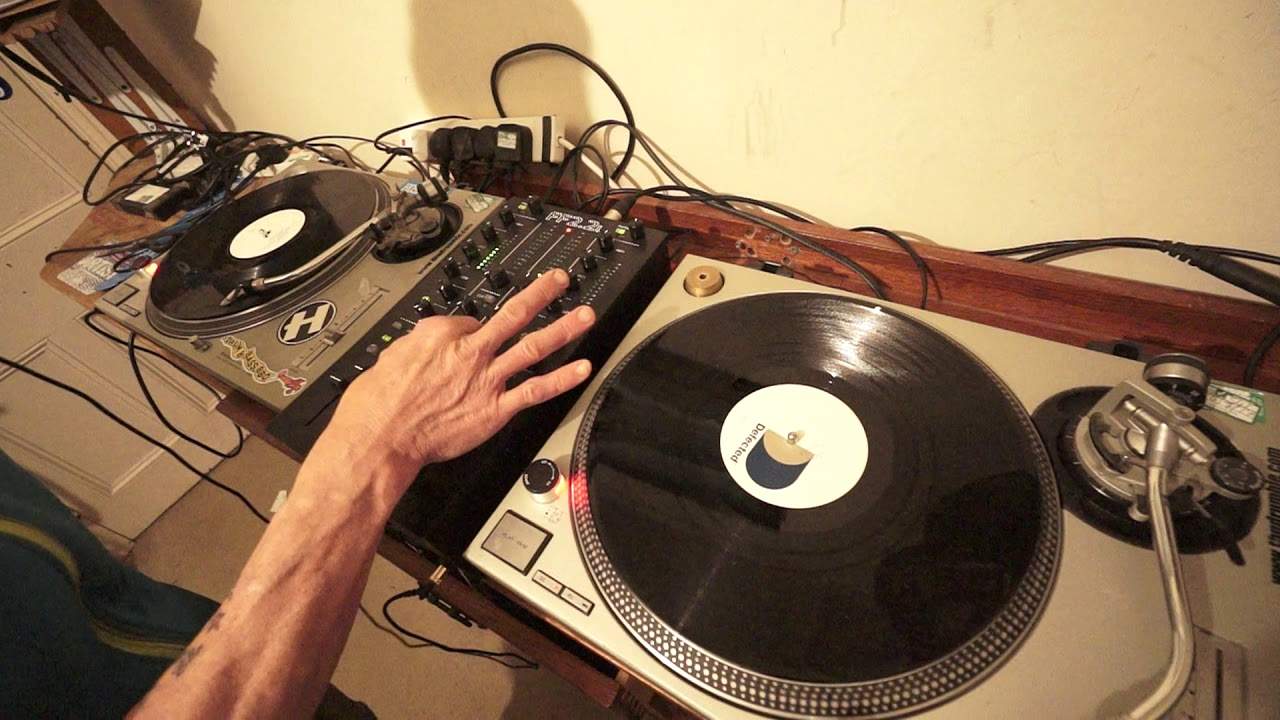
Right guys, in this video I'm using the two-channel mixer from Formula Sound. It's the FF 2.2L. Now this has been designed in collaboration with Function One, a very well-known sound system. This is a two-channel mixer and it can be used with vinyl or with your CD players as well. So it's phono and or auxiliary. I have two pieces of vinyl, so no wave formats, no BPM. It's just using your ears. On the left-hand side a track entitled Give Me Love by Kashmir. What a tune. And on the right-hand side, oh God where is it? I'll just make sure I've got the right name. King Unique, Love Is What We Need. And I will be playing that side which is... The Knee Deep Revto Dub. King Unique, Love Is What You Need. In brackets, look ahead on defected records.
1:44 Move crossfade, left, hand side
So first of all, very simply setting up the FF 2.2L. I have the crossfade curve set to 7 o'clock. I have the crossfade buttons engaged, now highlighted in green LED. Now the reason I've got the crossfade curve set to 7 o'clock is because... Set to the 7 o'clock position is I want a nice, sort of smooth increase of the volume from one side to the other. I don't want an abrupt increase. You would of course get that if you moved the dial to the right-hand side, which is a 5 o'clock, that's more for your scratch turntablist... Where you... when should I say... When you move the crossfade over very slightly you get the sound practically in full volume... Instead of a very... low or slow should i say increase of sound so let's turn that back to the seven o'clock position
I can demonstrate that now for you so with the crossfade to the right hand side press play on the turntable on the left i'm now going to move the crossfade to the left hand side and back to the right on the other hand if i move the crossfade curve now to far right let's have a listen pretty much as soon as i start to move the crossfade over the sound is it's all it's practically at its maximum so you don't really have a nice steady one two three four and so on it's pretty much one oh ten straight away yeah it's a very slight increase but that's what you want for a scratch turntablist let's turn it back to seven o'clock already we can hear the volume is a lot lower but we can increase the volume by moving the crossfade over of course
Now the ff 2.2 l has a four band eq which is is amazing uh also what you do have is you have a low and high pass filter so i'm going to engage the filter effect now let's do low pass and let's do high pass now below each of the buttons for your crossfade you have another one and that will allow you to use your monitor your headphones so above the x fade dial we have our headphones volume we also have a button there so we can split as well so you can have right deck right side left deck left side left side if you wish so what i'm going to do now is i'm going to bring the volume up on the right hand side still have my crossfade on the left put the needle on the record so the drum beat goes like this cue love is what we need up slowly bring the crossfade over
Crossface dead center i'm going to take away the low on the left hand side increase low mid
Increase mid high let's use some high pass on the left hand side so you bring down the volume on the left quite often when you're not so much when you're using vinyl but again you know you could have maybe done a four bar transition an eight bar but of course it's the tracks themselves that will determine really the length of the transition you may find halfway through the mix you'll find it slightly bitевой if you have nine bars what i'd encourage you to do is go to the top of your mix eight bars think that's enough pull it out or you may feel after eight bars do you know what we can carry on a bit and again and again try if you're forming some sort of a transition if you don't pull it out say after five bars or seven or eleven or thirteen
Try and keep in phrase with the tracks if you bring the track in that you're bringing into the mix even if you're using which you are most of the time a completely different track both songs both tracks should have the same phrase structure even if one seems to be more 8 and 8 and the other one is 16 and 16 what is 8 and 8 it's 16 what's two sixteens four eights very simple okay I hope that's been a help if you want any more information on the FF 2.2 L go to the formula sound website do apologize if there's not much info on the FF 2.2 L at the moment on the web it's because it's very very new okay thank you very much for watching practice and enjoy
This transcript was produced automatically from the audio of the video and may contain mistakes.