 9:59
Help with setting mic level for a mobile DJ/entertainer
Contents of the video
0:00 This particular video is about giving a bit of advice
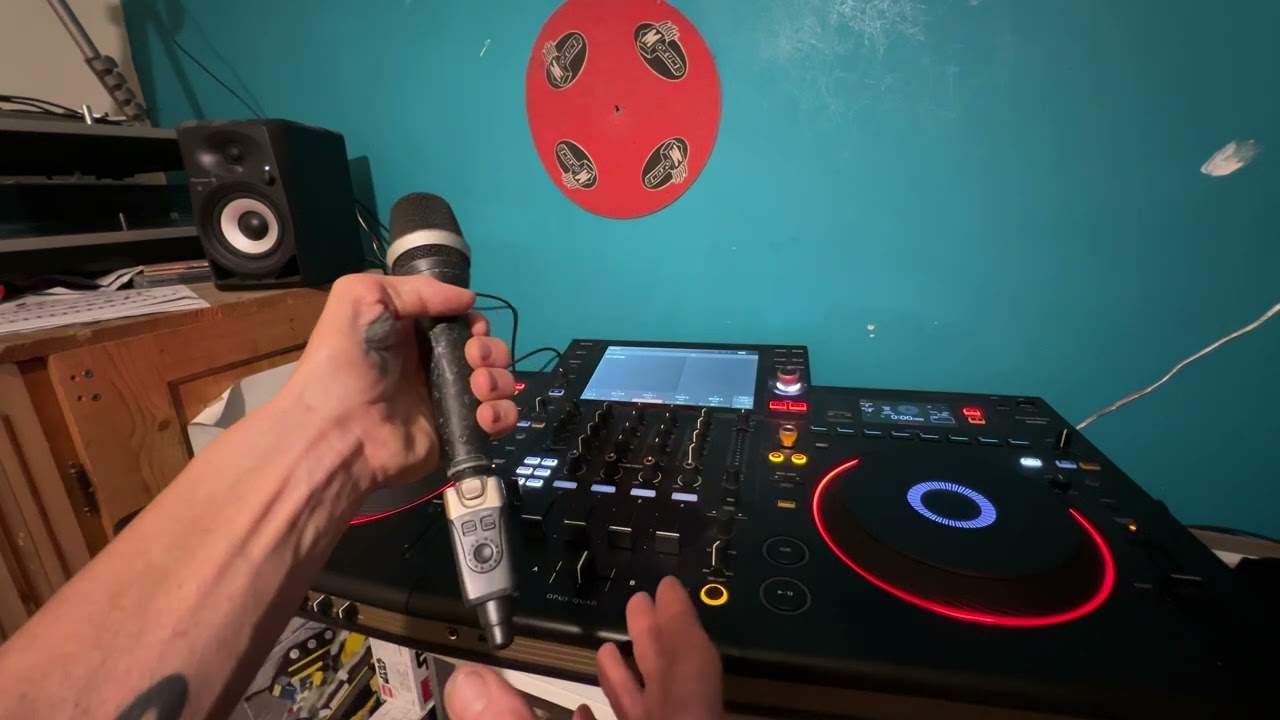
Alright folks, now this particular video is all about setting your level, your audio level on your microphone for a mobile DJ. Different kinds of microphones, one like this with a cable that you normally attach, some like this cable with an on-off button and some like that again with no cable, they're known as wireless microphones. So what I'm going to do, I'm going to pause the camera and we'll first of all have a look at the kit I've got. Now bearing in mind... This particular video is about giving a bit of advice. It's not 100% gospel. In other words, you shouldn't class every single piece of information that I'm going to give you as it should be because it may vary according to the mixer and also the microphone you have and the speakers and the amplifiers etc. So I'll pause the camera, hold on. Right now first off, before I start messing around with the levels on the microphone, I try and do this. Now if we look at this speaker,
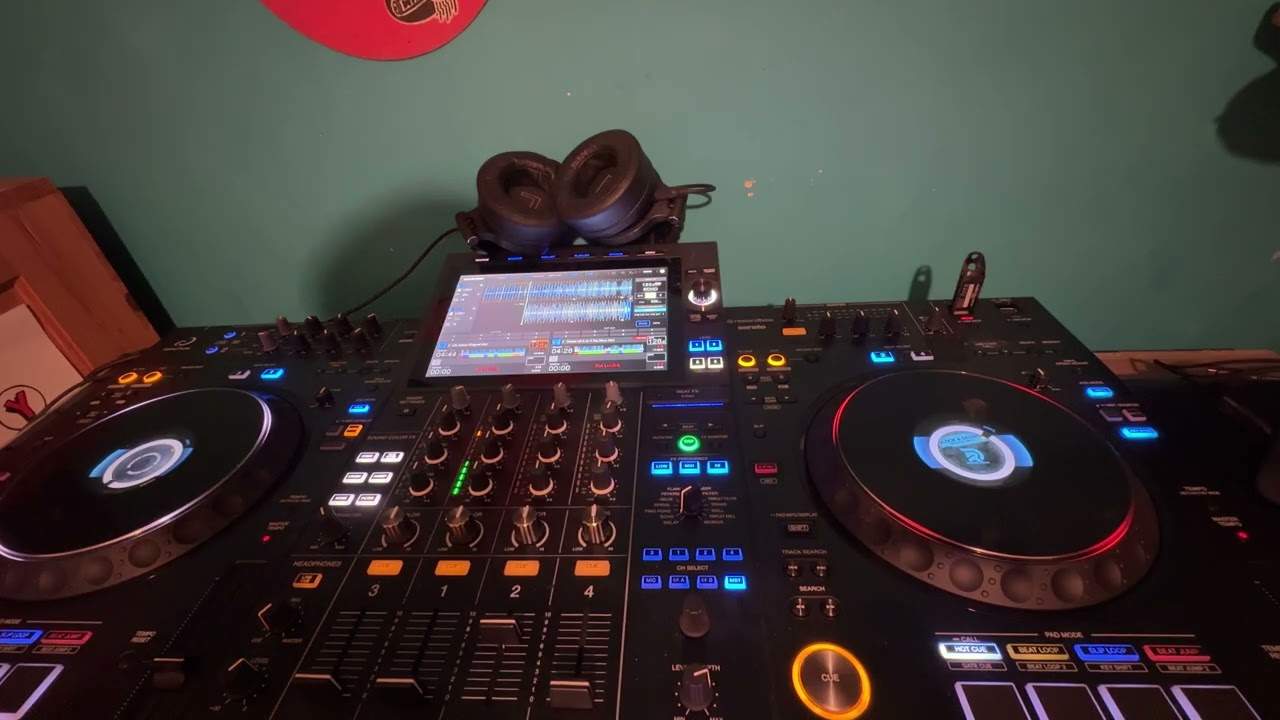
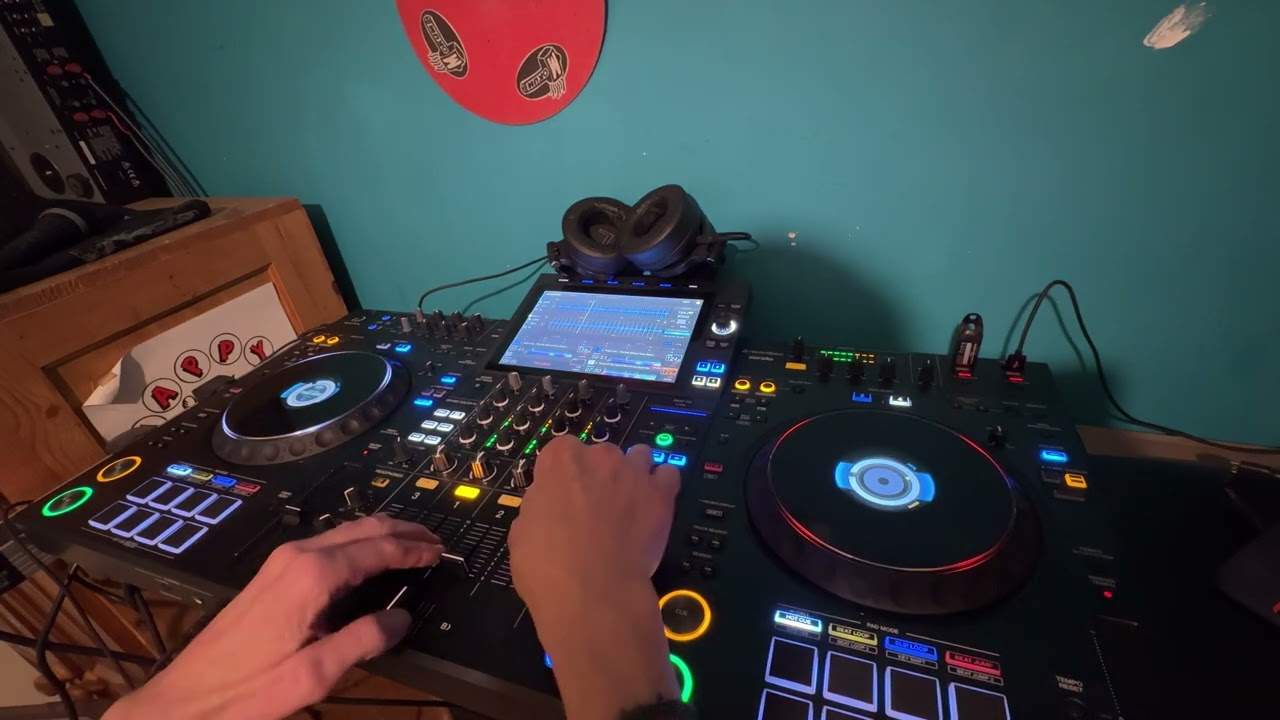
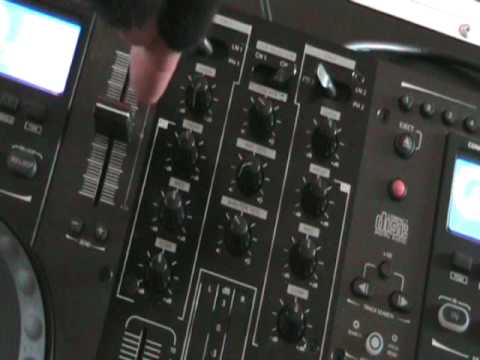
I've got bass set to 12, treble to 12 o'clock, volume to 12 and the gain, or should I say here, the line level is set to zero. There's a good reason for that. Now this guy here is the 3600 from Gemini. Now what I've done, I've got a track ready, volume down, low, mid and high at 12 o'clock, gain at 12 o'clock but the master volume at no level whatsoever. Alright, it's all down. What I'm going to do is increase that I'm going to press play and theoretically we should have nothing at all, no sound, nothing whatsoever. There's a good reason for that. What I need to do now is start to increase the master volume and we should start seeing the LEDs light up. What I want to do, I want to get it so we're just about tapping into 0 dB. There is a very good reason for that. Now, theoretically, I have got the optimum level
2:20 With this guy, it's more visual, so I'll explain
The audio optimum level for this guy, so in other words, I know that if I start turning anything up on the speakers, I'm going to get a good quality sound. In other words, if I start moving this up too high like that, then it's going to be distorted. In fact, we can almost hear it in the background. That's because this guy is pushing so much out, it shouldn't be doing that. So, we need it tapping like that. Now the reason, the main reason I'm using this guy, this is almost the most difficult situation you can get in when using a microphone because we do not have an on-off switch on the microphone and we also don't have an on-off switch on the mixer. Now some DJ mixers, once you've set the levels, there'll be a little switch so you set the level to its optimum sound and then instead of having to mess around with the mic you can actually turn the switch on on the mixer, talk through the microphone
Turn it off, and that's all you need to do. With this guy, it's more visual, so I'll explain. Alright, we've set the level there. Now, this is what we need to do over on the speaker, is we go up to the line level. Now this guy here has got a little clip light here. Now, when we get to the optimum output on this speaker, that little light will start to flash. By the way, if you want to know the name of the track, follow the link in the description.
Right, I'm going to pause the camera and do exactly the same to the other speaker. Right now, if we notice here, we've got master volume, mic volume and cue volume. The one we're going to be looking at is mic volume. Now let's imagine, hypothetically, the mixer you've got. You have got an on-off switch for your microphone. Microphone on and microphone off on your mixer. What you will do is you'll do near enough exactly the same as I'm doing, but instead of turning this guy up and down, like so, up, down, up, down, all you'll need to do is once you've set your level, you will only have to switch that switch to the off position and then back on. A couple of pointers here, if let's say your microphone has got an on-off switch as well and you turn that off and then you turn this on and you think what's going on, it means you've got to turn that on.
4:58 One is to move your speakers further away from your microphone
And then you'll get a signal. OK, so what I've done, we've got the level here, let's just play the music again. Right, music's coming through. Now, again, have you ever noticed when you've started talking through a microphone, you've got that whistling sound? Let's have a listen, see if we can get that whistling sound. There, now that is called feedback. You do not want that sound. There's a couple of things you can do to eliminate that sound, three things actually. Well, there's probably a few more, but I can think of three straight away. One is to move your speakers further away from your microphone. The other one is to, let's say, set the speakers so they're pointing away from the microphone. Or the other one is to turn the level microphone volume down. So, let's say hypothetically now, hold on, I'm just going to pause the camera again so we can get a better angle, hold on. Right, there we go, now then. Microphone, OK?
I've got the level down. Now, I've got a speaker, I would say, six foot away, six foot in between the two speakers. So, theoretically, in a sense, they're quite close together. What I'm going to do now, I'm going to do the old 1-2, but I'm going to change it slightly. Every single stereotypical DJ seems to do 1-2, 1-2. I'm going to do something slightly different. A bit silly really, but I don't care. Right, here we go. So, 1-3, 1-3. While I'm doing this, I'm also starting to turn... The volume of the mic up. But I start with the volume down at zero. No volume, start talking. Don't have the volume up and the switch off and put the switch on because all of a sudden the volume there could be too high and you get a big whistle sound. Worst case scenario is you knack your ears. Second worst case scenario, you could blow the treble speakers on your speakers or even worse than that, people could come over to you and start suing the arse off you so you don't want to do that.
Right, here we go. So microphone, my fingers on the microphone volume. 1-3, 1-3, 1-3. Start turning it up slowly, not fast, very slowly. 1-3, 1-3, 1-3, 1-3. 1-3, 1-3, 1-2-7. 500, 4-2, 21. 508, 47. Legs 11, number 43. I was never good at bingo. Right, hello, hello, hello, one two, one two, one two, one two, one two. Now what I'm hearing and what I'm trying to listen for is an echo, almost where we're getting to that stage where we've got a tiny bit of feedback. When we get to that stage, I need to start turning it down just a little bit like that. There. Right, that'll do. Okay, I'm going to pause the camera again, hold on.
7:17 Exactly where the level
Well, I'm now going to show you exactly where the level was. If I moved it up again, 1-3, 1-3, 1-3, 1-3, 1-3, 1-3, 1-3, 1-3, it was there, about there. I'm going to bring it back down very slightly because we still got a bit of feedback there. So, what I know now is by looking visually at where that little line is, I know that is the level at which I can turn the microphone up. So, I know there's no way... I can start getting the level any higher, but of course it's dependent on making sure I turn this up. And again, think about it, if I had a switch here now on a lot of mixers, let's say for example, this is a complete DJ mixer, nine times out of ten you've got all your functionality here for your turntables and over on the right hand side or the left hand side you've got your microphone. So of course quite often you have a switch. If I had a switch I could switch that
Never drive on the wrong side of the road because there's a possibility of a car crashing into you. What? Oh, sorry, no, microphone. Right. Now let's say hypothetically you are a DJ stroke entertainer and you like to have a mess around with the crowd. Well, first things first... Try and stay clear of microphones with leads. You need to have what's known as a wireless microphone. In other words, you have a transmitter from this microphone, a receiver, the receiver goes into your mixer and then guess what? You can walk around and entertain the crowd. One very important factor when you are checking levels on your microphone, you need to stand in front of the speakers and around the room to make sure you have not got any feedback. That is very important.
Never, never go too close to a speaker while a microphone is on because you will get feedback. Even the best microphones in the world, you cannot do something like this with them. You know, there's, alright, if I just show you. You can't do this. In fact, if you can, then your microphone's broken. Let's imagine that's on and I've just been talking through it as I have earlier. You can't do that because you would just all of a sudden... Thank you very much. Sorry?
This transcript was produced automatically from the audio of the video and may contain mistakes.