 3:48
Streaming in true stereo from a phone
On YouTube this video is called How to Live Stream True Stereo Sound Through Facebook via Iso Apple Iphone
What this lesson teaches
The companion to the streaming lesson, and it spends its time on the two things that actually matter.
What the booth output is, and what you are doing to it
A good explanation of a socket many DJs have never used.
The master output feeds the main PA - the people dancing. The booth output feeds the DJ's own small monitor system, with its own level dial, so you can hear yourself at a volume that has nothing to do with the room.
What you are doing here is repurposing it: it is no longer a monitor feed, it is a channel to the stream.
That is the right way to think about it, and it generalises. Any output on a mixer with its own independent level control is a candidate for feeding something that needs a different volume from the main system - a recorder, a stream, another room.
Most mixers have one. Check the back of yours.
The cable chain
Two RCA cables into two quarter-inch jacks into the back of the unit, out to a stereo mini jack.
And then the key: a TRS-to-TRRS adapter - the Rode SC4 - into the phone.
Why that adapter is the whole lesson
The question he made this video to answer was how to get decent stereo out of a phone stream, and the answer is this one connector.
A stereo cable ends in TRS - tip, ring, sleeve: left, right, ground. A phone's combined headset socket is TRRS - tip, ring, ring, sleeve: left, right, ground and microphone.
Plug a TRS cable into a TRRS socket and the contacts land in the wrong places. At best the phone does not recognise an input at all and falls back to its own microphone; at worst you get one channel, or mono, or nothing.
The adapter maps a stereo line signal onto the pins the phone expects on its microphone input. It is a small, inexpensive thing and without it none of this works.
Setting the level
Same advice, put more plainly: have a friend on the other side to tell you whether it needs turning up or down.
There is no meter for this. The stream's level is whatever arrives at the far end, and the only way to know is for somebody to listen.
What it was for
His own use, and it is a fair illustration of why this is in the curriculum: he taught one-to-one lessons over a video call, and this let him do them with proper audio - and stream to one person, or privately to friends and family, or to everybody.
The specific platform in the lesson has changed, and so has what phones do and do not support. The chain has not: a mixer output with its own level control, the right adapter, and somebody listening at the other end to set the level. That is still how you get a clean stereo feed out of a DJ setup and into anything.
Contents of the video
0:00 Facebook have recently announced that you can now live stream via Face
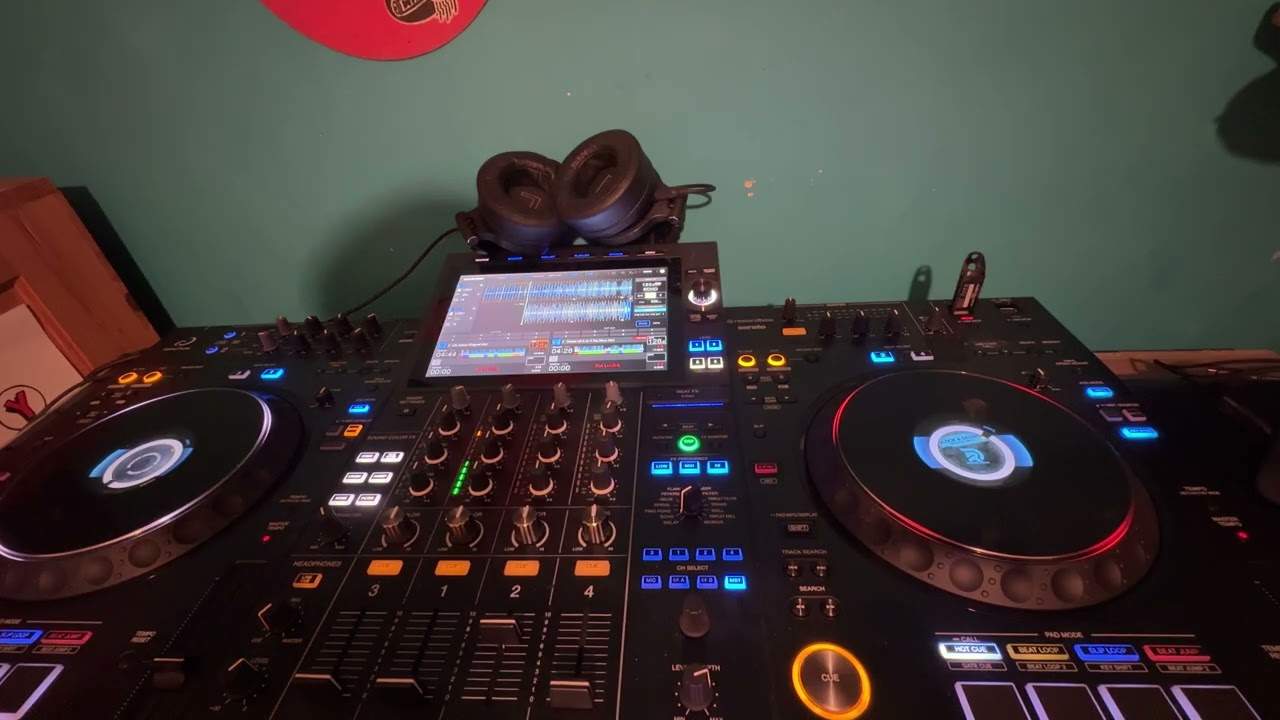
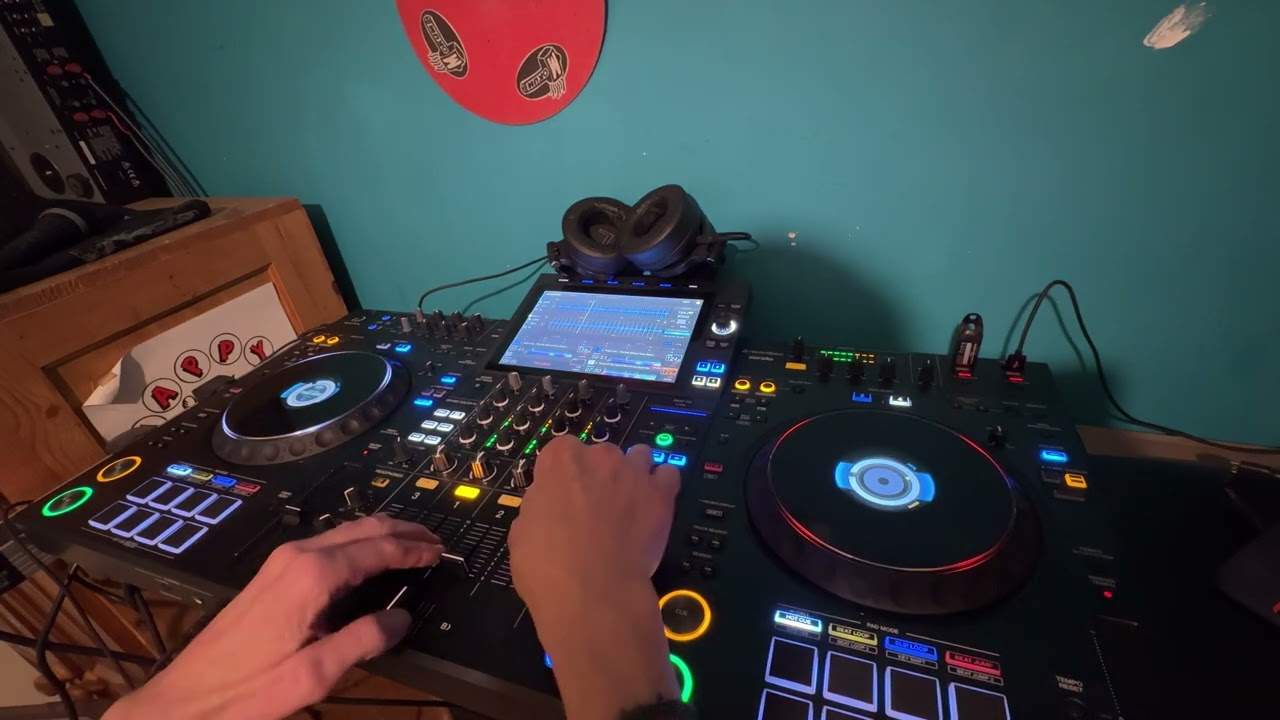
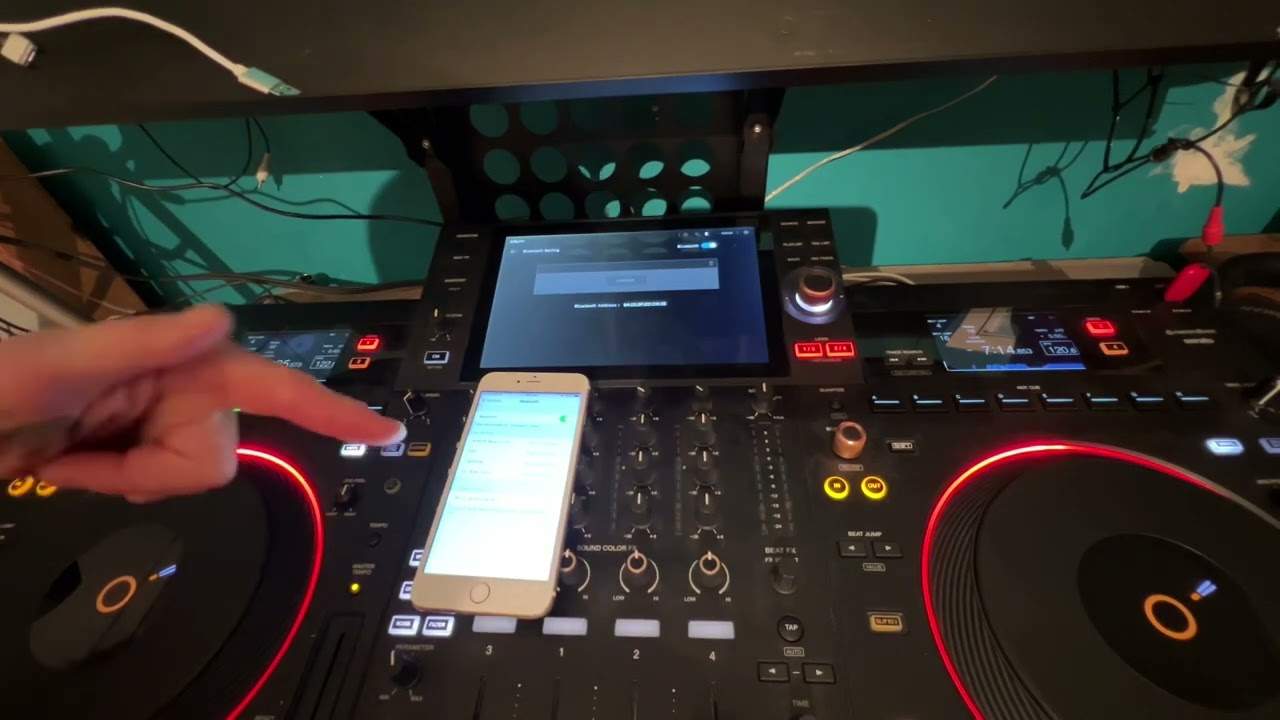
Alright guys, Facebook have recently announced that you can now live stream via Facebook. Now it has been going on for a couple of weeks, but there's a few people who've asked me how you can get decent stereo. Now at the moment it's still through ISO, through Apple, through the likes of an iPhone and iPad. Not on Android yet, but how can you get good quality stereo? Now this video is mainly targeted for music producers, DJs who want to stream good quality stereo through Facebook. It's going bing all the time. So I'm now going to show you exactly what that means. Now I have in front of me the Pioneer XDJ-RX. Now at the back of this there is an output for booth control, and you can see the dial there, booth.
1:15 A lot of mixers like this will have booth monitor
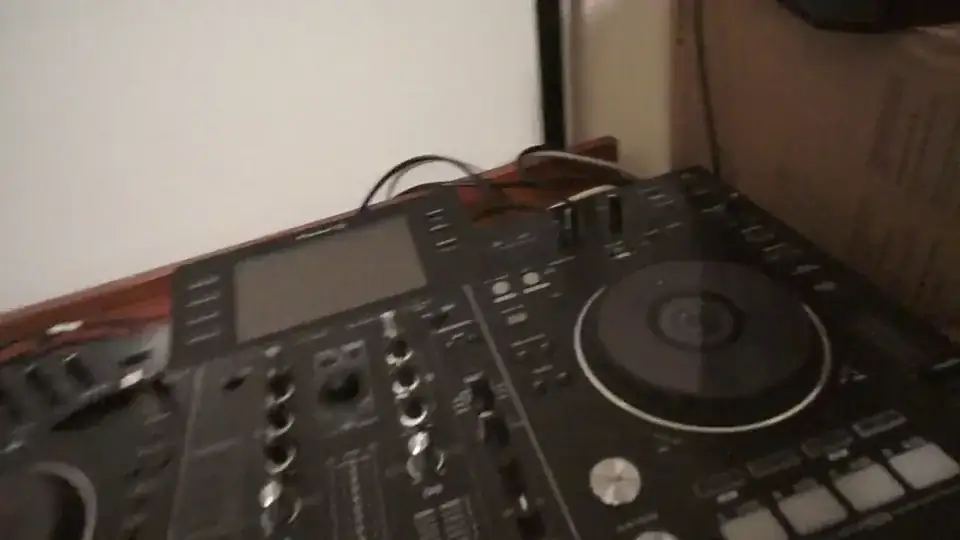
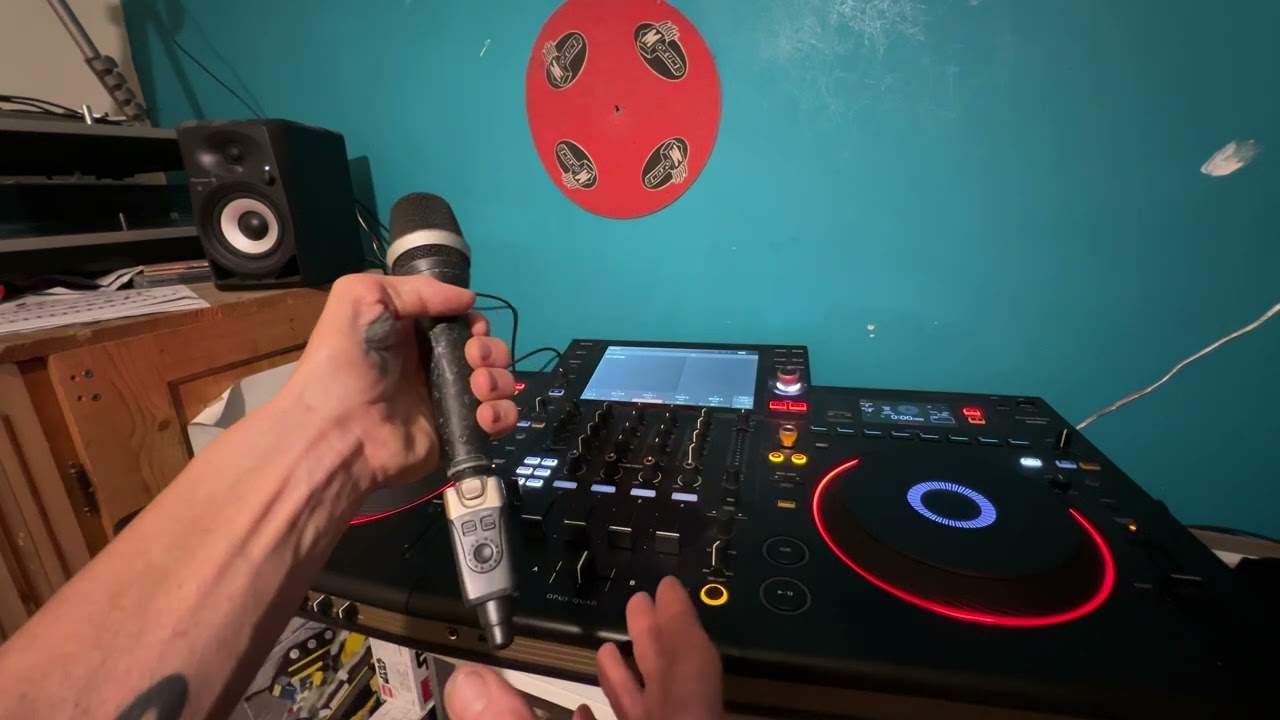
Now if I just unplug this booth, I do have two RCA cables there, but they're connected into two quarter inch jacks, which are in turn connected into the back of... the RX. Now a lot of mixers like this will have booth monitor. Now what that's there for, normally, is for your own sort of sound system. So if you imagine the DJ has to have a small little monitor system. So that's the master output to increase or decrease the volume for the main PA, the people dancing, listening. This one is like your own personal PA. But it's no longer a PA. This is going to be channeling audio. And channeling the sound into Facebook. So we have a regular cable here going into a quarter inch jack, or sorry not a quarter inch, a mini jack.
2:15 Simple as simple can be
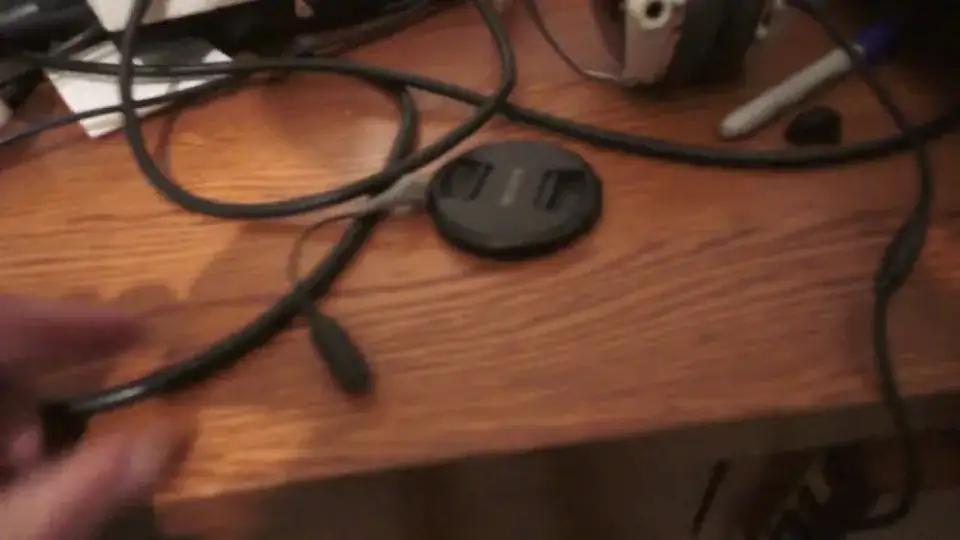
I beg your pardon, a mini jack. Now I just need to put the camera down a second. So bear with me while I just put the camera down. And I'm going to unplug this now out of my phone and show you this very, very simple cable. Simple as simple can be. But this is the key to getting stereo sound. And it is from Rode. It's the SC4. It's TRS to TRRS adapter. That is what you need. So you will go via mini jack, stereo mini jack into stereo in. And then that transfers that very simply into, of course, the input that's needed to go into the phone. And then that is it. Now what you will have to do as well is to set audio levels. So it's always a good idea to have a friend the other side just to tell you whether it needs to be turned up or turned down.
My mixer isn't on at the moment. If you are interested in watching future streams I do, then check out my Facebook page. I'll put a link in the description. And I also do one-to-one DJ lessons via Skype. But I can now do them via Facebook because, of course, when you do a live stream, you can do the live stream worldwide to your friends, to your family or privately. So, of course, what you can do is you can stream to one person or the entire world. So I will leave with practice and enjoy. Thank you very much for watching. And that was the stream I did earlier.
This transcript was produced automatically from the audio of the video and may contain mistakes.