 4:54
Intermediate DJ Lesson on making a loop to help bring the mix in
Contents of the video
0:01 In this video we're doing an intermediate mixing lesson for DJs
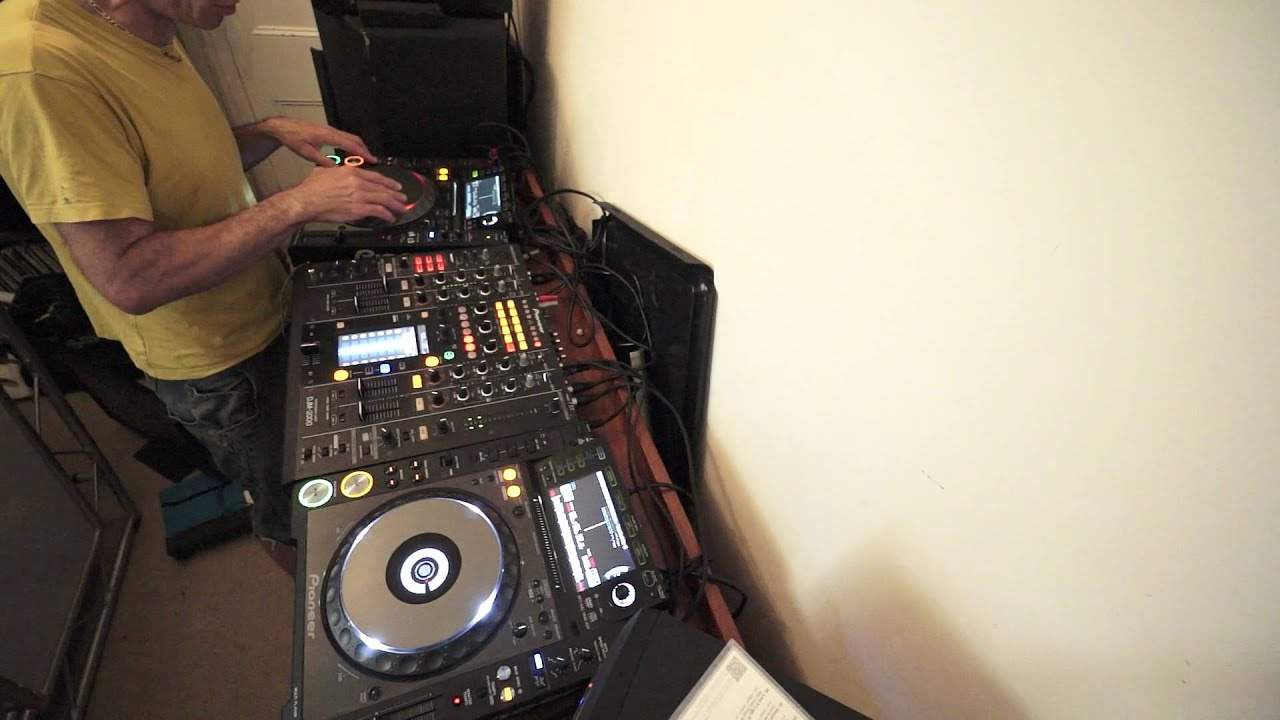
Alright ladies and gentlemen, in this video we're doing an intermediate mixing lesson for DJs. We're going to form a loop at the end of a track, we're going to bring in the next track. The reason we're going to form a loop in it is because the end of the track there is not that much outro. Two tunes I'm using by the way are from CDPool, the global releases from July 2014. This one here is track number 1 from disc number 1 which is Nile Rodgers' Do What You Want To Do. This one here is track 3 from disc number 2, Tom Terry, a track entitled You And Me. So, first of all, let's have a listen to the end of the Nile Rodgers track and you'll see what I mean.
Nice little vibe. By the way, thank you to Lee Mills for my spike. Classic. Alright, have a listen to the end. So you've still got that bass line in the background.
1:16 Loop mode and hit the number
Now at around about 18 seconds we've got the outro. Normally, with extended tunes the outro would be about 30 or so seconds, this is reduced by half. In fact, the whole particular track is pretty much reduced by half. So what I want to do at that point there, I'm going to form an 8 bar loop. I've got the 2000, so I need to go to loop mode and hit the number 8 which will form a loop for me. Press loop mode. Of course, there's no point doing it now. I just need to go back through the track and then press the loop or press, should I say, hit number 8 or the icon number 8 at the exact point where I want the loop to start. Now this is really important. If I don't do it there, if I do it later on in the track
Then I may end up getting absolutely no loop at all and just like a
Alright, so we'll go out of loop mode again and I'll just go back a little bit. Bearing in mind, you can be doing this on the fly as well because for example if Fat Track's playing you will then listen on the headphones to the track that you're going to bring in. Listen to the end of it, work out that you haven't got much time left and of course do exactly what I'm about to do now. This is the Todd Terry track by the way. Let's have a little bit of a sneak preview of it. Todd doing his usual bouncing house kind of thing.
Very nice tune. Okay, so let's get this going. So we'll press play there. Okay, so we're coming towards the last minute. So I'm just going to skip forward a little bit. Onto the last sort of 45 or so seconds. Go to loop mode. Coming up to the last 30 seconds. So normally this would be where we'd have the break in there but it's not happening so we've got to wait for the next opportunity to bring the break in. Like I said, around about the 18 seconds.
3:40 It's a lickable clink
Todd Terry. Now if I wanted to as soon as I pressed start on the loop I could have brought Todd Terry in at the same time so it would have almost been like a play, like that. Pass out. Okay, relatively simple transition but it's showing you how you can extend part of the track if it's not long enough enabling you to, yes, bring a track in. Practice and enjoy. Thank you very much. Oh by the way, if you want any info on the CDPool Tunes link down there in the description. It's a lickable clink. Thank you.
This transcript was produced automatically from the audio of the video and may contain mistakes.










