 7:22
Intermediate Mixing DJ Lesson on Setting the Gain
Contents of the video
0:01 This is a beginner and also it's an intermediate DJ lesson
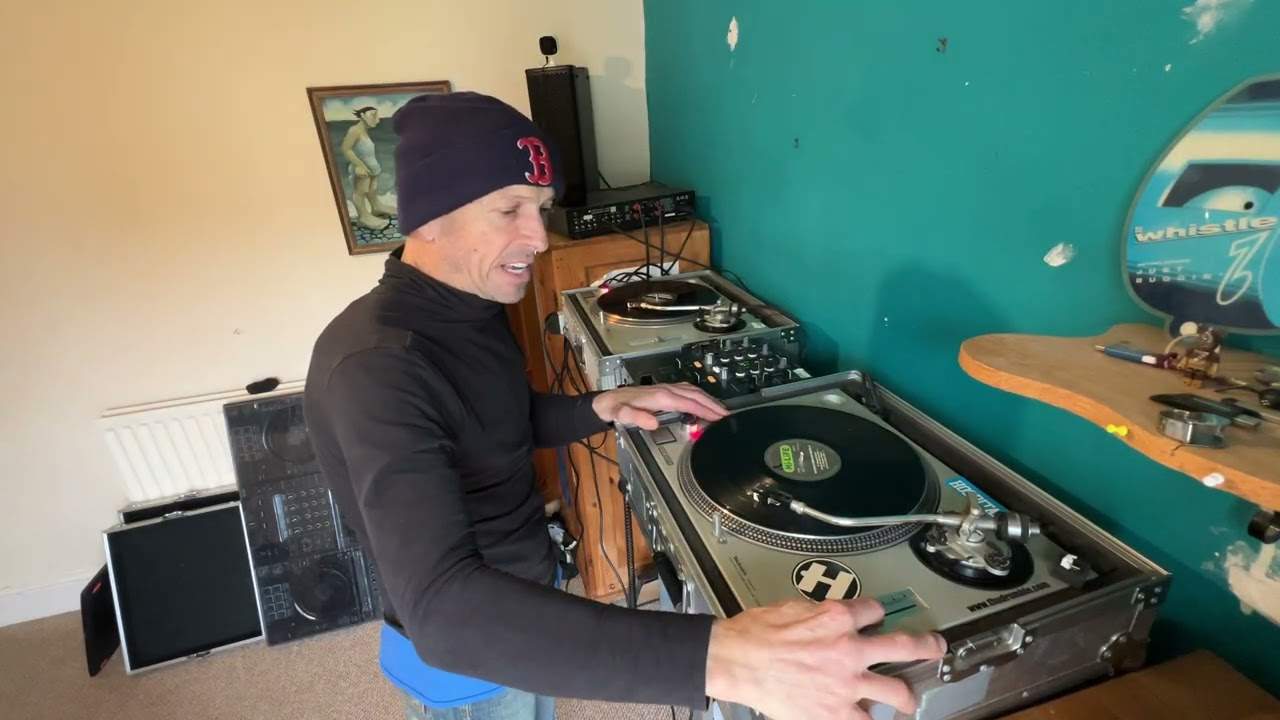
Alright guys, this is a beginner and also it's an intermediate DJ lesson. A beginner DJ lesson at the beginning, an intermediate, well, you know, towards the rest of the video. Two tunes we're using by the way are from the August releases from the Underground Twin CD from CDPool. We've got track one from disc one on my left and we have track six from disc number two on my right. First things first, have a listen to the beginning of this track. You'll notice it's quite low level. Now, if you're able to see the readout here, there's not much going on. Now all of a sudden we've got a bit of a bass kick there. And if we have a listen to this track, number six, which is Locksmith, you'll notice the LEDs are flashing quite low.
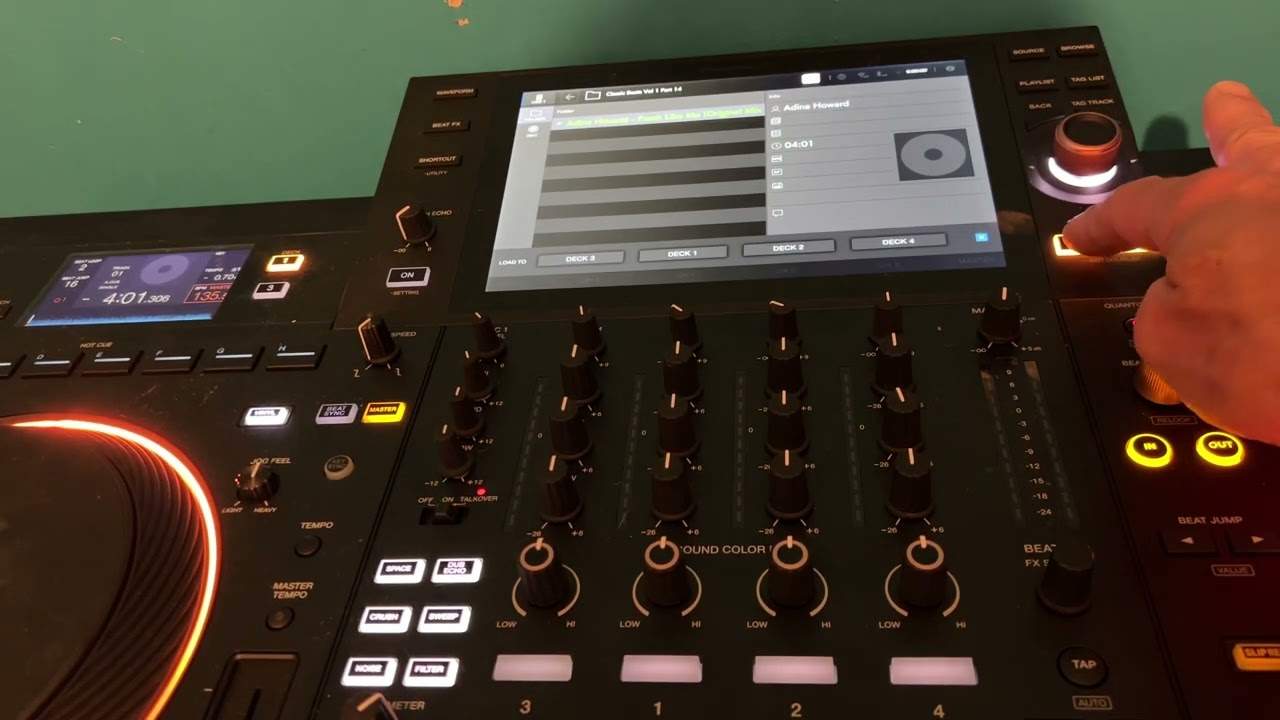
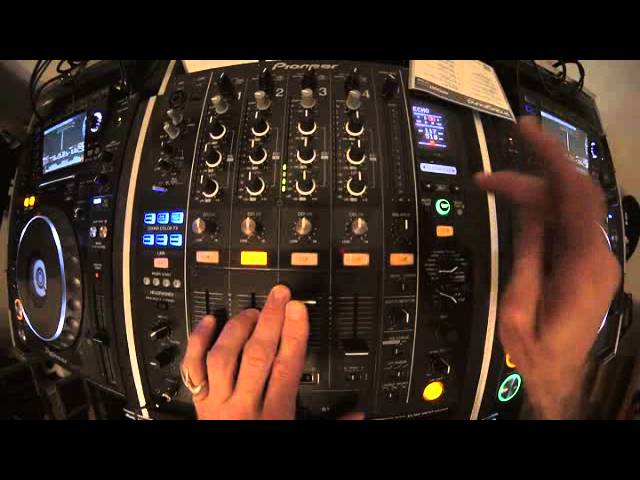
If we have a look, they're on about minus three dB. Okay, beginning part of the lesson is about making sure that the levels on the LEDs on both sides, or for that matter, any amount of tracks that you're going to mix in together are of equal amount. Now you'll notice they're quite low there. So what you may think is you need to turn it up and of course you won't turn it up for this channel on the master. You'll turn it up on the gain, sometimes known as the trim. And you'll find that at the top of each of the channels. So there is a trim for each channel on this mixer. Now the trim, or the gain, is the designated volume control for that channel and that channel only. So if I press play there and turn the trim down, we've got no sound at all.
We've got no level. We can't see any LEDs flashing, nothing at all. Let's turn that up. Okay, so you may think, well that's too low. Alright, so what do you want to do? Of course we'll turn it up. Now there you go. We're getting a couple of amber. And you may think that's fine, but then, I'll just put it in the master volume down. What you might find that will happen is when the track comes in, the bass, you can see now we're tapping into the red. Now we don't want that to happen. So what you need to do, you need to find a point in the track that is pretty much the highest level that the track will get to. So we'll do that now.
Around about there. Now I'm going to set my trim and I'm going to set it to about sort of... plus two-ish. There you go. Turn the volume up again. I'm going to do exactly the same with Yousef for the terraces. It's the original mix.
2:49 Let's play the Yousef track
Turn that down a bit. To two.
Okay, there you go. So by doing that, I know now that no matter where I am in this track, the levels will not... they won't peak. I won't go in the wrong... I won't go in the red. If, like you saw earlier, I'd have set that prior to looking or finding a louder part of the track, then when we eventually got to the louder part of the track, the LEDs would've gone red. So let's play the Yousef track. This is the second part of the tutorial where we get slightly more intermediate. Now mixing these two tracks in, quite often it's a good idea to mix in breaks.
That's not too bad. How can we make it better?
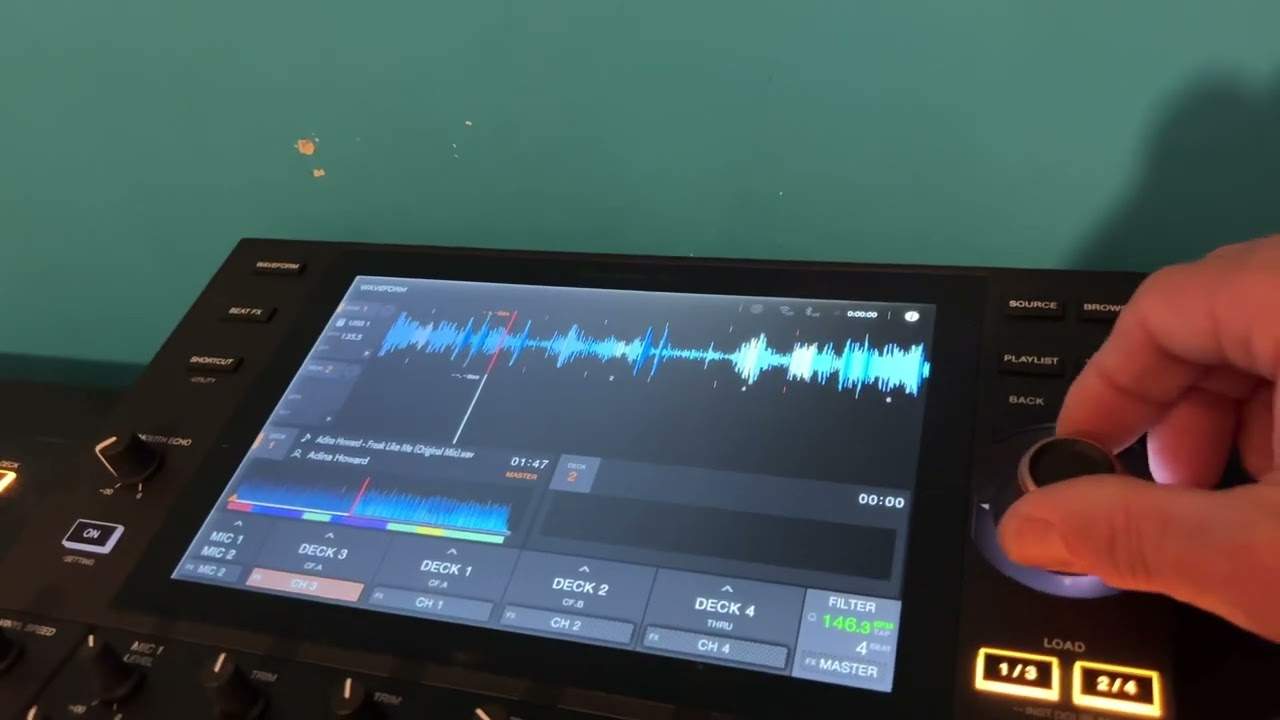
Okay, what I'm going to do... I'm going to add some echo at the same time, we're going to add a bit of filter as well. So what I'm going to do is... I'm going to add a three-quarter echo because in my personal opinion it adds more depth, more character to the mix. So let's go back to the beginning of the locksmith track. Okay, we're on echo. We're on channel 3. Just going to tap in time. Of course you can do this while you're listening on the headphones. Go to three quarter.
Okay, let's do exactly the same thing. We'll go back to the Yousef to the break. Just about there.
Engage filter as well.
5:46 I do apologise but I'm not going to redo this video
Disengage the echo.
Okay, right. It did actually go off beat there. I do apologise but I'm not going to redo this video. I hope you get the general idea there.
What I did as well is when I wanted to stop using the echo, all I did was turn the level depth down like that and that's pretty much it. Okay? It's a subtle way of, let's say, making the mix a little bit bigger, adding an effect. In this case we use the echo and what I find is you could hear a mix, you can hear a certain track and you may think, you know what, if I had an echo over that track it won't work but if I added the filter it would sound great. Then maybe if I did the filter it wouldn't be very good. But if I added, say, the flanger or a delay it would sound fantastic. So you've got to think like this. Don't always add one effect. Try and imagine and try and feel what effect will work better or best, should I say, over that particular mix.
All right? Practice and enjoy. Don't forget if you want any more information on the CD-Pool releases we're checking out the underground releases too from August 2014. Check out the Lick-A-Lot. We'll link in the description. Practice and enjoy. Thank you very much. Muchas gracias.
This transcript was produced automatically from the audio of the video and may contain mistakes.
Related videos
-
Complete Beginner DJ Lessons Tags Key BPM Etc
A more advanced lesson folded in early, and worth doing once rather than putting off, because everything it sets up gets used for years…
-
Complete Beginner DJ Mixing Lessons Video 19 Getting Your Kit Ready for an Easy Mix
A whole lesson on getting ready, which is the right call - the exercise in the next video only teaches anything if the two decks are…