 1:59
Pacemaker Tutorial, How to "Make a Loop"
Contents of the video
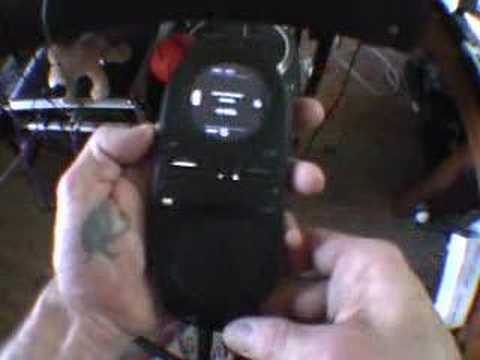
Folks, in this video I'm going to show you how to do a loop on this guy here. It's known as the pacemaker from Tonem. The side of the unit, on the left-hand side, you have the trigger. What you need to do is, using your thumb ideally, press that upwards. Now, in front of the unit, on the left-hand side, you have the in button. On the right-hand side, you have the out button. They're just above the two Dexileks. Now, to start the loop, you need to press... The in button, which is above the left hand deck select. You need to press that when you actually want to start the loop. So what we'll do, we'll do this in time with the music. One, two, three, four. One, two, three, four. Now with my finger still pushing up on the trigger, I pressed the in to start the loop and with my finger still pressed up, I pressed the out. Now I've got a loop. What I can do now, if I want to actually shorten that loop,
Finger on the side of the unit, press upwards. Now I need to press the out and now in the bottom circle by touching the bottom side of the circle and moving in an anti-clockwise motion I can now reduce the size of that loop. If I want to get out of the loop with my finger still pressing up on the side of the unit all I do is press the cue button and now I'm out of the loop. It's about practice and enjoy. Thanks for watching.
This transcript was produced automatically from the audio of the video and may contain mistakes.










