 2:15
Pioneer Wedj App Using the on Board Effects Part 2
Contents of the video
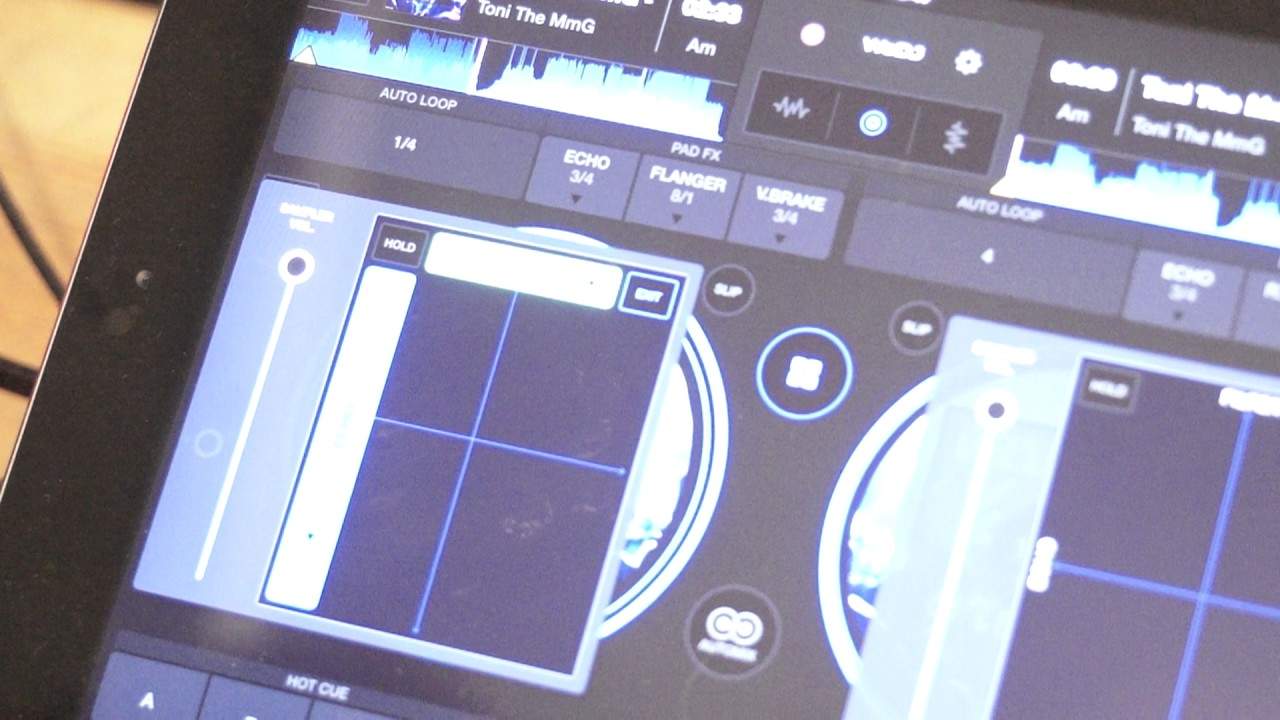
All right, ladies and gentlemen, this is part two on looking at the center icon in the WeDJ app. Press the icon in the center in between the two virtual turntables and we get these two boxes where we can change parameters, change the sound of some effects. Now, in the last video, we used the filter and the echo to the right hand side, top right hand side of the box. We have the word edit. I'm going to press on that. That's now highlighted in blue. Also, we have highlighted the two effects filter and echo. By the way, the tune I'm using is Tony the MMG from Karmic Power Records. There will be info on this track in the description. So what I'm going to do now, now the filter and echo is highlighted. I'm going to press on a small little arrow facing down on the filter and we can change that now if we want to to another effect. For example,
Jet, crush, noise or pitch. I'm going to go to crush and now I'm going to press on the small icon below the word echo and we can change that as well to spiral, reverb, trance, filter, low frequency, flanger, phaser or roll. So let's get a roll and there we go. I'm going to press edit again and now we have those two effects engaged and ready to go. And like the last video, all I have to do now is put my finger anywhere in that square and we can start to use those effects. Again as well, if I want to keep that effect, press the icon with hold on it and we will keep that effect. Press the icon again and that effect will stop working. Alright, so another insight here into one of the very excellent, I would class it as a brilliant feature on the We DJ app from Pioneer.
Practice and enjoy. Thank you very much.
This transcript was produced automatically from the audio of the video and may contain mistakes.










