 2:51
Pioneer XDJ-AERO. How to Connect to an Ipad
Contents of the video
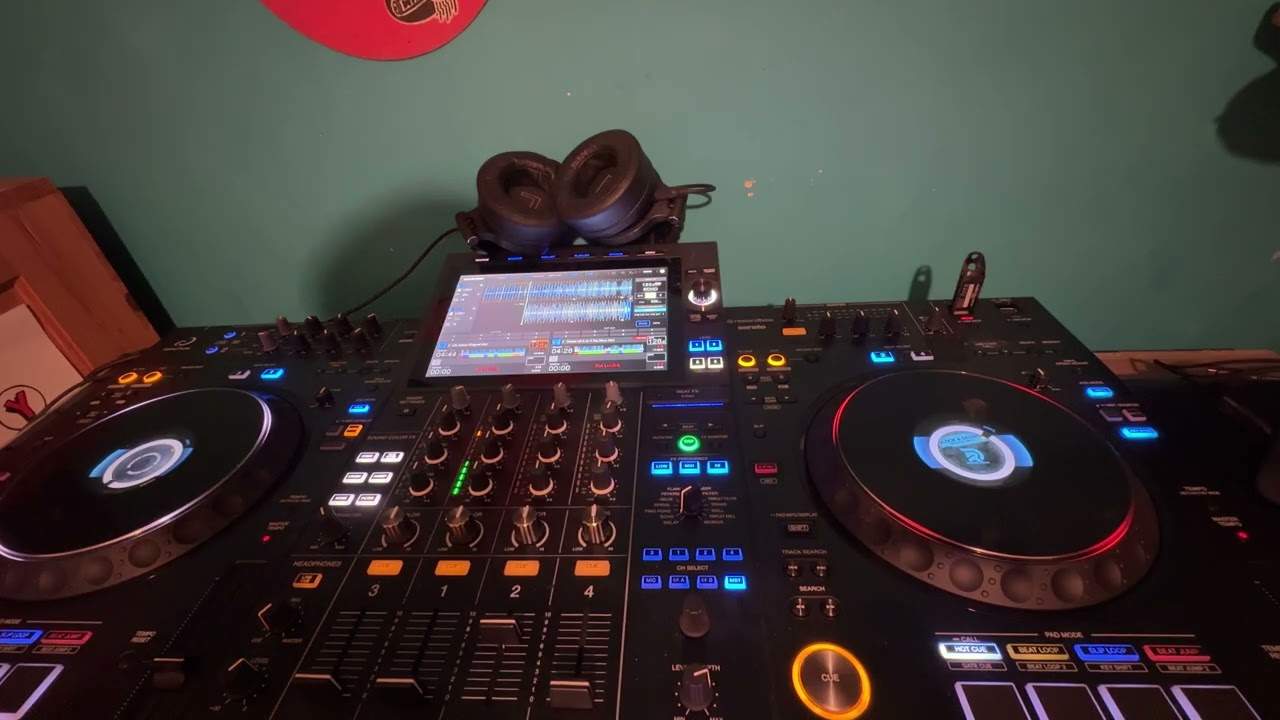
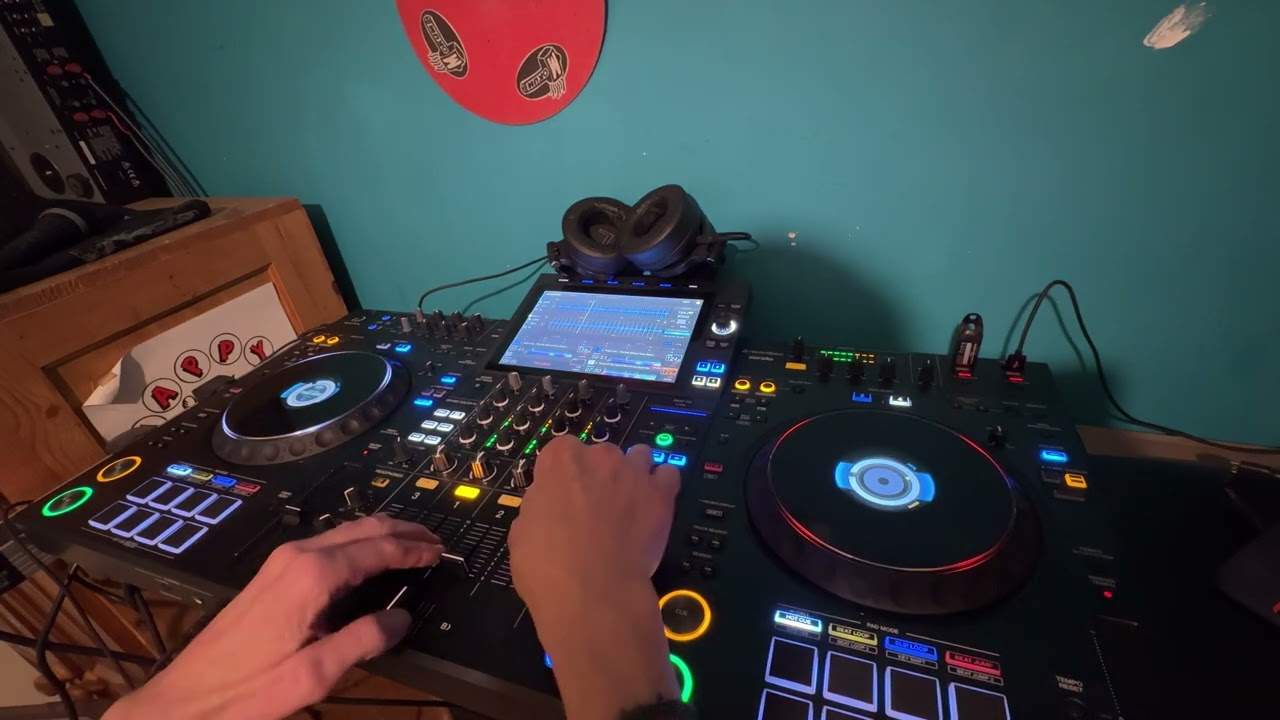
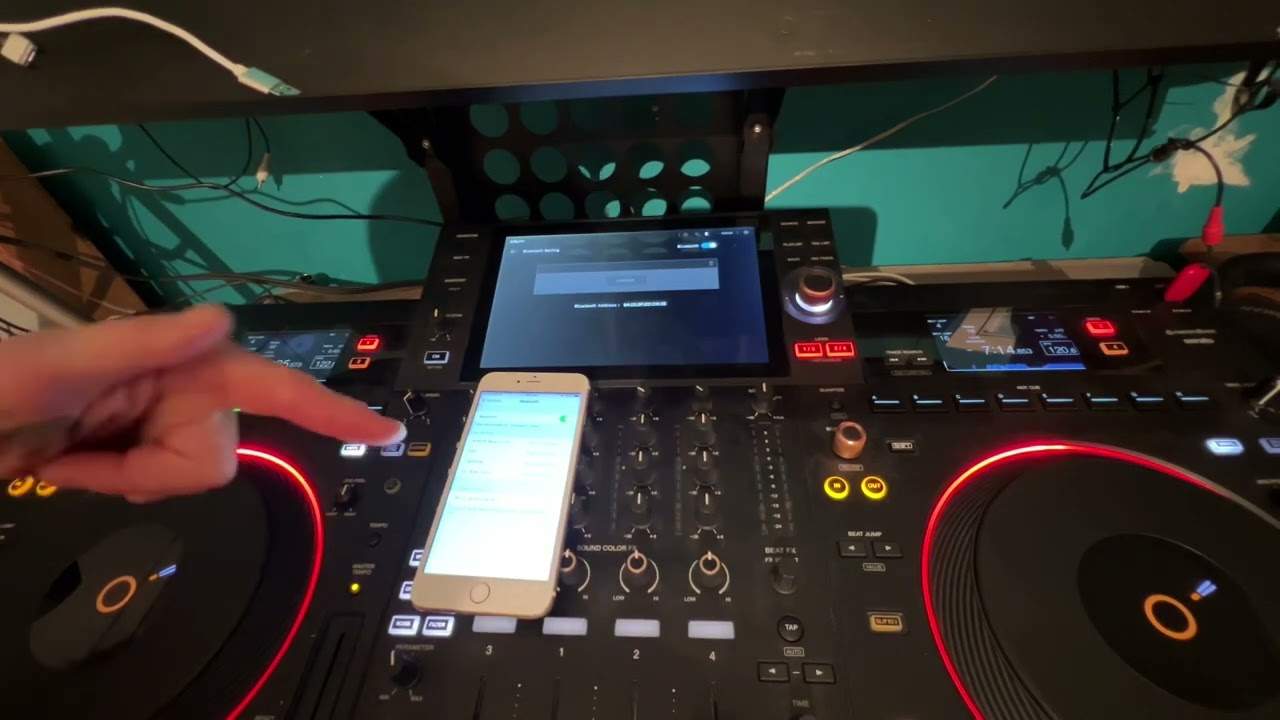
Alright ladies and gentlemen, in this video I'm going to show you how to connect wirelessly your iPad, same principle to the iPhone, to the Pioneer XDJ Aero. First of all you need to make sure the Aero is plugged in, it's got the power supply and also you've got a relevant audio cable going into speaker, amplifier etc. Top left hand corner, when it's plugged in and there's power going into the Aero you should see a red LED top left hand corner, I'm going to press that button next to that and that should turn green. It's just powering up now, next to that we have another small button with WPS on, you need to press that, that will enable the wireless connection. So what will happen, the Aero will now start to look for...
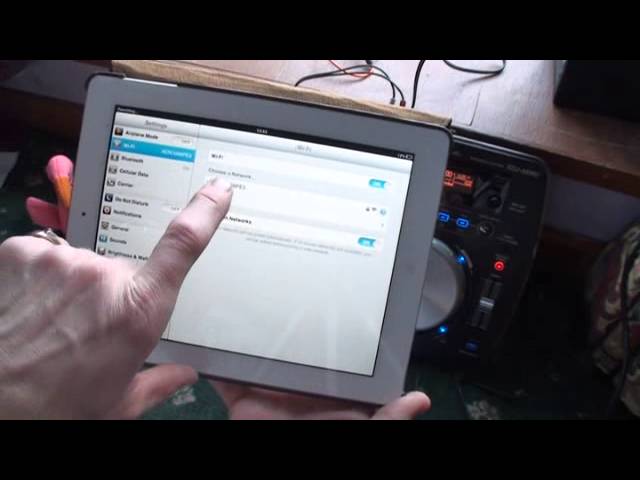
Any other connection that will be able to be compatible with it, it's trying to find sources and hopefully this iPad will be one of the sources, so I'll press that and we should have, as you can see, a small green LED flashing. What you will need to do first is you'll need to go to settings and you'll need to make sure that your iPad or your iPhone has found the Aero and you can see here... that the Aero has been found and we've got a tick there. If let's say you're connected to your home internet, you'll need to stop that and connect to the Aero. So we'll go out of settings and go into the Rekordbox software, now the Rekordbox software is a free software downloadable from Pioneer so you don't have to pay for that and I'm going to press that icon and we've got these icons here.
I'm now going to press the load icon and as you can see it's searching now for the Aero.
So we'll just put that down there, in fact if I just...I'll take the camera off now. Once it's found it, it's just a question of album, we can choose any track, Danny J Lewis and we can load either side, I'm going to load there, there it is and that's it. Alright, it's as simple as that. And also we have 1, 2, 3 and 4. At the moment we are connected to number one and we connect another three separate units so we could have two iPads, we could have four iPhones, it's entirely up to you alright? I'll put a link in the description, practice and enjoy, thank you.
This transcript was produced automatically from the audio of the video and may contain mistakes.