 5:29
A roll trick on an all-in-one player
On YouTube this video is called Pioneer XDJ-RX the Roll Secret Effect Tip Trick
What this lesson teaches
The most advanced version of the roll technique in the course, and it contains one piece of information that is easy to miss and changes how reliable all of this is.
The effects have their own quantize
Quantizing the track is not the same as quantizing the effect.
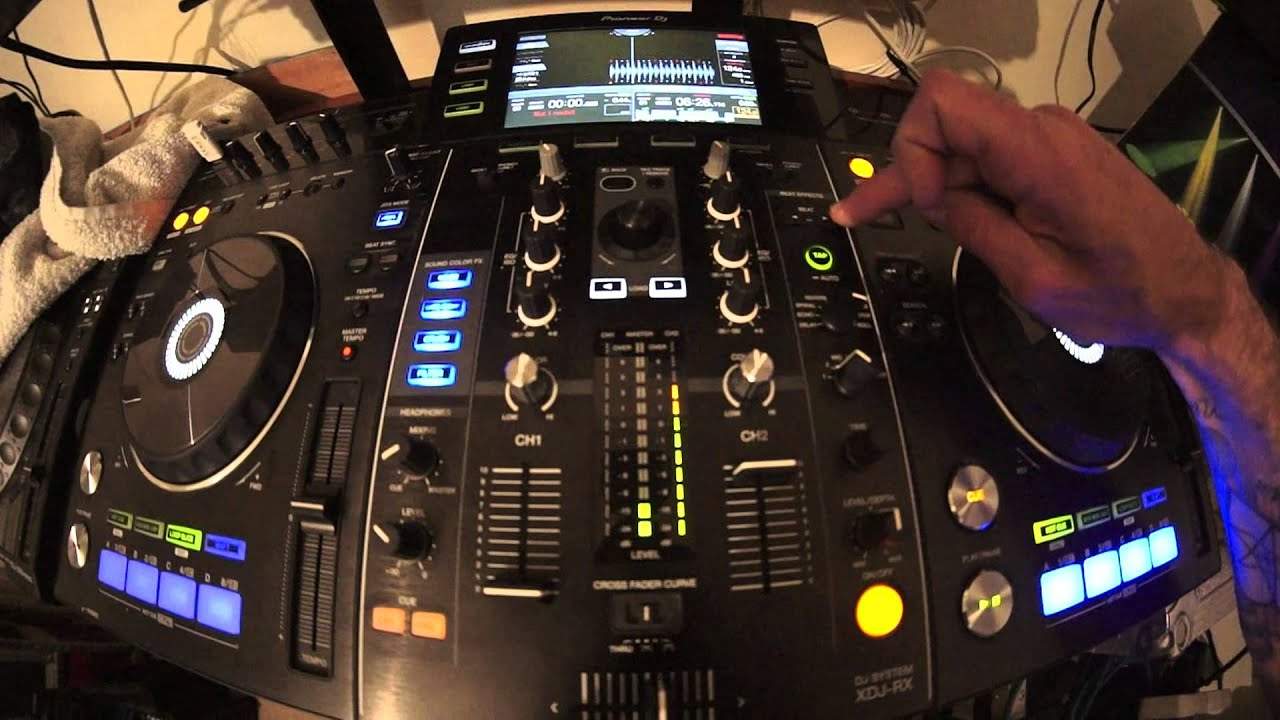
On this unit you turn the track's quantize on with the icon at the top of the screen. The effects quantize is separate - here, a long press on the tap button until the on-screen quantize indicator lights - and until you do it, the roll is being triggered by your reaction time rather than snapped to the grid.
He demonstrates what it is doing by watching the numbers: the effect section shows 125.6 while the master shows 124, and once quantized the two track each other - reduce the master to 122 and the effect follows.
Worth hunting for on whatever you use. A roll that sometimes sounds tight and sometimes does not is usually this setting, not your timing.
The move
With both quantizes on:
1. Beat division up to 8, using the beat buttons - right increases, left decreases. 2. Channel select on the playing channel (here, two). 3. Engage the roll; the button flashes while it is running. 4. At the end of the eighth beat, turn channel select to channel one.
The roll is now on channel one, with the fader already up, and the original channel is free.
What he does with the free hand
This is the payoff and the reason the lesson exists.
With the roll holding the groove, he plays hot cues over the top - cue points set earlier in the prepared track - and engages the filter underneath.
So the sequence is: park the rhythm on a channel that needs no deck, then perform on top of it. That is the structure of a live edit, built from one effect and a handful of cue points, and it is the point at which effects stop being decoration and become an instrument.
The condition
All of it depends on the tracks having been analysed properly by the library software beforehand. Quantize snaps to the grid; the grid comes from the analysis; a badly analysed track will quantize confidently to the wrong place.
Preparation is what makes this work, not dexterity.
Contents of the video
0:00 Use the roll effect to its
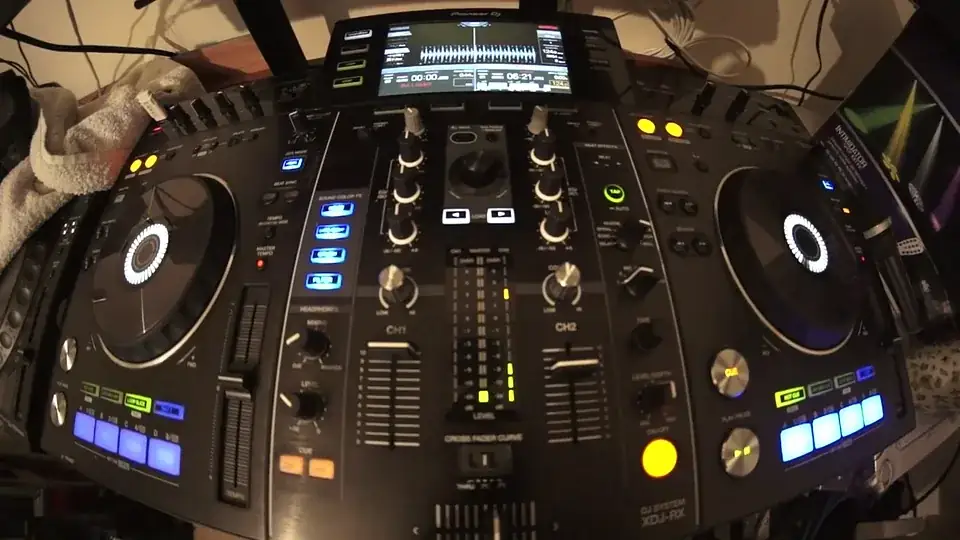
Alright guys, in this video I'm using a remix by Mr. Kenny Hetic. We're using the XDJ-RX and I'm using the rekordbox software. In this video I'm going to show you how to use the roll effect to its utmost extremist. In other words, not just use a roll but take it to the next level. Okay, all the info I'll put in the description. The link to the track, also to the software and to the RX. Okay, so what do we do? Now first of all we need to make sure that the tracks or our files are put through the rekordbox software. We need to also make sure that not only, of course, the track is in quantize mode, we can do that by pressing the quantize icon top right hand side of the screen on the RX. We need to also make sure that the track is in quantize mode.
The effects are quantized as well now if I wanted to I could press the tap button here and it would sort of get it in time with the track 125.6 the master here is 124 so that's the proper speed the BPM beats per minute of the track so I need to get the effects in exactly the same time as the master and I can do that by pressing down on the tap button here press down sorry make sure that the channel select is on the right channel now I'm going to press down and now we're in quantized mode so the quantize icon is highlighted in red 124 124 reduce it 122.3 and the master is 122 and so on okay so we can see that we're now being quantized mode all over okay so we're on channel 2 here on the channel select I'm going to start the track off again I'm now going
3:21 Role, effect
To press the right hand button just below beat so I get to 8 I'm now going to engage the effect by pressing this circle here that's highlighted it's an LED sort of orangey now we're gonna press down 2 3 4 1 okay what I did there as soon as I got to the eighth beat I turn the channel select to channel one so what I've done now is I have moved that roll from the right hand channel channel 2 to channel 1 which now gives me the option of adding some hot cues which I did earlier so volume up and a good idea if I engage something there is the filter okay so just to run over what I what I did is I made sure that I had the sorry the effect select roll also which I didn't to begin with but then I've noticed how to turn it make
Sure the channel select is on of course the channel we want to have the role on to make sure we're in quantize mode not only the track itself playing quantized mode but the effects are in quantize mode as well we do that by pressing down on the tap icon until we can see in red highlighted on the screen quantize then selected via using the beat buttons here the one on the right will increase the amount of roll the one on the left will decrease I went to eight and then I pressed the button here just above the DJ system X DJ RX that will engage the effect also you press it once it engages when it's flashing that means the effect is engaged when you press it again the effect is disengaged as soon as we had the role two bars I switched over the
Channel select channel one making sure of course that the fader was already up if you don't have it up then then all of a sudden you're not gonna have any sound at all or you won't be able to hear the effect on or the role should I say on the left hand deck or should I say again channel one we had it on channel one and then we were able then to use some of the hot cues or if you wanted to you could just bring the other bring the original track in again alright so this is a demonstration but it's up to you how you want to take it I'd like you to start scratching your heads thinking how can we take this to the next level hope that's been a help big shout out Mr. Kenny Hectic and a rather good funky track just gonna go out of quantized
Mode so we can have some fun with these hot cues practice and enjoy thank you
This transcript was produced automatically from the audio of the video and may contain mistakes.










