 4:31
Preparation for a Three Turntable DJ Mix
Contents of the video
0:00 Before you even start, you need to make sure that your area is prepare
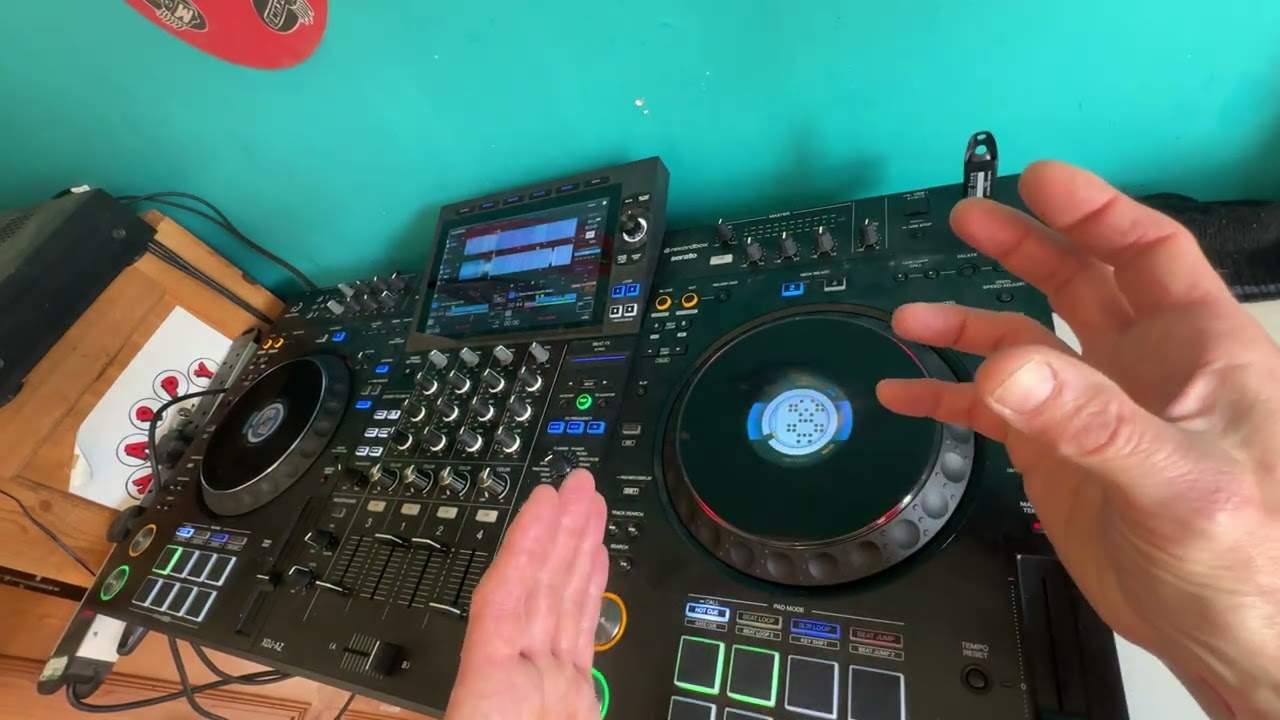
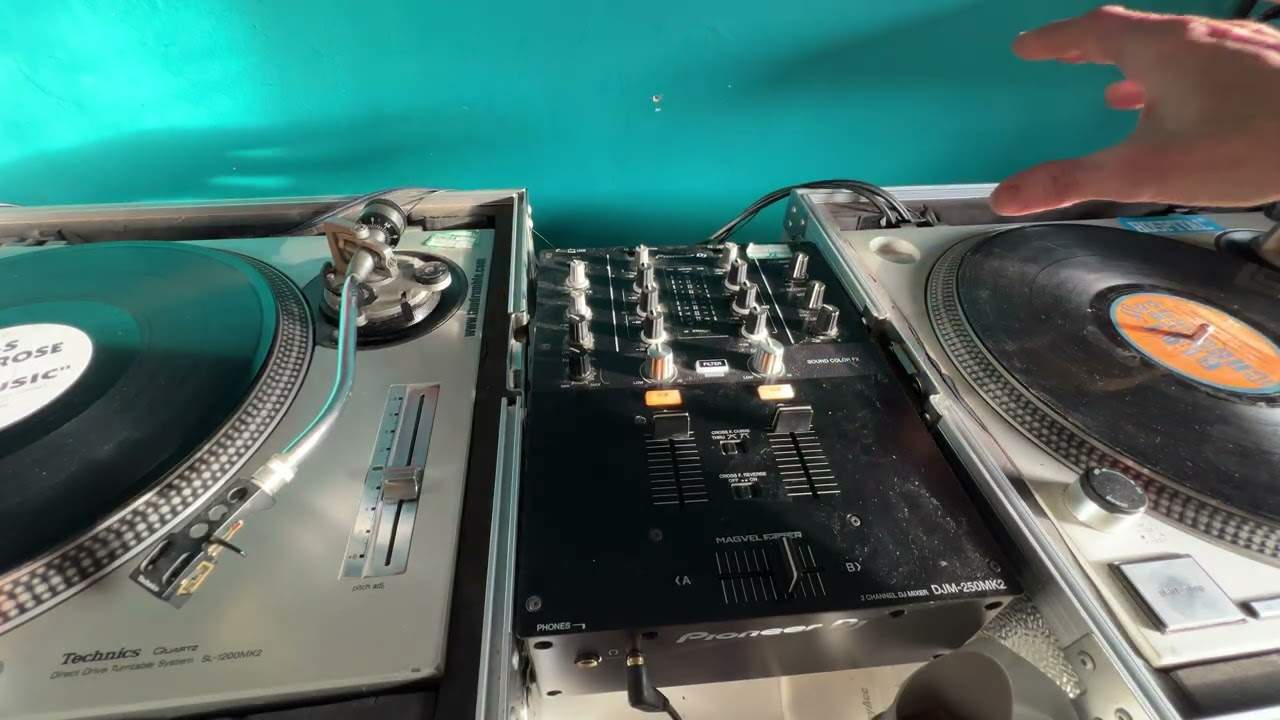
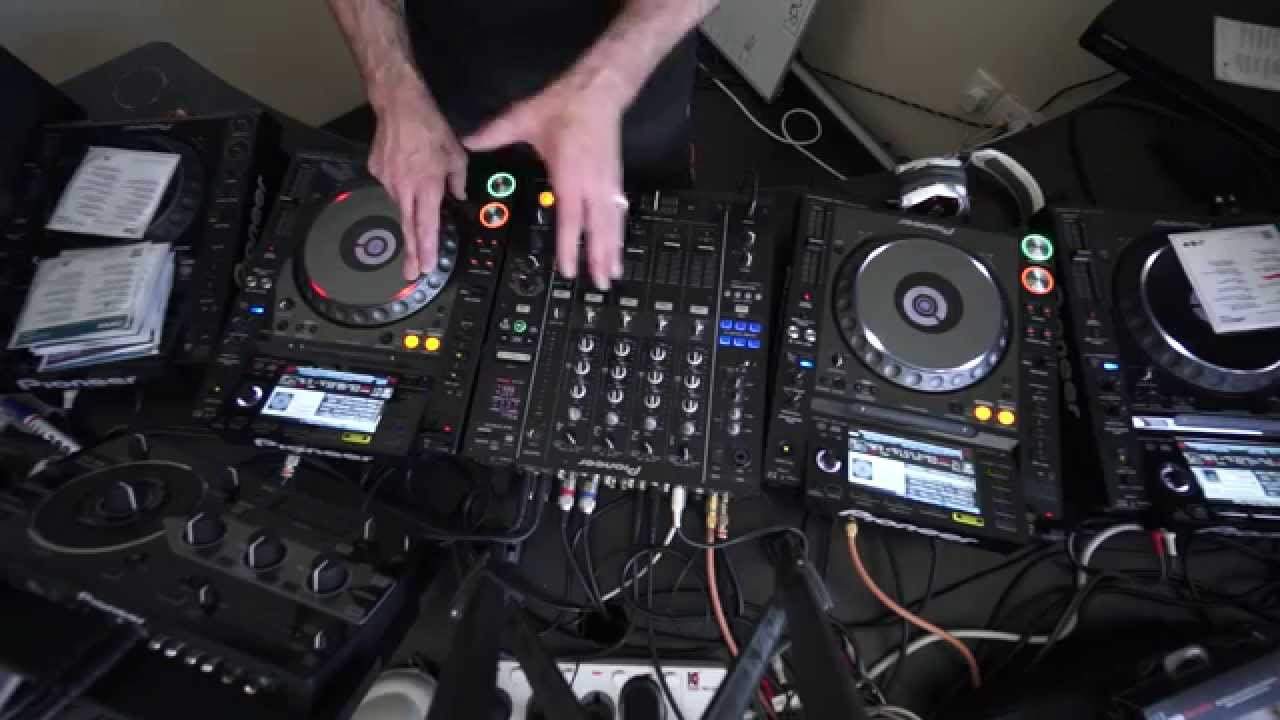
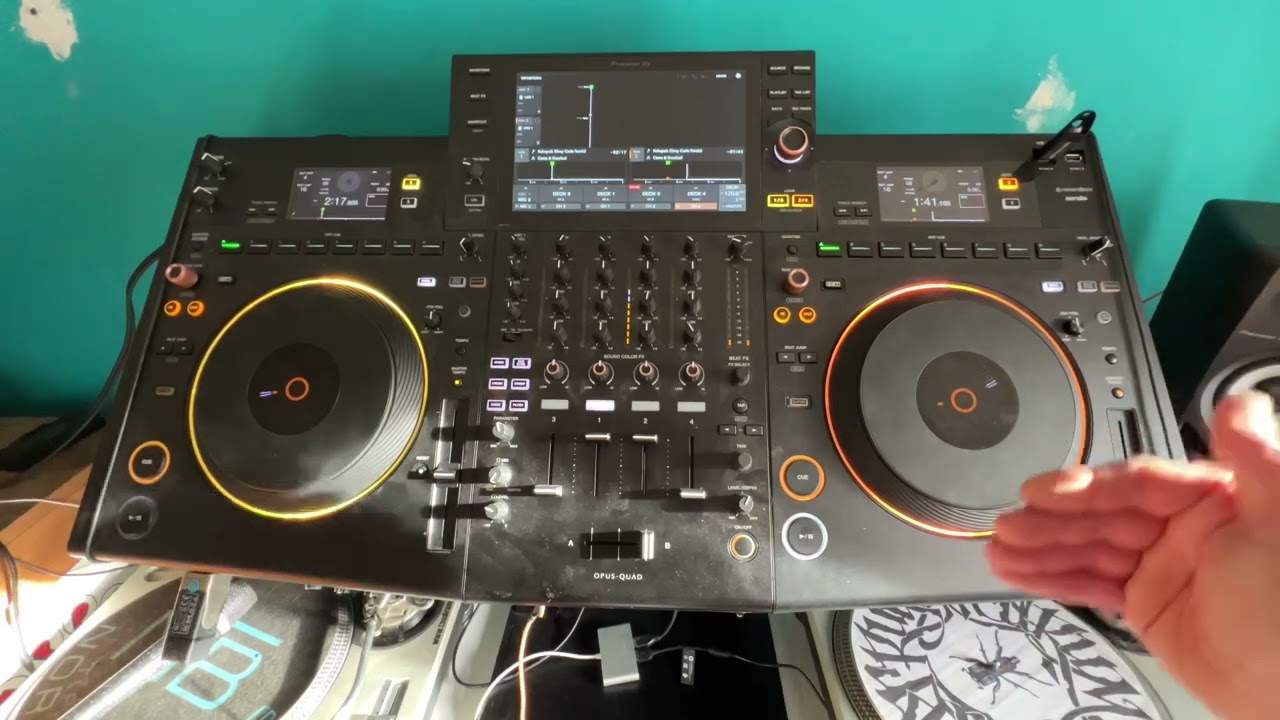
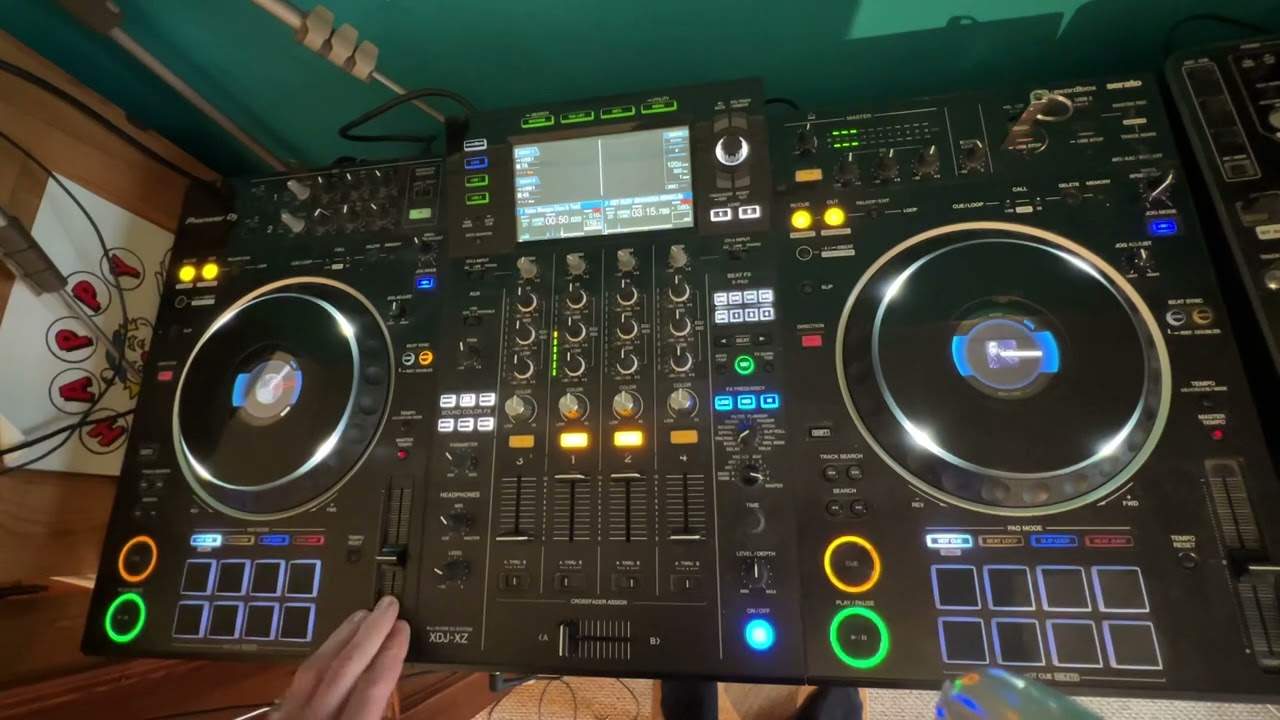
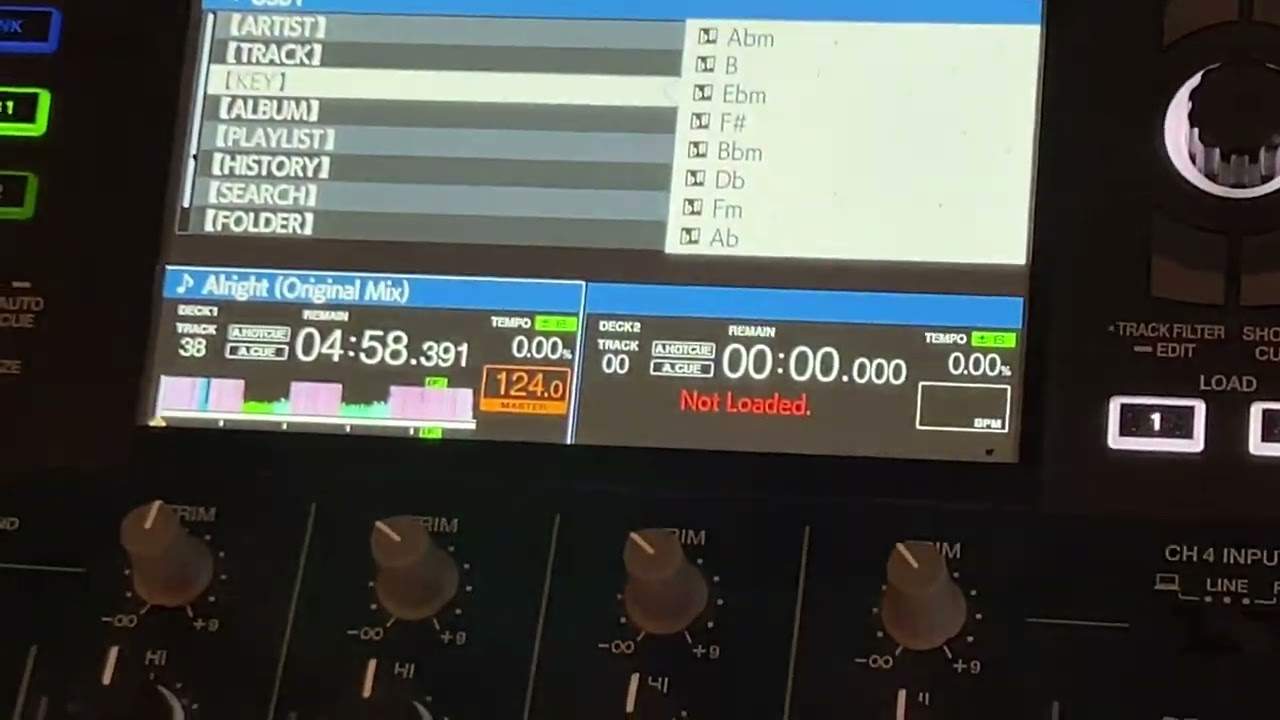
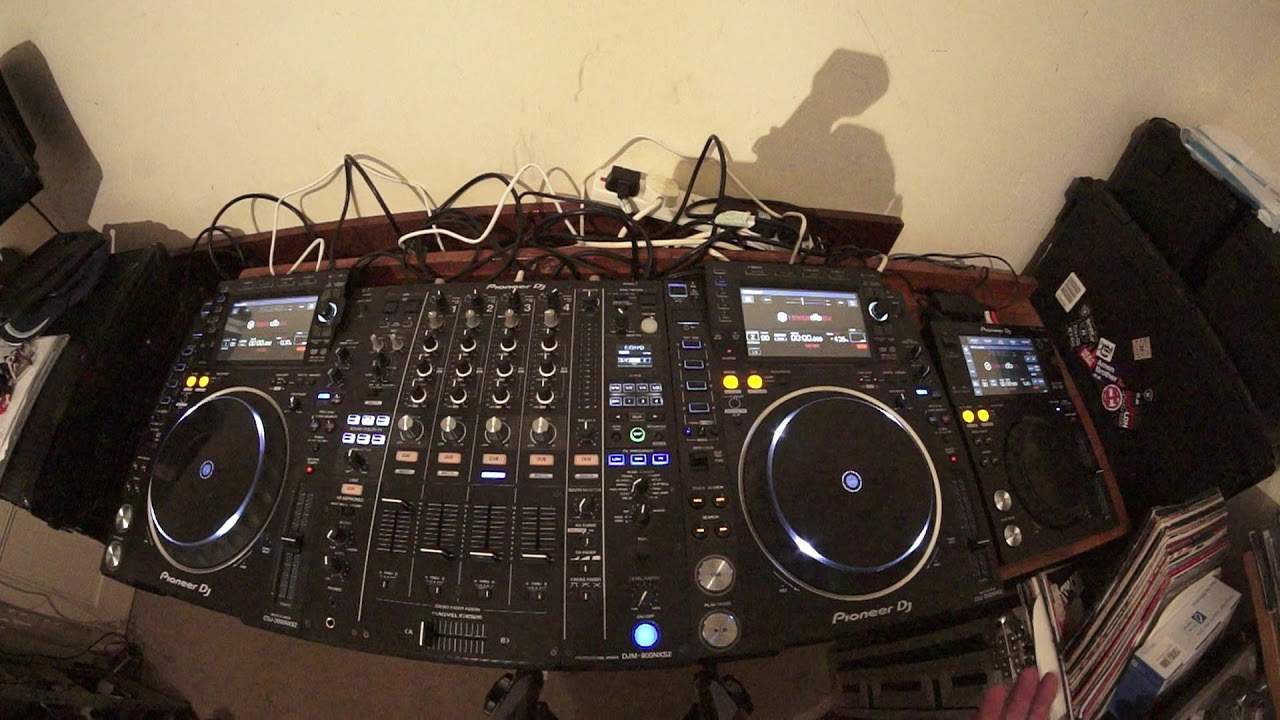
In this video, I'm going to give you some tips on preparing for a three turntable, a three deck mix. Before you even start, you need to make sure that your area is prepared. Mixer, of course, three turntables. At the moment, I have two CD players, they're media players, multimedia, so I can use USB, SD or CD. On the right hand side, I just have a USB player. Now, I could if I wanted to plug all of this into a laptop, but I would prefer and I recommend that you stick to using USBs, also known as thumb drives, or alternatively CDs. So, first things first, if you're going to do a three deck mix, make sure that any media format you've got, whether it be USB or CD, has the same tracks on all of the media formats. So, for example, if you're using CDs in the CD players, make sure that CD1 and CD2 have the same tracks on both CDs.
1:41 Crossfade, right-hand side, left-hand side
And also, if you're using something else, for example, here I'm using the XDJ-700, I would have to use USB. I will make sure that CD... in the one deck, CD in the other deck, with 20 tracks on, and I would make sure I'd have exactly the same tracks on the USB thumb drive as well. When setting up with the mixer, okay, if you think about it, you have got three decks. How would you set the cross... sorry, the crossfade? Now, to be quite honest, the best thing to do is to completely disengage the crossfade, because it's... it can get a little bit confusing, because if, for example, you have on the right-hand side two turntables and the left-hand side one, then, of course, you've got to make sure that you've got the crossfade on the right,
2:58 They will go from green-amber into red
The two right decks set to the right-hand side, and the left deck set just to the left-hand side on the crossfade. Now, that can start to get a bit confusing when you're deep in the mix, and you're wondering... why one turntable isn't working, so it's always a good idea to set the crossfade to the through position, so you've now disengaged the crossfade. Also, what you need to make sure of... Now, this is vital... This is very important. A lot of DJs will redline the mixer, and when you're using more than two turntables at once, it's a very good idea... to keep the EQs quite low, and you'll always notice that by your LEDs flashing. They will go from green-amber into red. Ideally, maybe just have them slightly tapping into amber.
Now, at the centre point of the LEDs, you've got a zero. That's 0dB. So if they're below that, the signal is probably too low. Just above that is perfect. Also make sure as well... that the bass, mid and treble are all set to 12 o'clock... to begin with. The last thing you want to do is have maybe the bass too low, the mid too high, and while you're in the mix, you're wondering why the EQ isn't leveled. So always make sure bass, mid and treble are at 12 o'clock. And I think the most important part about doing the likes of a three-deck mix is organising your tracks prior... to even starting. There is absolutely no point whatsoever in thinking you're going to record a three-deck mix and just starting it out of the blue.
You have to plan your mix. And in video number two, I'm going to explain in greater detail how you can begin to plan your mix to make sure it not only sounds good but it's in time, in phrase, in key and you don't get any mess ups. So this has been a help, a practice and enjoy. Thank you.
This transcript was produced automatically from the audio of the video and may contain mistakes.