 1:03
Traktor Scratch pro. Video 11 Art work / cover import
Contents of the video
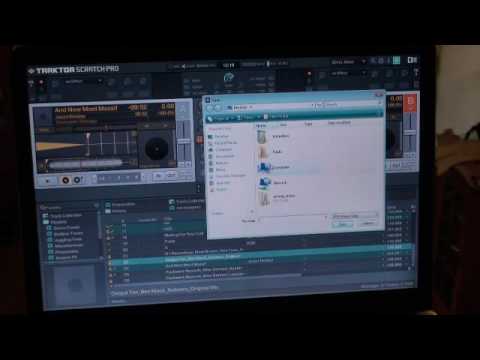
Alright folks, another video on Traktor Scratch Pro. In this video I'm going to show you how to get the artwork in relation to the track you're going to be playing. Now again, artwork, what are we talking about? Well basically if let's say you've got a CD album and you've got a lovely picture on the front of that CD, it would be quite nice to have the picture there. So, I've got that track highlighted at the moment. I'm going to right click and we're going to import the cover. Okay, what I need to do is I need to go to my computer and I'm going to find where that particular artwork is. At the moment it's on my removable disc so I'm going to right click there and I'm going to open it. No, I'm not going to right click, I'm just going to double click. You know how to do this anyway. Right, now there's the artwork there. I'm going to double click like that and you can see it's there. I'm going to click open.
And we'll leave that, and theoretically very soon we should have it just there. There it is. That's how you get your artwork in. Practice and enjoy.
This transcript was produced automatically from the audio of the video and may contain mistakes.