 1:17
Traktor Scratch Pro video 14 .TSI Controler mapping diagrams
Contents of the video
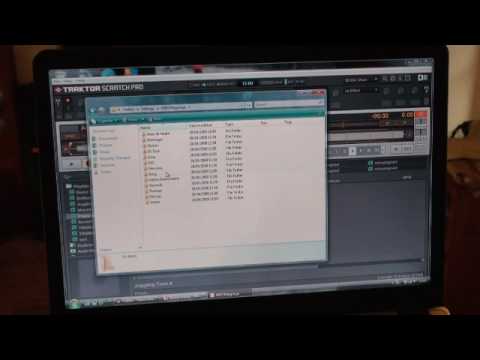
Alright folks, let's say you've just got a new controller and you're wondering where the descriptions for that controller are laid out. This is what you need to do. I'm going to go down to the bottom left hand corner and I'm going to click there. I'm going to go to my documents, double click there. And again, this takes a little bit of time, I've got a slow PC. I'm going to go to native instruments, double click. Traktor, there, double click. And I'm going to go to settings, which is highlighted there. I'm going to double click there. Okay, I need to go, this is quite important, to MIDI mappings. Double click and I'm going to go down to native instruments, double click. Okay, so we have audio control and we have machine. What I'm going to do is I'm going to click there and I'll double click. Now theoretically what will happen is we'll get that piece of hardware up ready.
And all relevant information will be there on that particular piece of hardware in relation to the PC program itself. So I hope that's a help, practice and enjoy.
This transcript was produced automatically from the audio of the video and may contain mistakes.