 2:38
Two ways on how to record your mix
Contents of the video
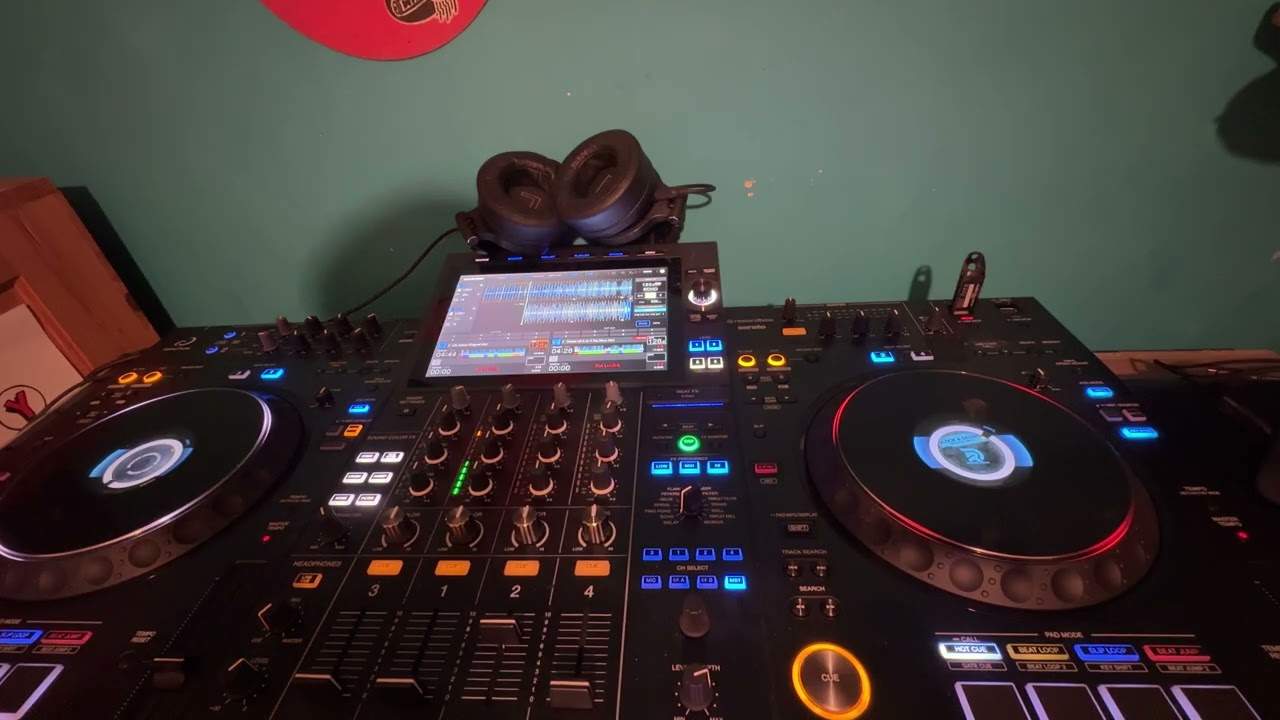
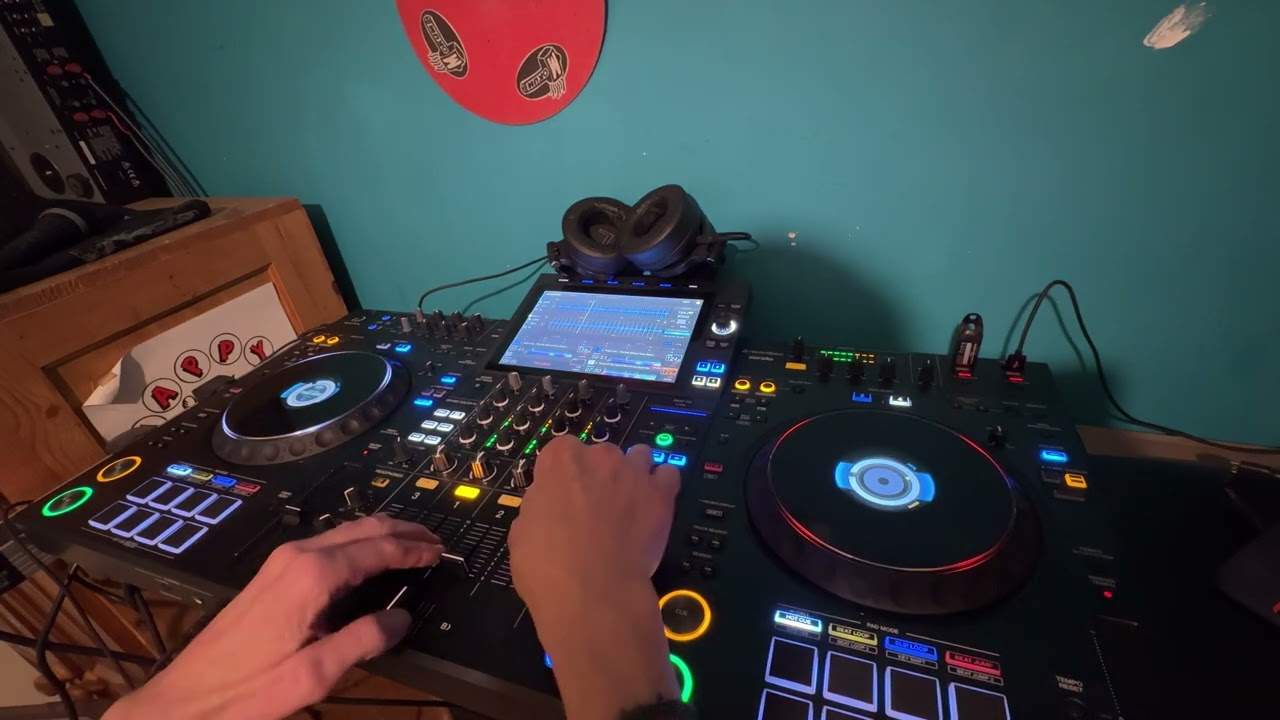
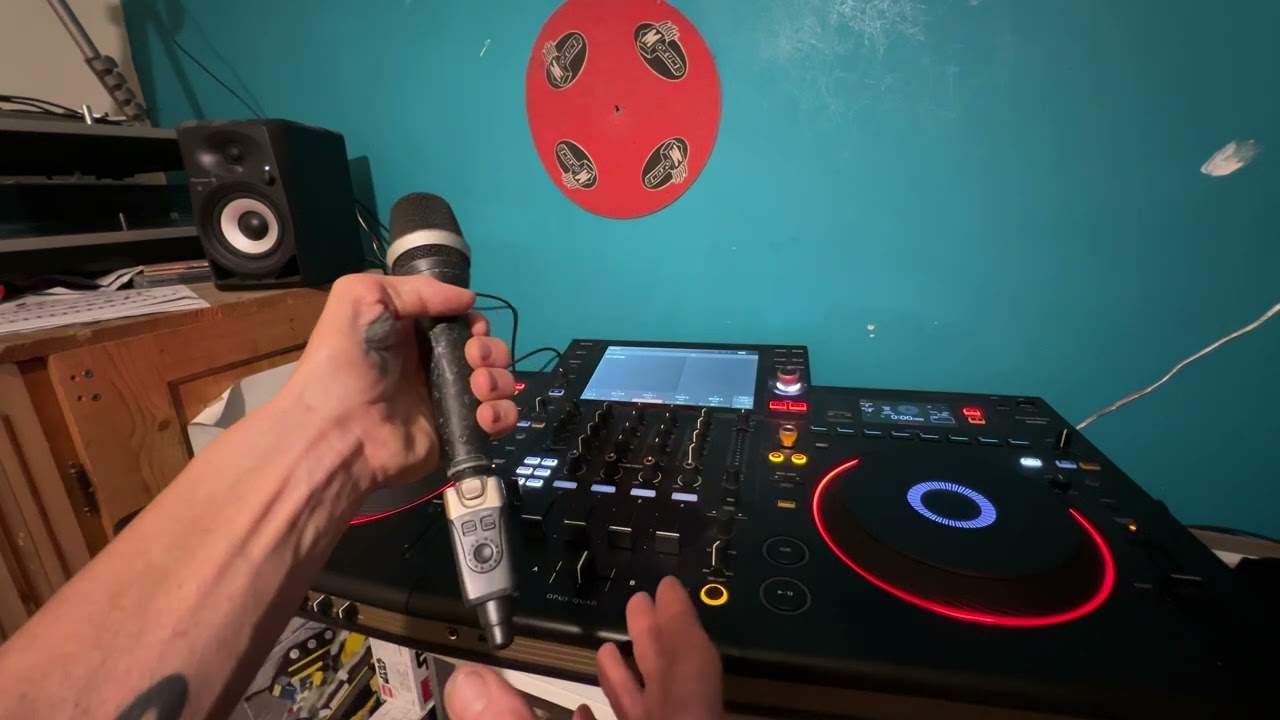
Alright folks, this is a message going out to Mark. Mark has asked, how can I record my mixes and put them onto CD? Right, now then, there's a vacuum mixer, OK? Now then, you'll see on this one it's got booth output, it's got unbalanced output which is just there, and then these guys here are balanced. We won't go into what unbalance and balance is at the moment. All we need to look at is booth output here. And then they will have rekord. Now all you need to do is out of the rekord, you have one of these guys, and you go into the back of something like this. This is your basic box standard CD writer. So I'll go into the input of this. Now the thing is with these guys, you have an output and an input. Okay, so in basically means you can record into this. Out basically means you can listen to what's being played in here.
So what I will do, and I've done in the past, I've gone out of the booth output or the record output into the input of this. I've recorded a mix in real time. I've then taken the CD, the master CD, out of this unit here, put it into the computer, downloaded that onto the hard drive and then from the hard drive I can do as many copies as I want. So there you go. If you get a good set together, get a good mix, This is all you've got to do. Record a master CD, stick it on the hard drive and then you can burn as many as you want then of course logically to pass on to club owners etc to try and get yourself a bit of work. Now also you can do another thing and that is go straight from here out of the back straight into your PC
Okay, I'm not exactly sure but it's quite possible you may need programs enabling your PC to work out what is going on because if you plugged a mixer into the back of your PC, remember a PC is only as intelligent as the information it's got inside it. It could automatically say well you know what is this? So you just need to make sure you have the relevant software enabling you to record from here directly into the hard drive of your PC. Once you've done that, then all you've got to do, you have to have logically a CD burner in your PC and then you can just make as many copies as you want. So Mark, I hope I've been a help and practice and enjoy. See ya.
This transcript was produced automatically from the audio of the video and may contain mistakes.