 7:08
Using an MP4 with an MP3 via rekordbox Video Software and the DDJ-1000
Contents of the video
0:00 Video version of rekordbox and I'm
Right, this video is all about showing you how you can use MP4 in conjunction with MP3. I'm using the rekordbox software. I'm also going to show you the video version of rekordbox and I'm using the DDJ-1000. Now very quickly as well, let's imagine you have got so many thousand MP3s and you're thinking, I don't want to start investing in MP4s because I don't want to play videos. I think, especially with today's technology, what you have to understand is if you're using a controller, most controllers today will let you use an MP4 and just the audio from that MP4 in conjunction with an MP3. So in the future, if you decide to become a video DJ, a VJ video DJ... This is the beauty about MP4. You don't have to use the video, you can still use the audio from the video with the audio you've got of course from your normal run-of-the-mill MP3.
So this video is about showing you just that. Right, I've got the rekordbox software. I'm going to click on the top of the search bar on the small wheel. By now you should know what that is. That gets you into the preferences etc. And I've got the box here showing me lighting. The lighting by the way through rekordbox. I will do a bunch of videos on that in the future. Video, DVS, license, advanced, so on and so on. Now I'm not going to click on the license icon because that will show you all my license keys which is not a good idea. So let's say for example you have got the basic rekordbox software. Click on the licenses icon and then I believe then once you click on the video license it will take you through to the rekordbox website where you pay a fee and then they'll send you a key you put that key into the license bar and then bingo you've got you've opened up then you're able to use mp4s so for example you could buy the license today slowly over time get loads of mp4s and then you can start doing video djing on the other hand you could buy the license today
3:01 The ones either side are for the right and left deck
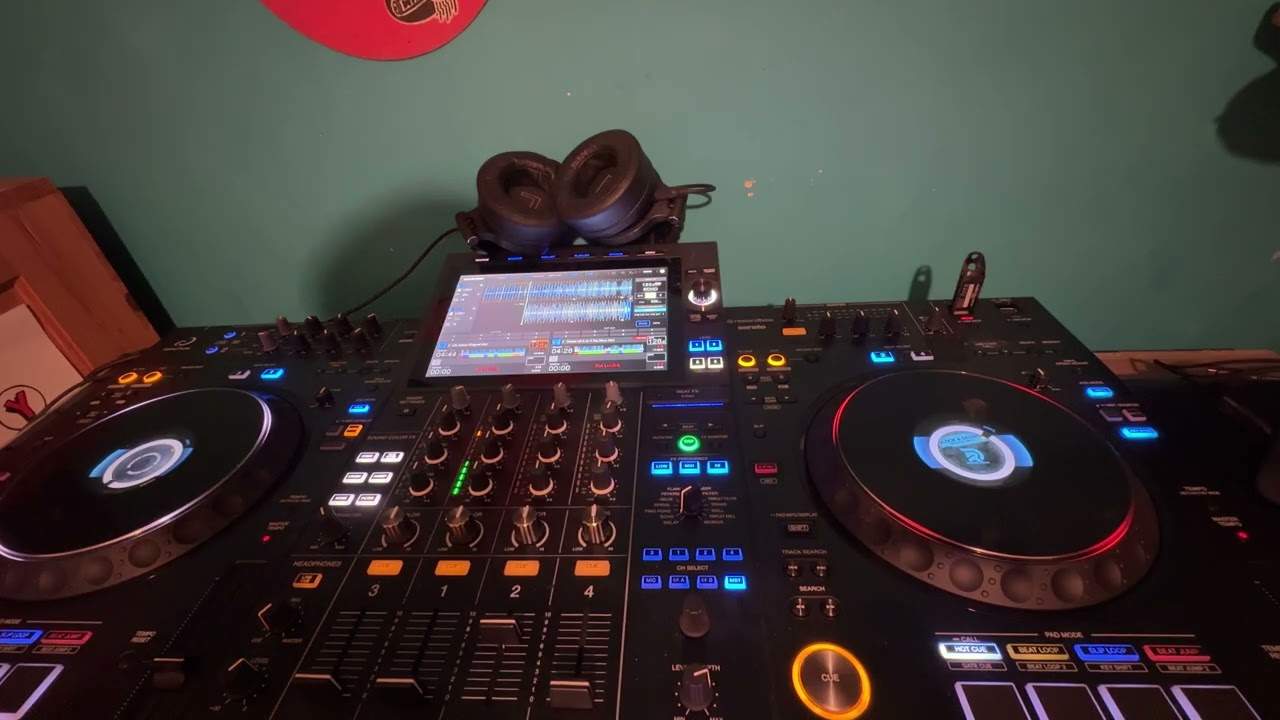
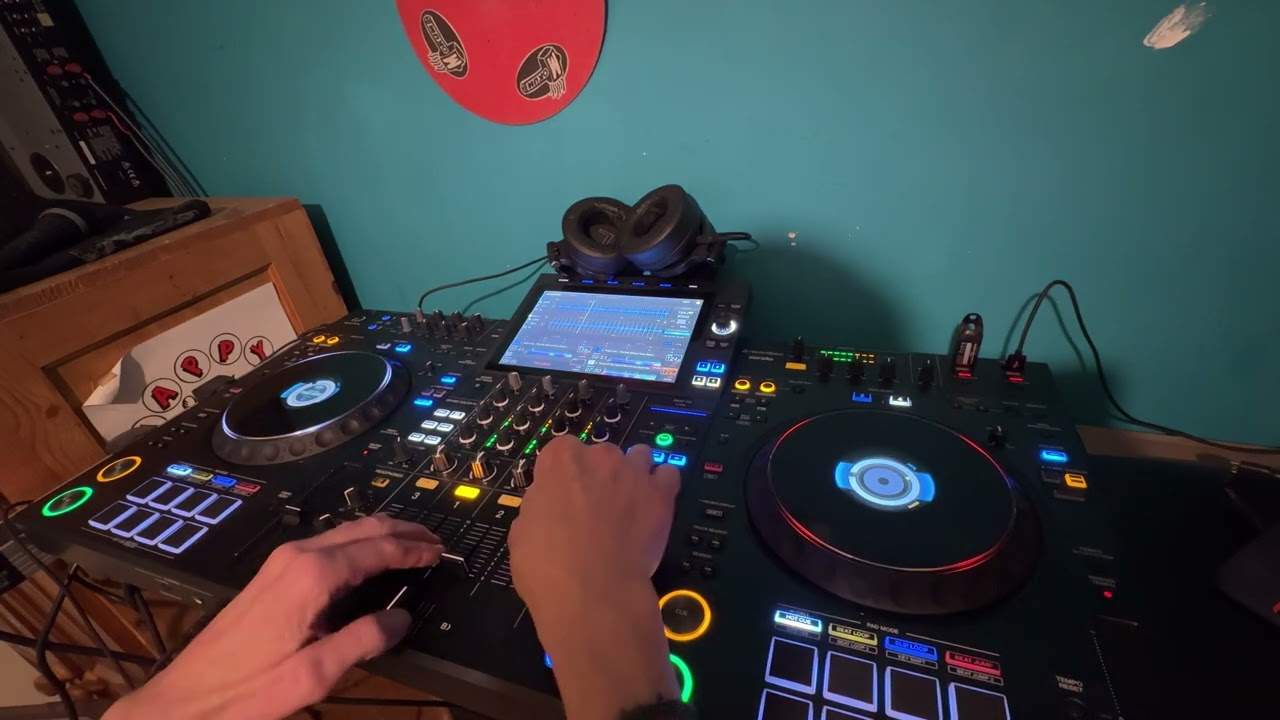
Not bother about it, but at least you've got it. OK, so I'm going to close that right now. Top of the search bar again, there's an icon dead center with video. I'm going to click on that and now the screen has changed slightly. On the right hand side, there's a small box that is for an external camera, maybe image, maybe add some text. And then dead center, we've got a larger box compared to the two smaller ones either side. The ones either side are for the right and left deck. The one in the middle is the mix. That's what the people, the public will be seeing. Now again, for copyright reasons, I cannot play a lot of the audio from the video but I'm going to put the volume up on the DDJ-1000, press play. I've got a horrendous loop that...
Okay, you can hear that. Now what you should be able to see as well is the video. So if I just bring the camera a little bit closer to the video, press play. There you go. Okay, just cue that up. Now also what I'm going to do, if I bring the camera out again, I'm going to use the crossfade and you can just see in the left of the screen, Icon there, the middle box, the video come in and out from that. So as I move the crossfade, out, in, out, in. And that's because when I move the crossfade to the right hand side with no video, the video in the centre box disappears. When I move it to the left, the video in the centre pox, pox, pox, oh God. If you want to see more videos like this, click the link in the description below.
5:00 You know, hopefully 99% of people will get this
There's the audio. You see, so even though I'm using the video software in rekordbox, I'm getting the audio from that track and I'm mixing in the audio from a basic MP3. So, you know, hopefully 99% of people will get this. The 1% who don't, what you've got to understand is that it's not about Video and that, oh dear, if I use video, I can only use the video. You can still just use the audio from the video and mix that with audio from a regular MP3. And then slowly over time build your MP4 collection because it's another way of earning some money. Slowly but surely people around the world are liking the idea more and more of being able to see what they can hear. Instead of just listening to a track. I've done many, many gigs with video and what you have in front of you, whether it be Wedding, 21st, Bar Mitzvah...
Whatever kind of party. You have people who want to dance, dance to the music. You have people who want to dance and watch what they're dancing to. You have people who want to sit there and not dance but want to do something instead of looking at their phone. So they now have something to watch. You've also got people who have no interest in anything but they just like gawping at a screen on the odd occasion. So you're pleasing everybody, alright? So I hope this has been a help. There will be a link to the Lenny Fontana Karmic Power Records website. Again, I'm using the DDJ-1000. I'm using the rekordbox software from Pioneer with the video capabilities. Hope that's been a help. Practice and enjoy. Thank you very much.
This transcript was produced automatically from the audio of the video and may contain mistakes.