Video 3,DJ Tutorial using the cross fade on a DJ Mixer
Contents of the video
0:00 Video number two, slightly more intricate
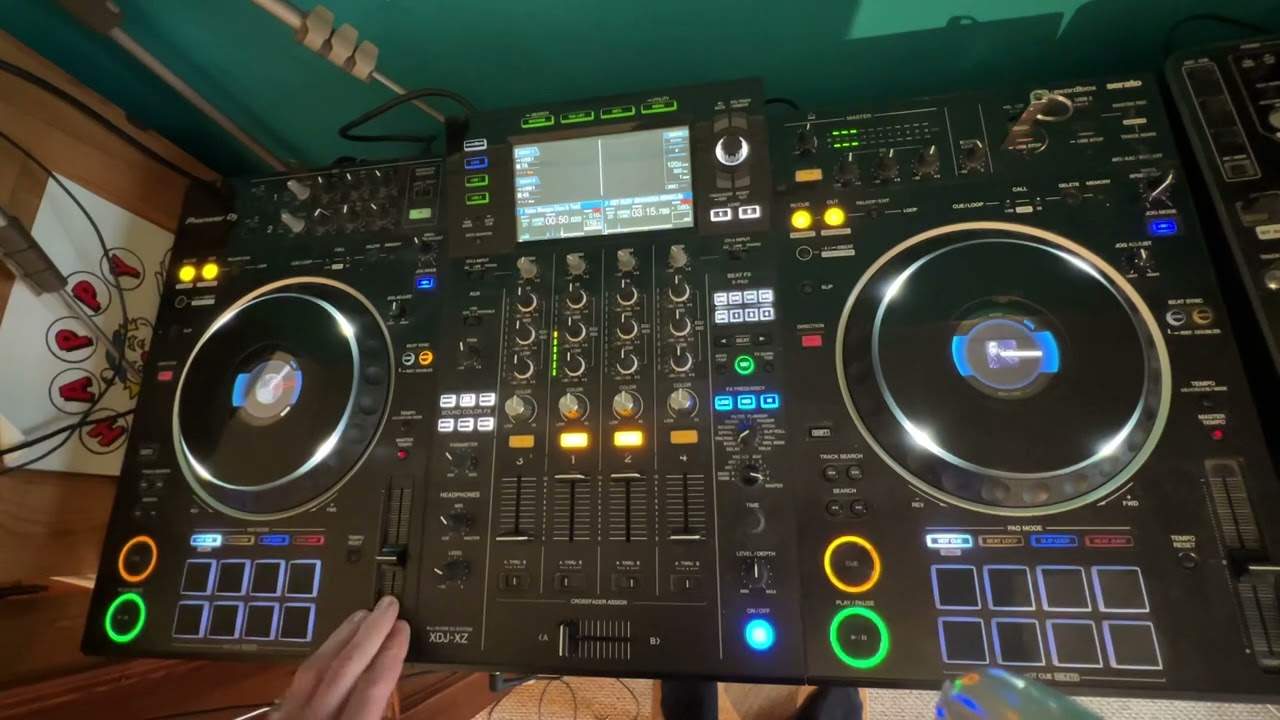
Alright folks, Jonathan here. Now this is video number three in a selection I'm doing on utilising the crossfade in the mix. Video number one, what we did, we sort of looked at easy ways of utilising the crossfade, what it was for, what it does, etc. Video number two, slightly more intricate. Now video number three, this is a tip. I haven't quite mastered this yet, but I believe this is the first time anyone's ever shown this on any sort of television or video or whatever, or internet. And if you watch, then it will take your mixing from strength to strength. Basically, it's the utilisation of the crossfade and both volume controls just with one hand. You can use one hand to use the three functions and at the same time it gives you the option then of having the other hand to mess around with the jog wheel, the pitch control or the bass, mid and treble. So hold tight and I'll show you. What I'll do...
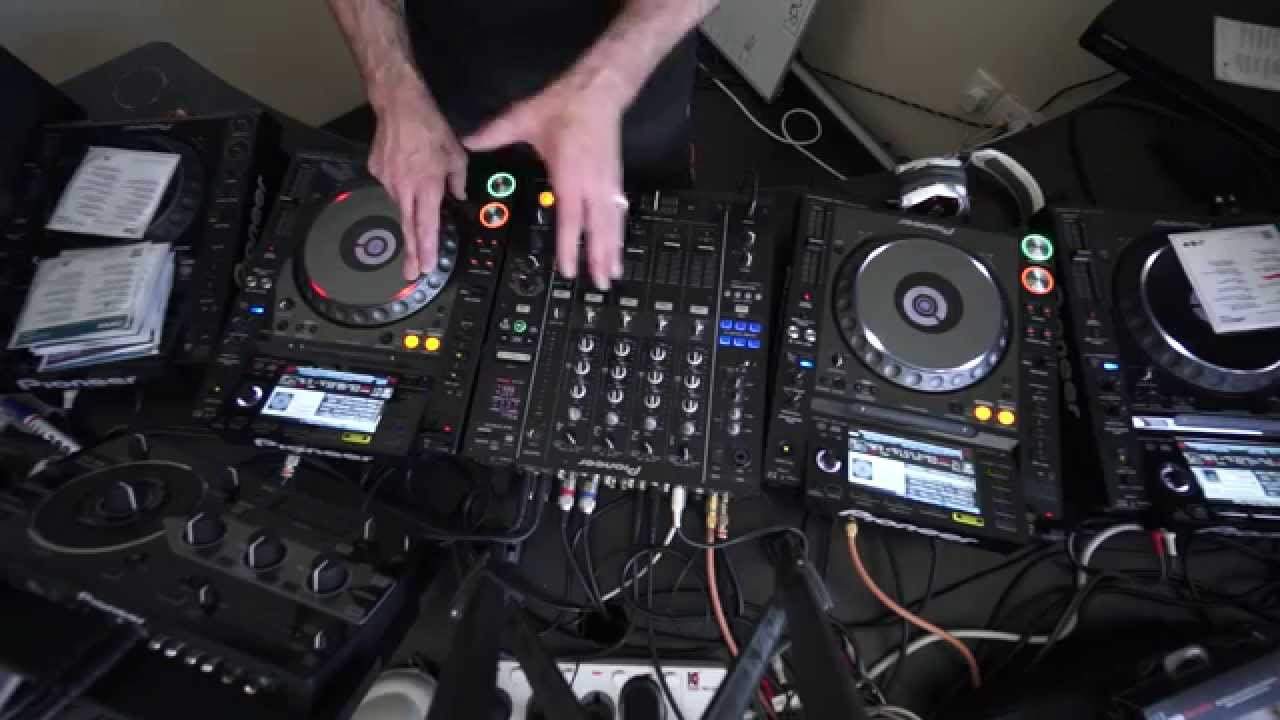
By the way, I haven't got the bit for the stand, so that's why the camera is all over the place at the moment. Do apologise. So we'll just wham this one forward a bit. Now that's where we're going to... Wait, so it's control of me. If you want the track names, I'll put them to the side of the video. Right, now then, check out the other track. Here we go. OK, right, we'll get that one... We'll get the first track ready at that precise point that we want to bring it into. Hold on, where's it gone there? That'll do. Right, now then, what I'm going to have to do, like I said, because I haven't got the actual camera stand at the moment, I'm going to set the camera right against the side of one of the CDJ turntables. Right, I'm not sure guys, this could actually be a first on television, internet or whatever you want to call it, but I'm going to show you a really big tip here, how you can actually use all three in one go. Now first of all, your actual master volume controls for each individual channel.
2:19 Of course, logically, you have to have your hands on them like so
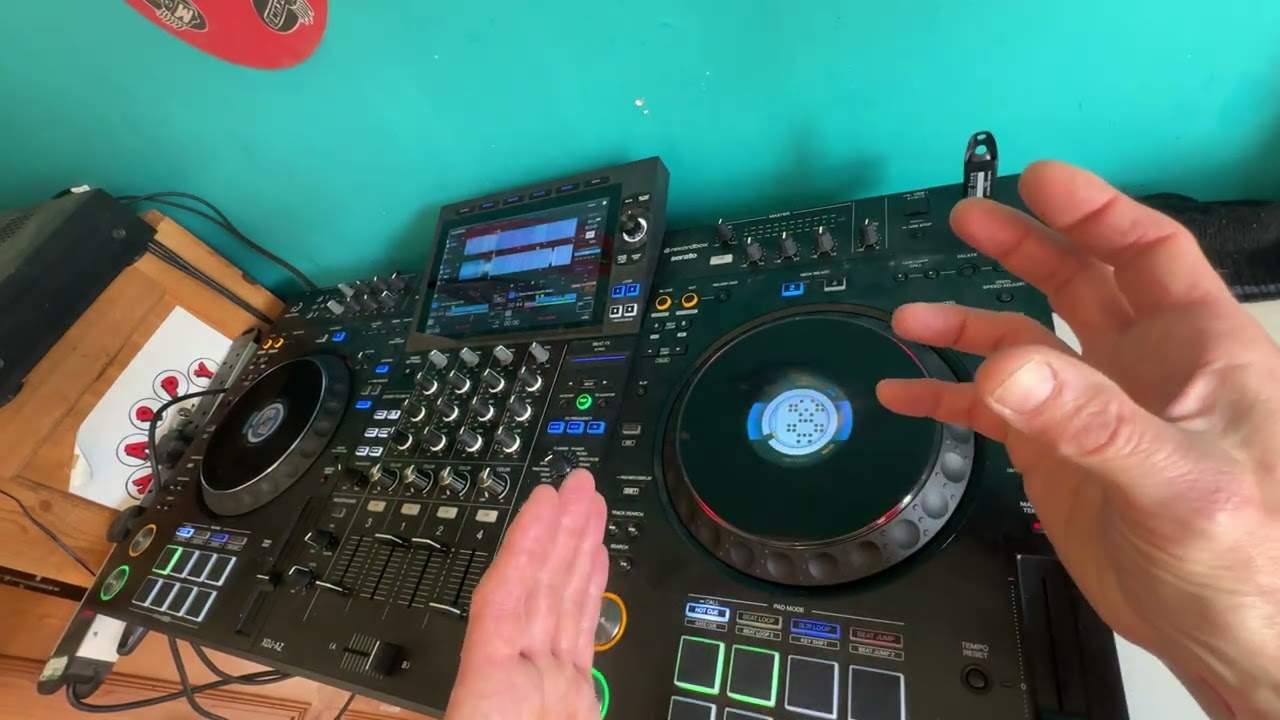
Of course, logically, you have to have your hands on them like so. Then the crossfade, you see DJs doing this. Or you may see DJs doing this with two hands. But of course, that means, well, I don't think there's many people out there with three hands. I don't think so. So, this is what I want you to watch. Now then, palm of your hand like so. Place the palm of your hand on your crossfade. Now then, by manipulating the crossfade with the palm of your hand, All of these are free, so guess what? You can now do something like this. As you can see there, I'm able to use the crossfade and the volume controls at exactly the same time with one hand leaving the other hand to pick my nose if I want to. Right now, of course you're wondering why on earth do you want to use the volume controls as well?
4:06 You know, you've got to start crawling before you can walk
Now then, a crossfade will give you a smooth mix if you have it at that sort of feature. You don't want the straight feature with the two lines going across like so and like so because that's really for turntable. This is where you want to edit it in. How you want it is a nice smooth cross or curved cross which will give you a nice smooth feeling from the one track. You know, you've got to start crawling before you can walk. If you're starting to do this before you're crawling, this is the equivalent of running 10 marathons in one go because I haven't even mastered this yet. It's very difficult. So excuse the dodgy mix. I'll give you a demonstration. We're not showing really a demonstration on the actual mix. We're showing a demonstration on how you can utilise the crossfade and the volume controls at the same time. Let's give it a go.
So there you go folks, video number three. Now, like I said, this one is slightly more technical. At the end of the day, you know, you only need the one hand. I mean, you know, you've got the other hand, you can milk a cow or something like that. Of course, if you really want to milk a cow. So there you go, video number three in utilising the crossfade, but also in video number three we utilise the volume controls as well. Give it a go, mess around first. It's all about experimenting because eventually you will find your own technique. Thank you for watching.
This transcript was produced automatically from the audio of the video and may contain mistakes.